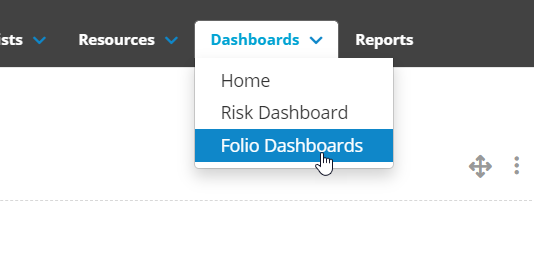
Folio Dashboards contains a number of snapshots for assessing and reporting on the folios currently in your Folio Instance segregated by template. To access the Folio Dashboards click on Dashboards on the top of the screen and select Folio Dashboards:
Here you will see a list of all of the Folio Templates in your instance grouped into the Template Category. This will also show the number of open folios in that template:
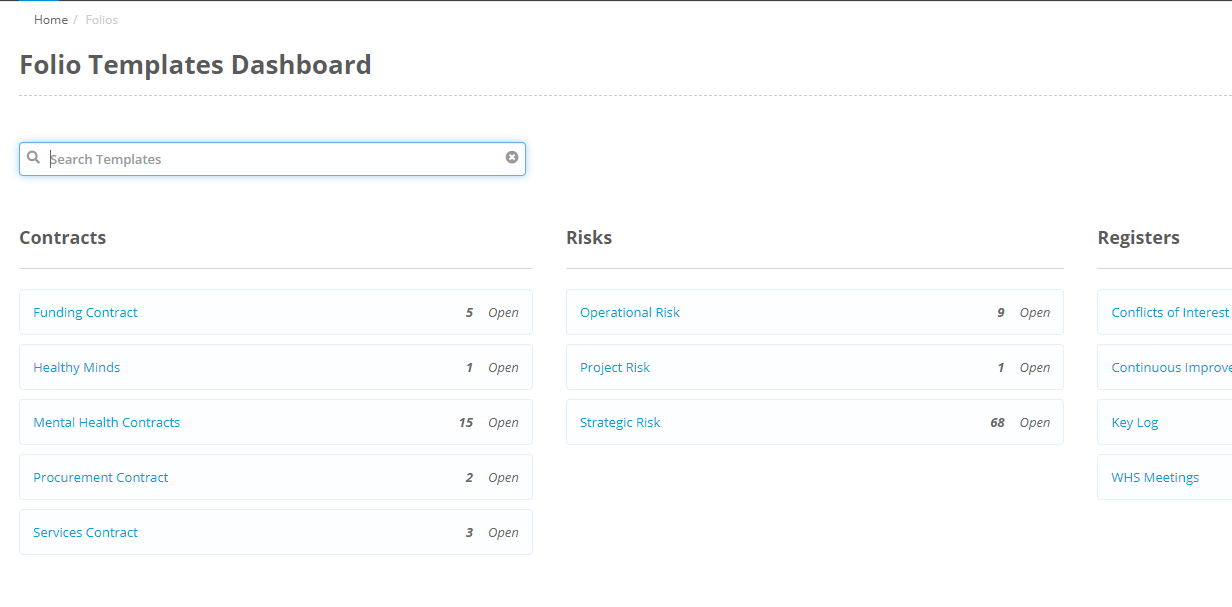
Click on a template name to be taken to the dashboard for that particular template. On this dashboard you will have access to several snapshots that give information on the folios in this template.
The snapshots on any Folio Dashboard are:
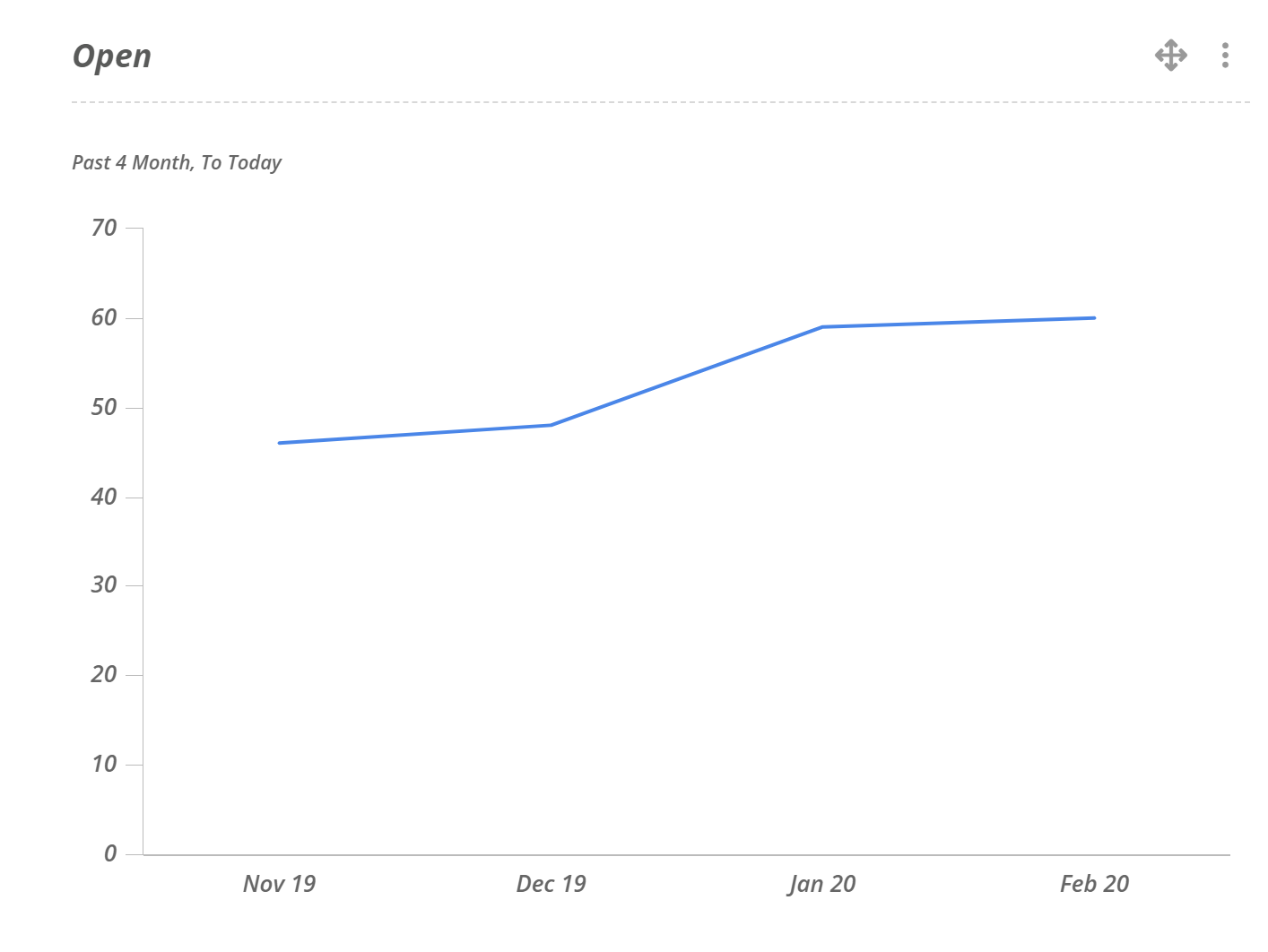
Open
This snapshot shows the number of open folios in this template over a 4 month period.
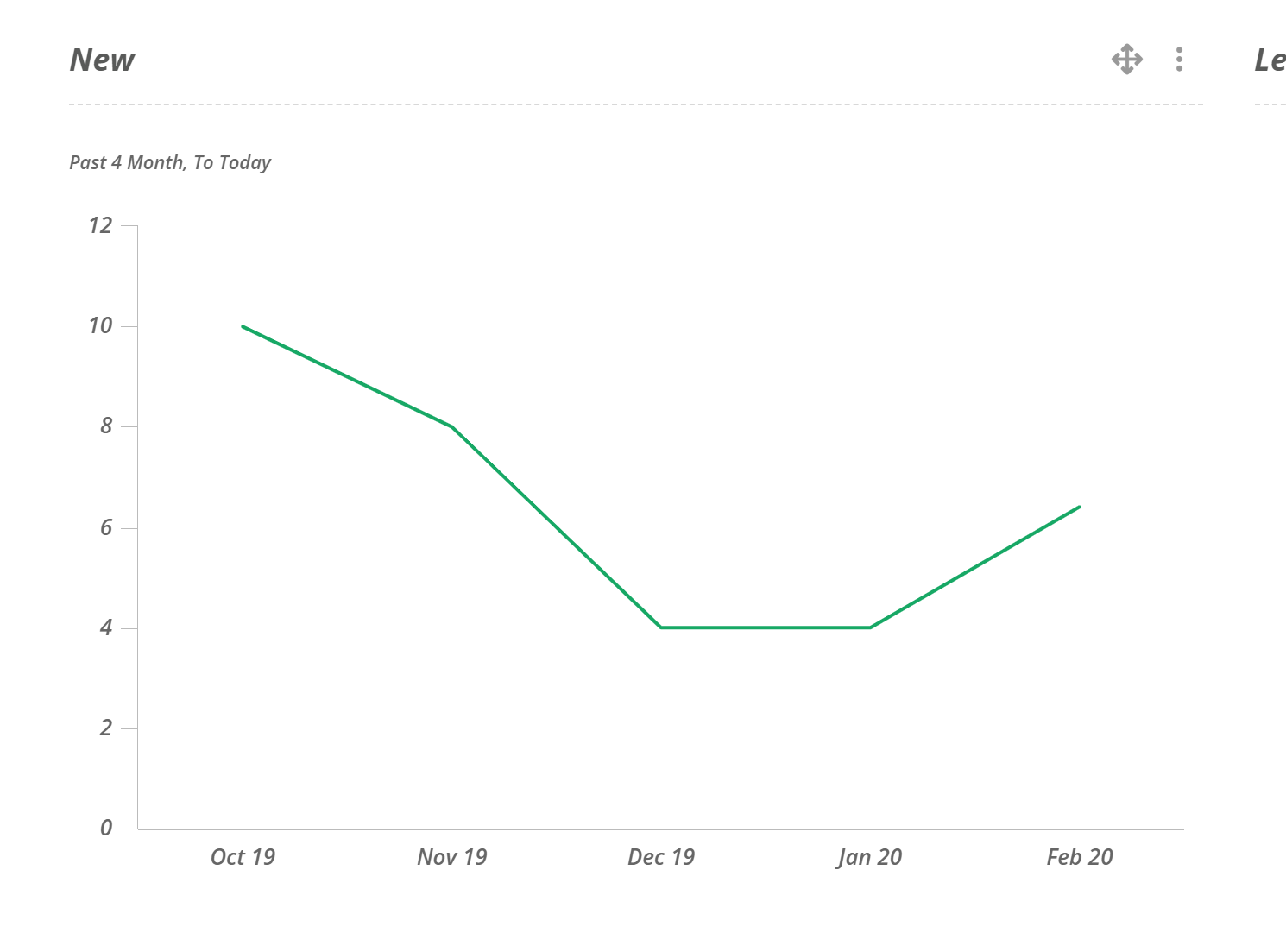
New
This snapshot shows the trend of new folios being made in this template over a 4 month period.
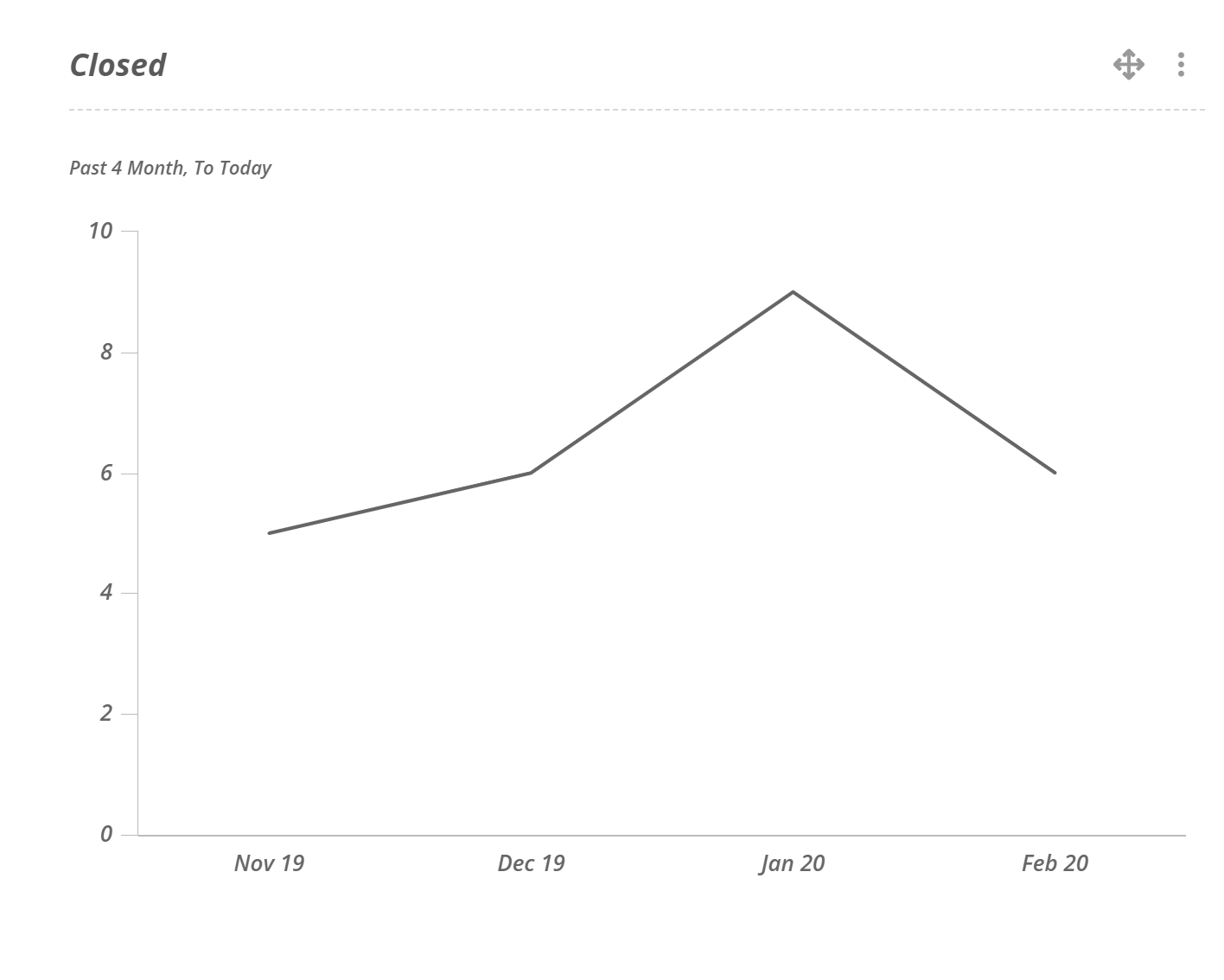
Closed
This snapshot shows the trend of folios being closed in this template over a 4 month period.
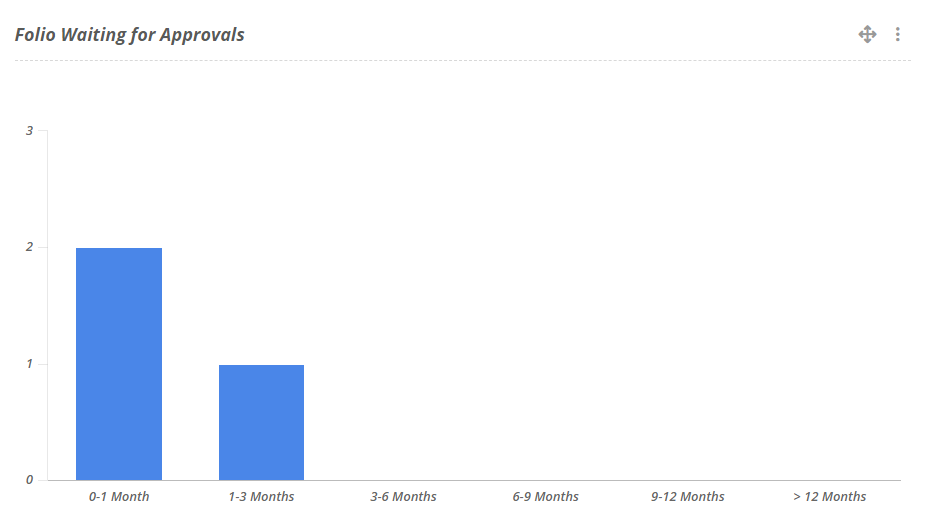
Folios Waiting for Approval
This snapshot show the Folios currently waiting for approval in this template, separated into date ranges.
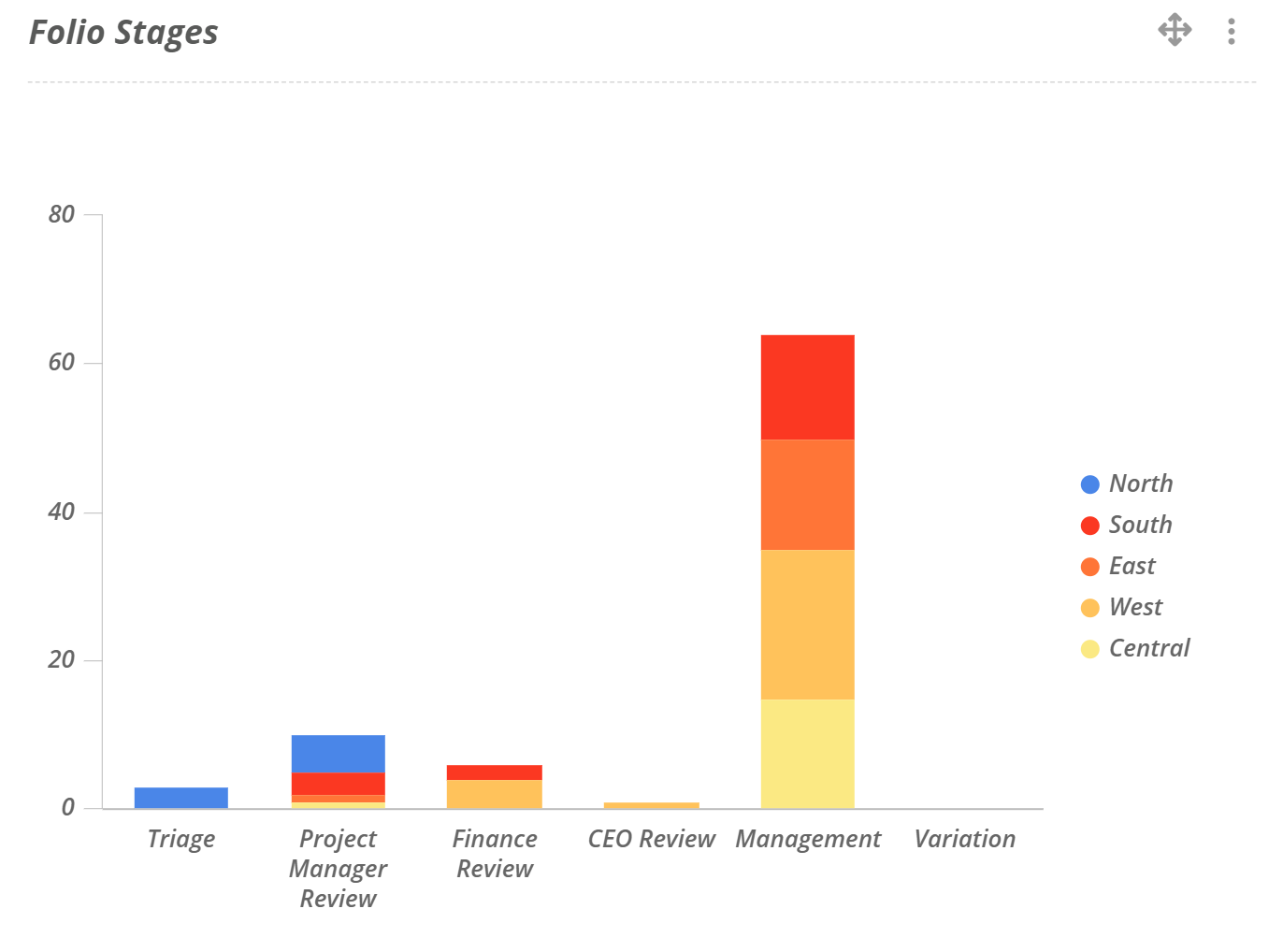
Folio Stages
This snapshot breaks down the folios in this template into the stages that they are currently in.
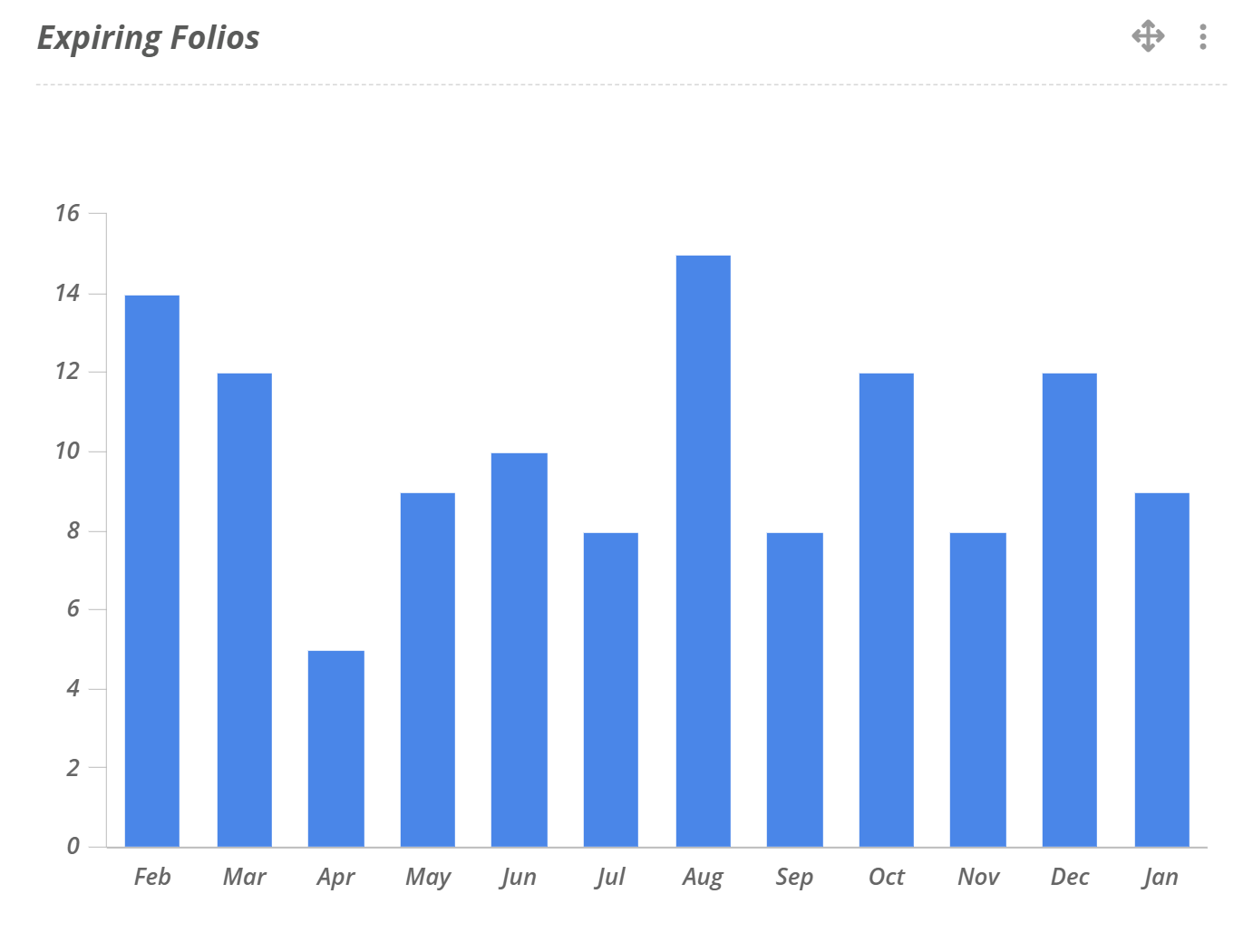
Expiring Folios
This snapshot shows the folios in this template that are approaching their End Date.
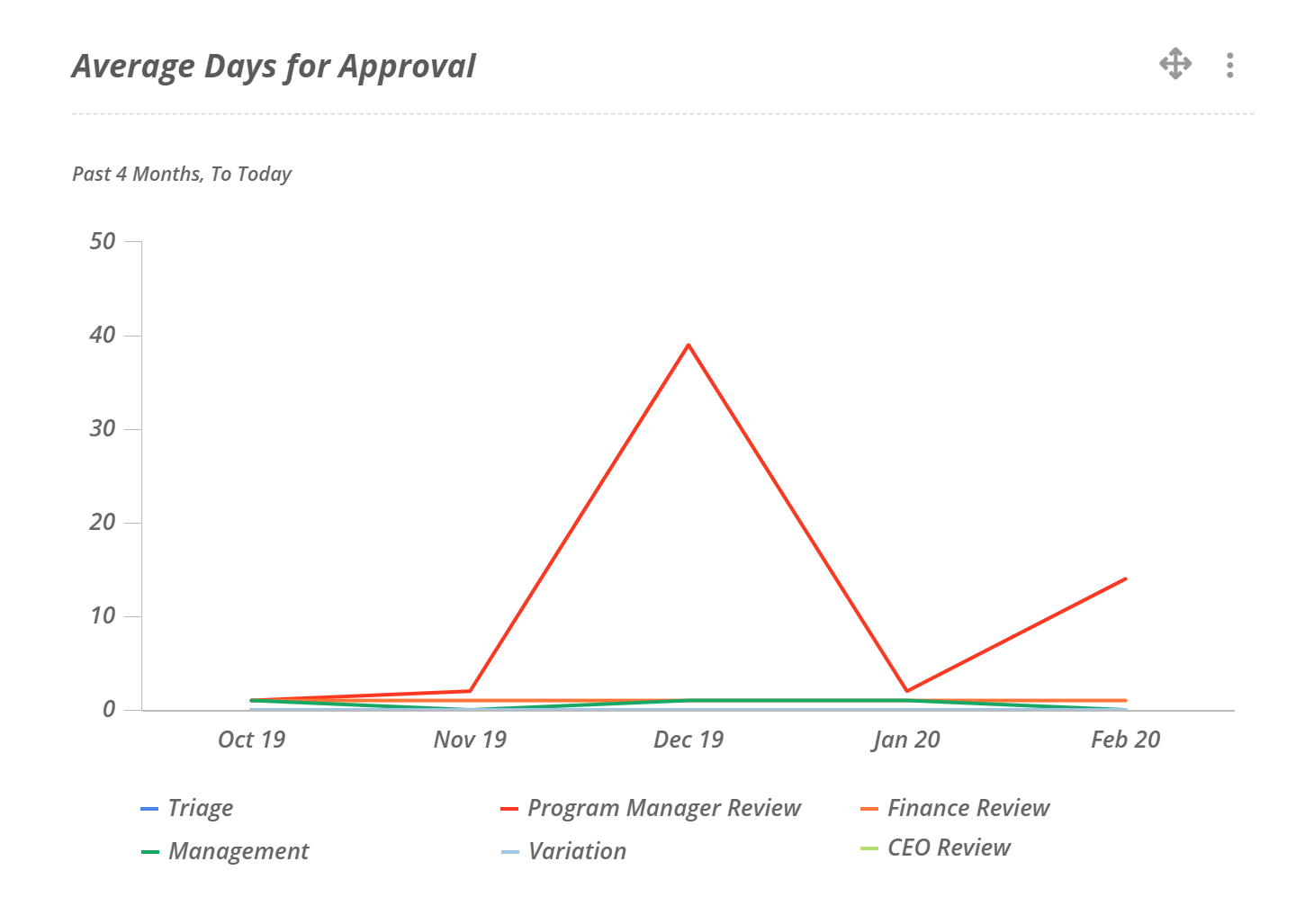
Average Days for Approval
This snapshot show the average number of days it took for a Folios to be approved from the day the approval was requested to when the approval was completed.
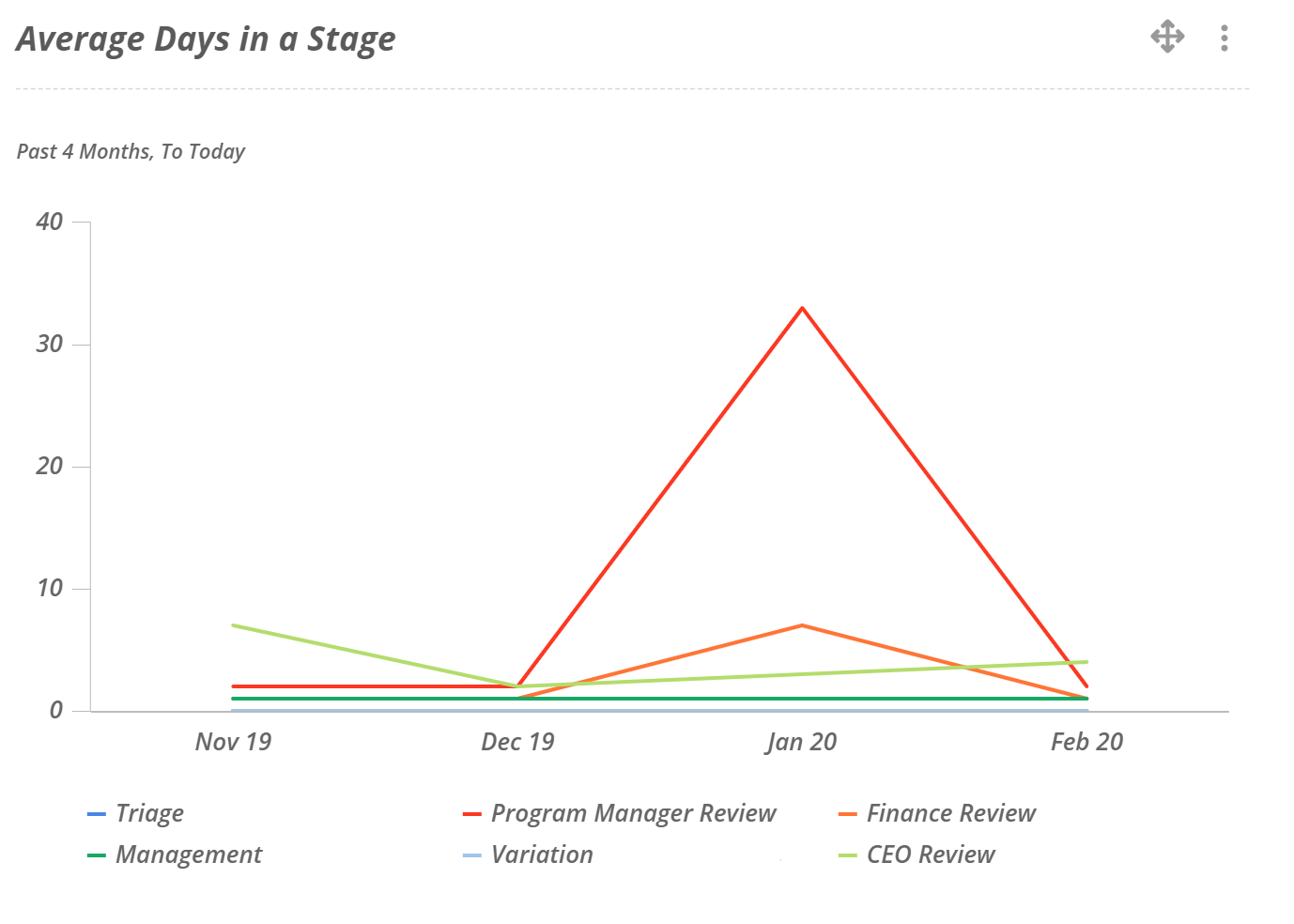
Average Days in a Stage
This snapshot shows the average number of days that folios in this template spent in a particular stage before leaving.