To view a preview of a checklist before you assign it to a user, first find the checklist you want to preview by navigating to the Checklist tab at the top of the screen, then clicking on the checklist you want.
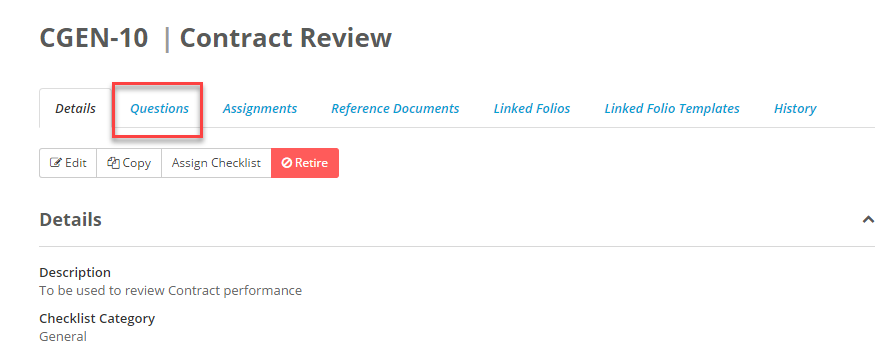
Once you've clicked on the right checklist move to the Questions tab.
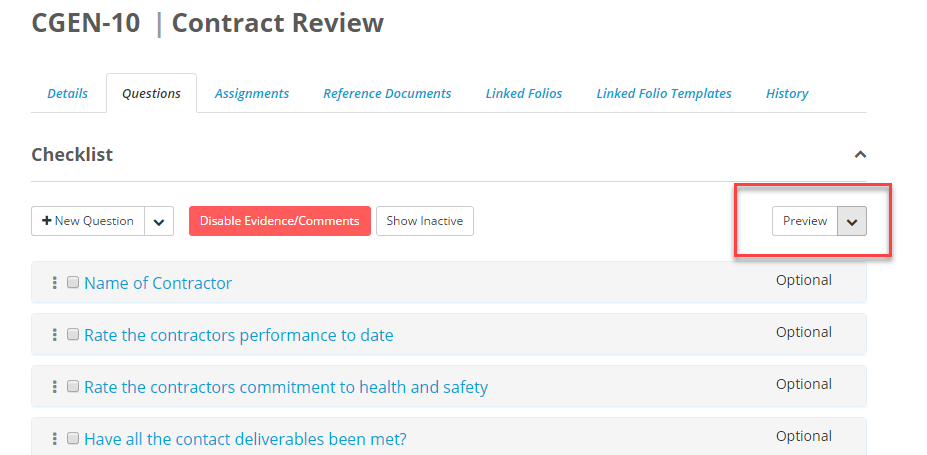
Here you'll see the questions that have been added to both the checklist and the review stages. To view a preview of these questions, click on the Preview button on the right side of the screen.
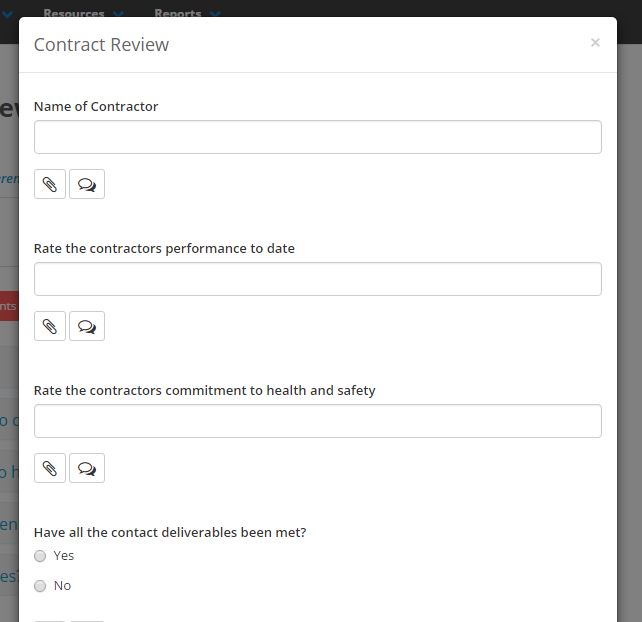
 This will bring up a window showing you how this checklist will be presented to a user when they are answering the questions. This can be done for the checklist itself and for each stage of the checklist review.
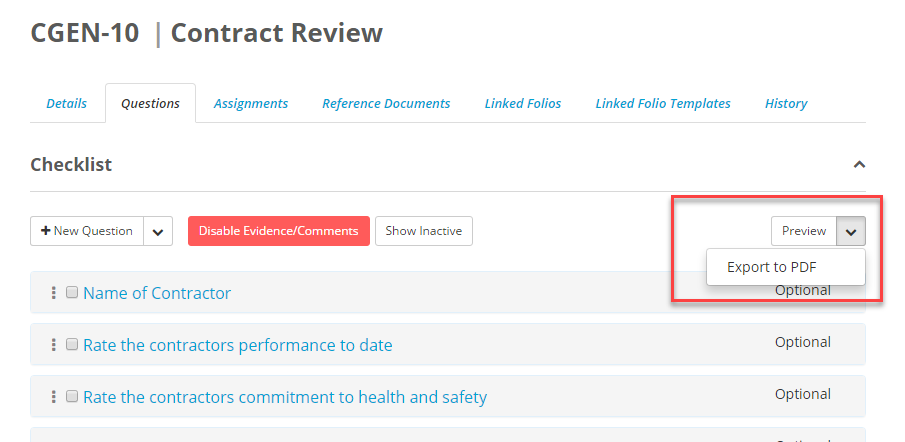
You can also choose to export the questions to a PDF by clicking on the arrow next to the preview button and selecting Export to PDF.