
The 'Tools' feature which is represented by a spanner icon, is very versatile - it give you a range of tools to manage multiple Folios in bulk, you need to select the Folios you would like to manage by clicking on the check boxes and then a new icon called Tools, represented by a spanner will appear at the top of the screen:
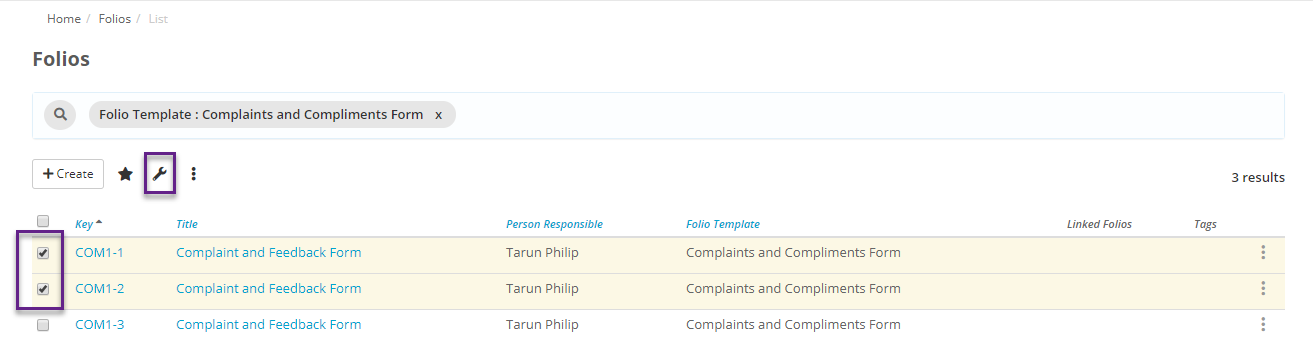
The following bulk tools are available for managing Folios:
- Adding a Person Responsible: Adding a Person Responsible to multiple Folios in one go.
- Replacing a Person Responsible: Replacing the Person/s Responsible with one or new Team Members.
- Close Folios: Closing many Folios in one go.