
On the Folio search screen, select the the Folios you would like to replace the person responsible on by clicking on the check-boxes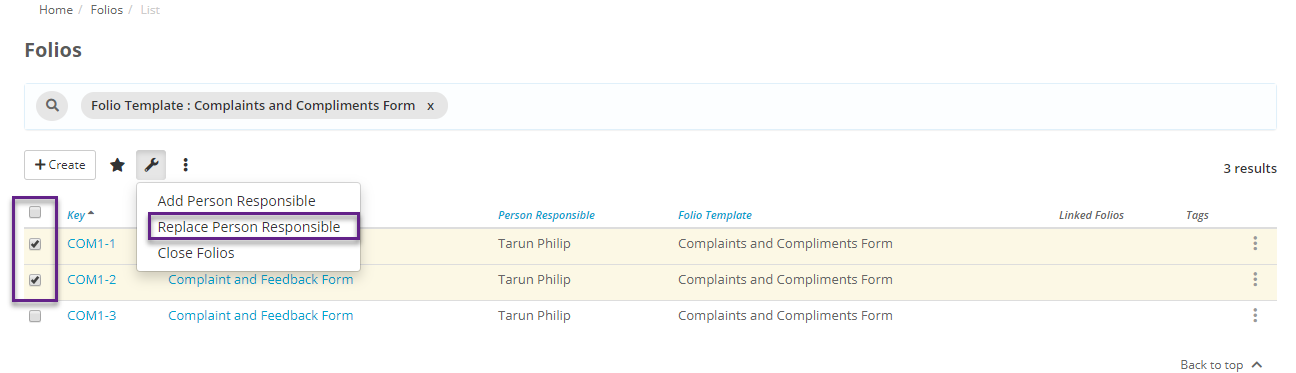
Then click on the 'Tools' option which is represented as a 'spanner' icon and select ' Replace Person Responsible'. You can either replace 'All' team members with new team members or any one team member with a new team member.

A confirmation message will be displayed. Click 'Confirm' if you would like to proceed and add the new person responsible or alternatively Click 'Cancel' to abandon the process.