To close a Folio take the following steps:
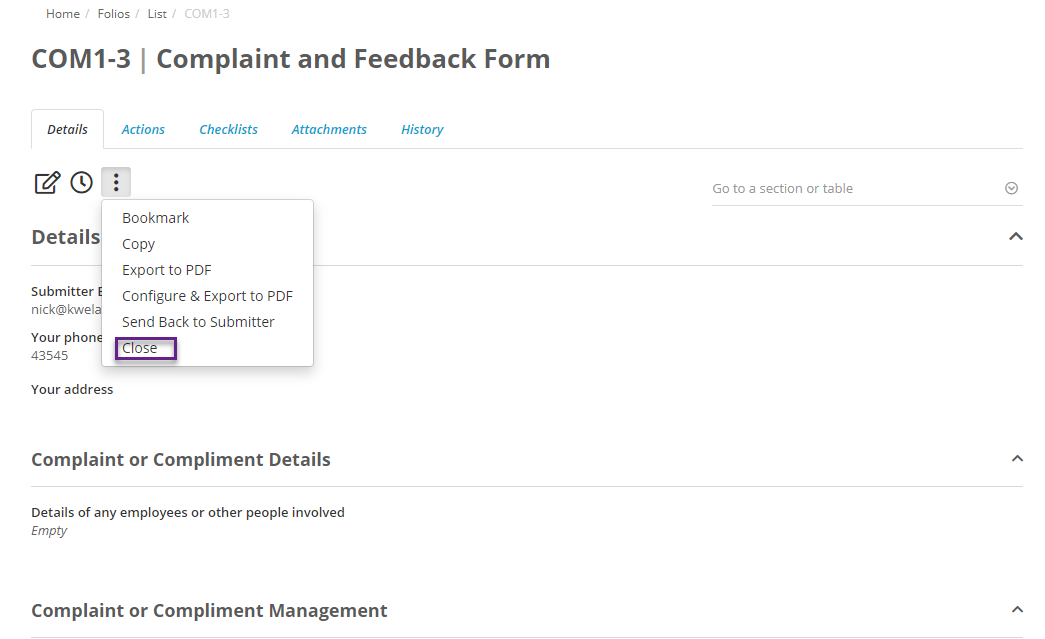
- Click and enter into the details screen of a Folio and click on the ellipsis under details.
- Click Close to close the Folio
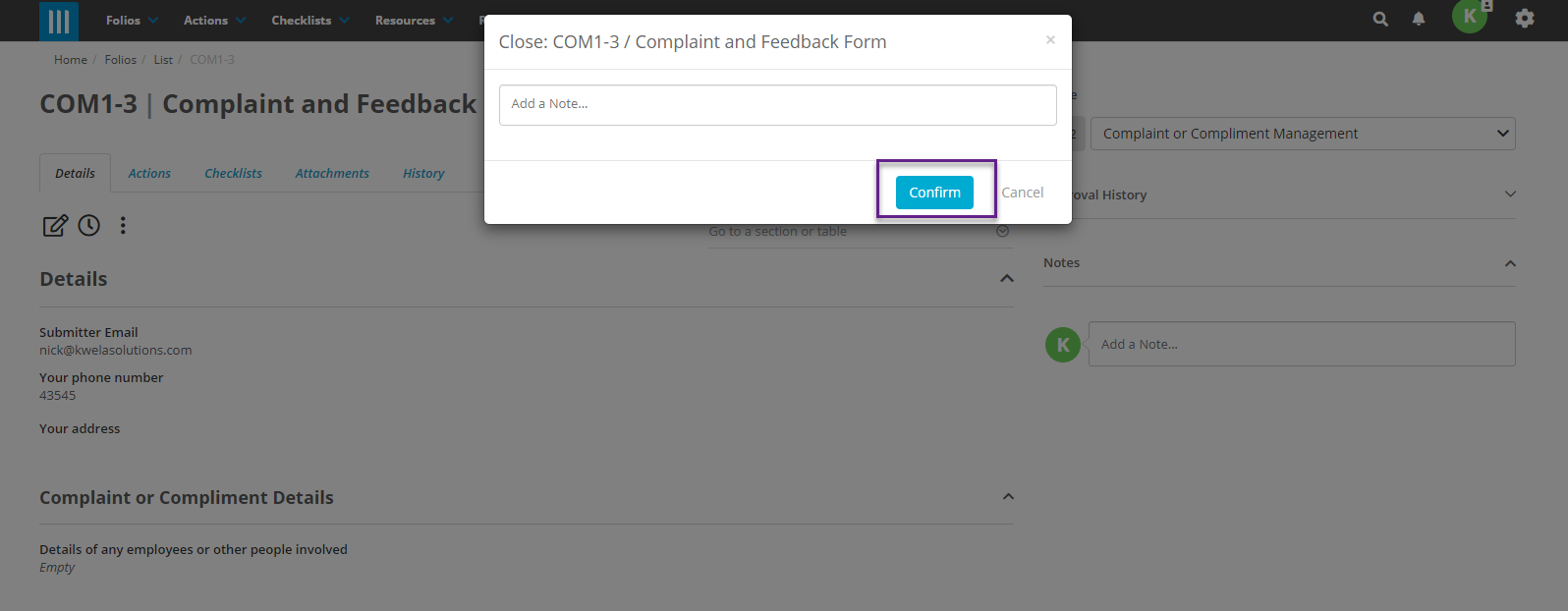
- A message will pop up asking you to confirm the close. Click on Confirm
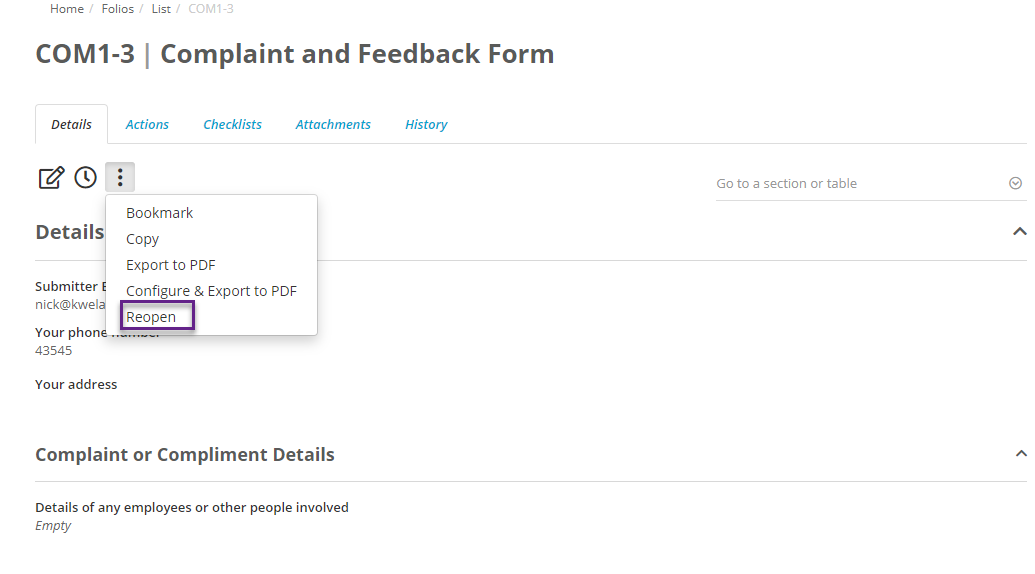
- You are still able to reopen the Folio at any time by clicking on the ellipsis under details and choosing reopen.