
Completing an Indicator checklist is much the same as completing a normal checklist, and you can read this article for more information on getting to the checklist screen and answering the questions.
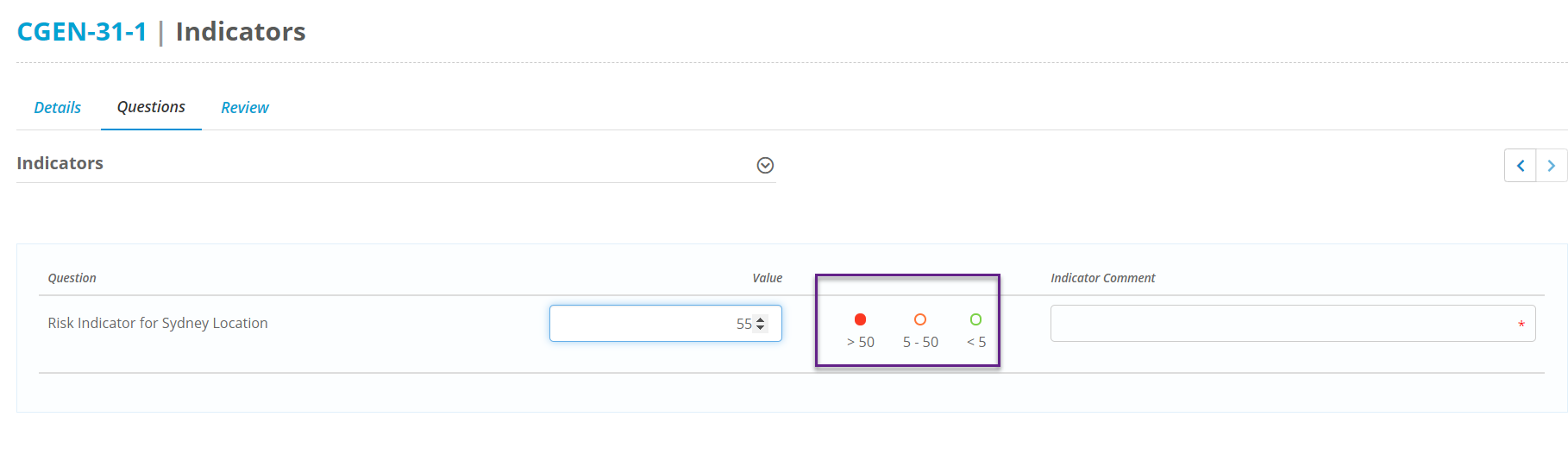
The main difference is when answering an Indicator question you will be able to see what threshold your response falls under by which circle is coloured in:
And if a comment is required for your response a red asterix will appear inside the comments box:
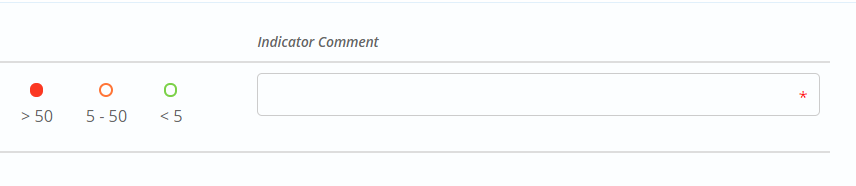
This means a comment will need to be given before the checklist can be submitted. Indicators set up on single or multi select fields do not appear when filling out the checklist, and will only reflect once the checklist is submitted and the results are tallied.
Other than this the Indicator checklist behaves the same so you can submit when you have answered all of the required questions.