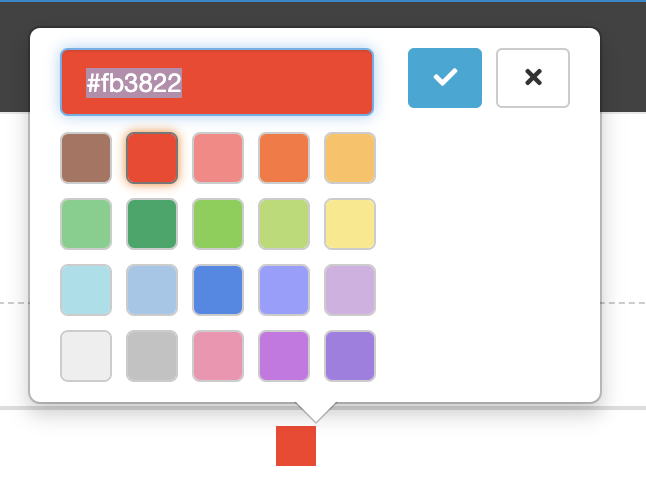
Indicators have 3 thresholds. By default these three thresholds are called Red, Amber and Green. You can change the title of these thresholds and their colours.
To find the Indicator Thresholds click on the Admin Gear wheel, In the General Section, you will find Indicators.
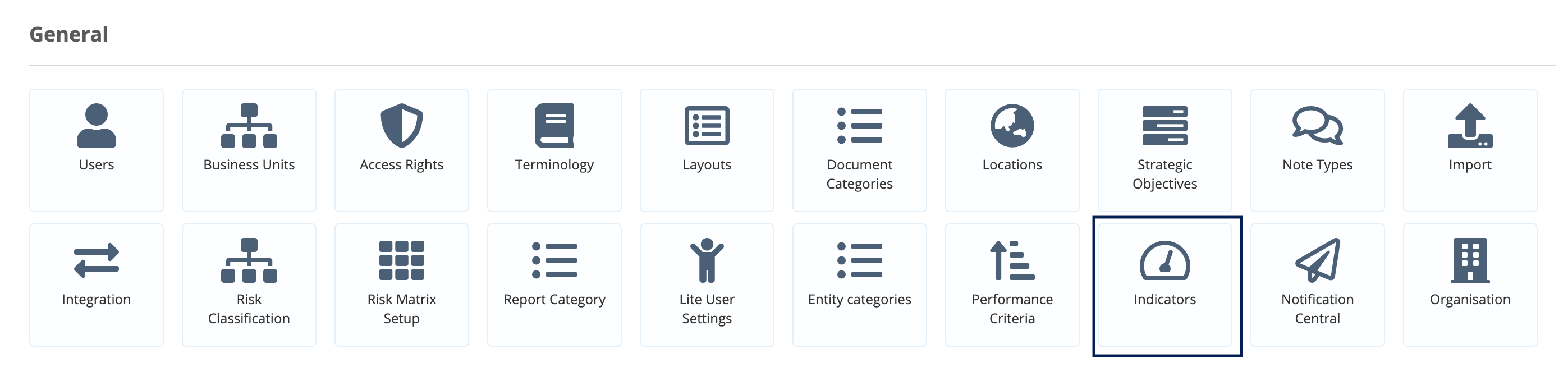
To view the Indicator Thresholds, click on Indicators.

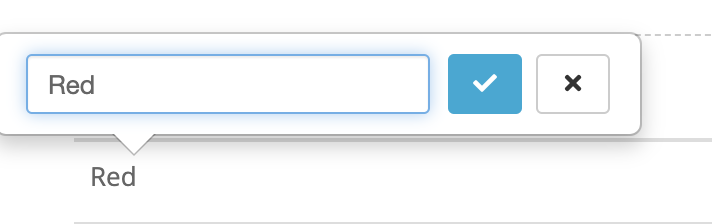
To edit the title of each threshold, click on it.
You can change the threshold's colour by clicking on the colour and either choosing a colour from our colour palette or putting in a new HTML colour code (you can search for these using any HTML Colour picker e.g. http://html-color-codes.info/)