Viewing the results of a Checklist with scores set up is the same as viewing the results of a checklist without scores, but with a few differences.
When you look at the results screen for a checklist with scoring set up, you will see the overall score for the checklist and what threshold it falls under on the right side of the screen:
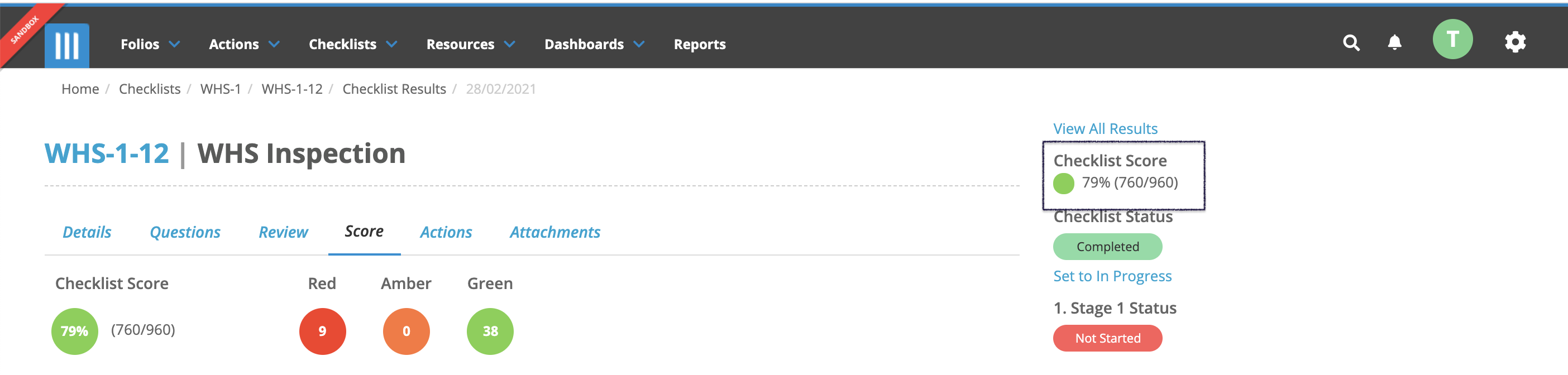
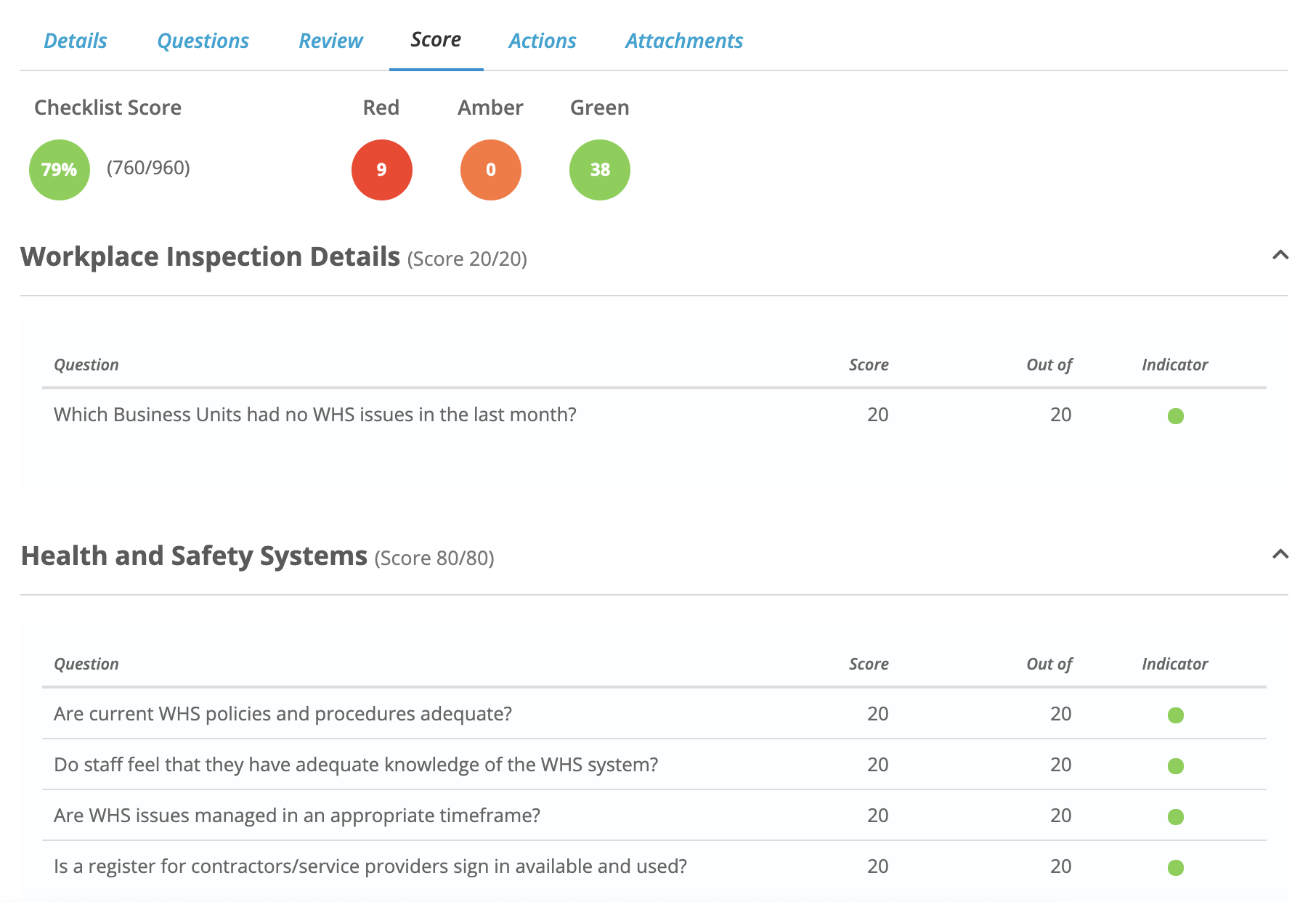
You can also click on the Score tab to view a breakdown of the scores for each question in the checklist, separated by section.
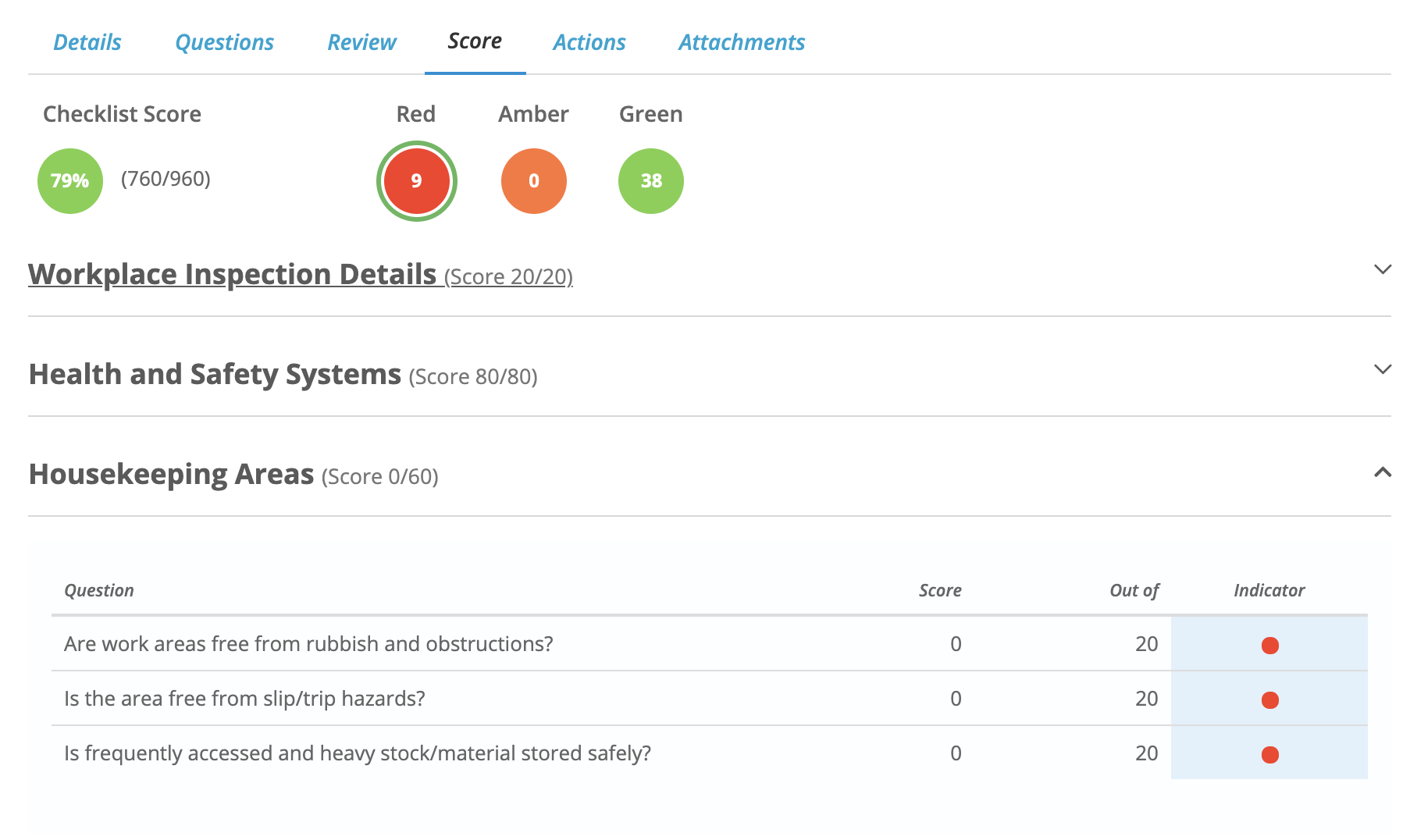
If you click on one of the thresholds at the top you can filter the screen to only show the indicators that fall under that threshold: