
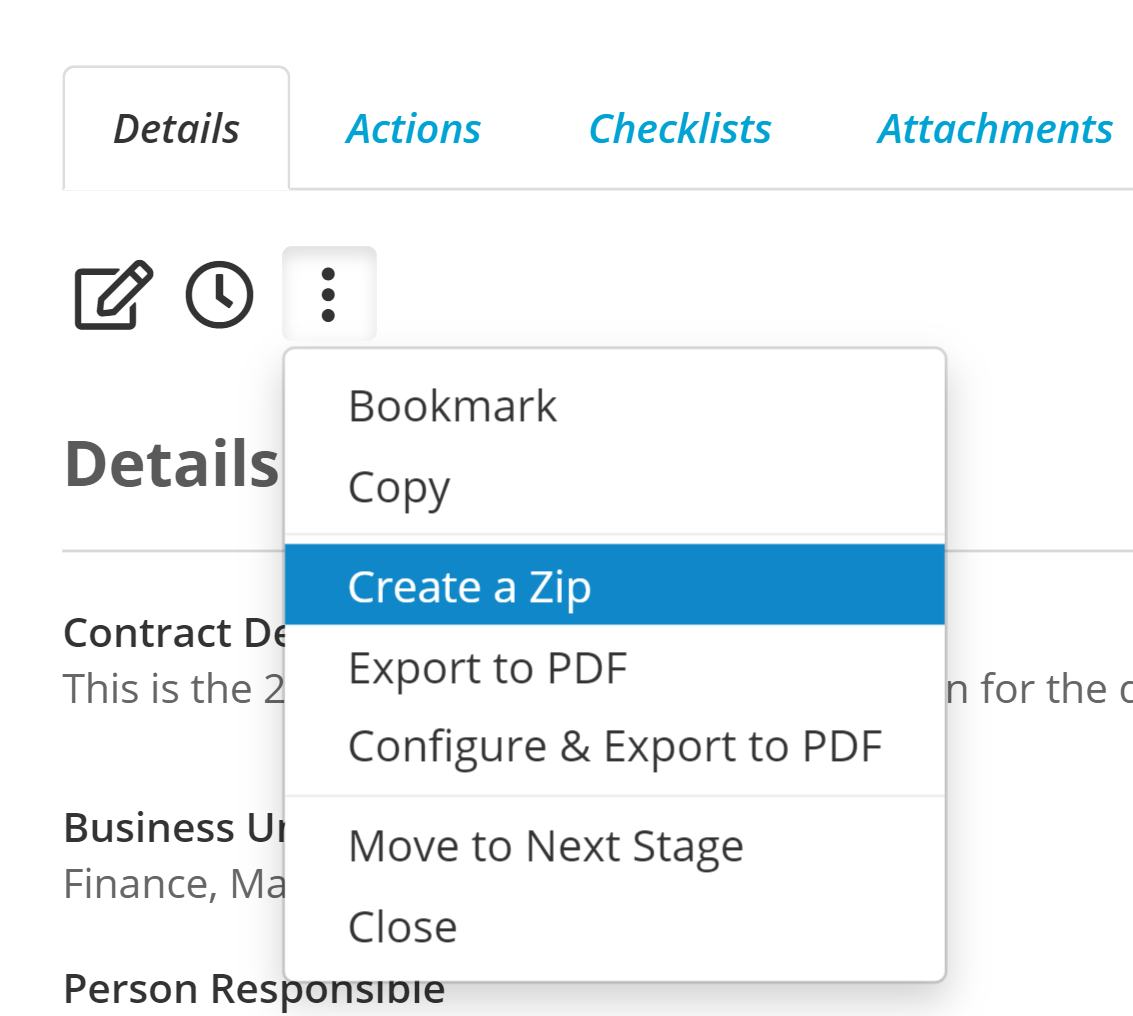
If you need to download all of the attachments from a Folio you can do that by using the "Create a Zip" option under the menu on the Folio
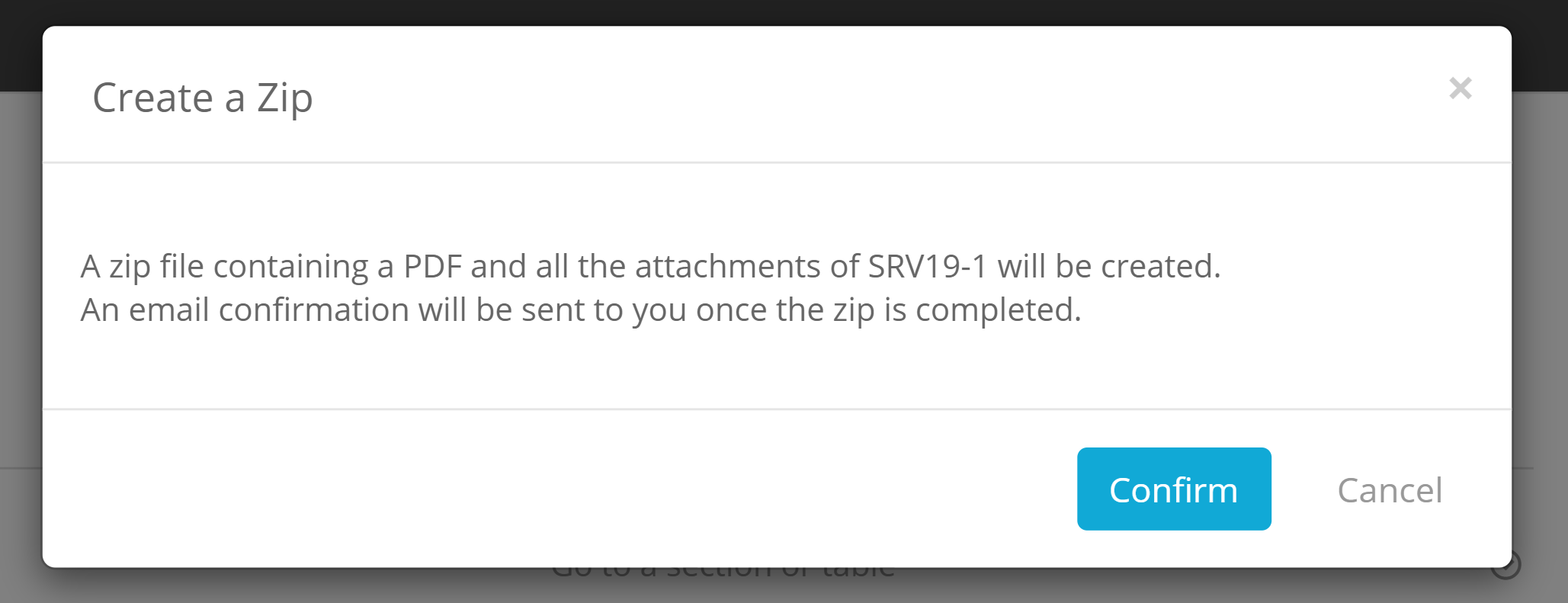
Folio will then inform you that it will extract all of the attachments, as well as a PDF of the Folio and send you an Email which contains the link to download the zip file.
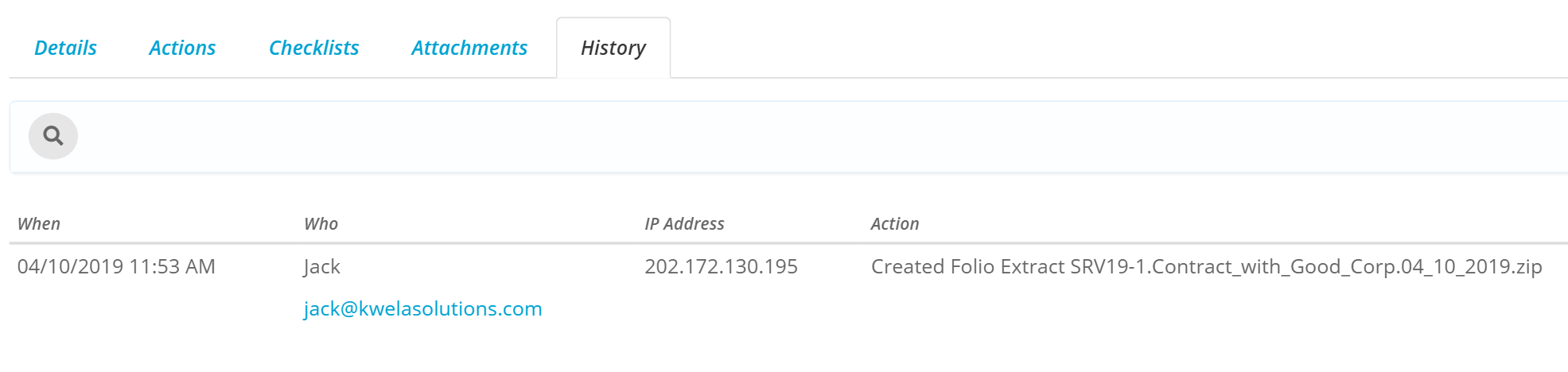
The History of the Folio will be updated saying that the Extract was created
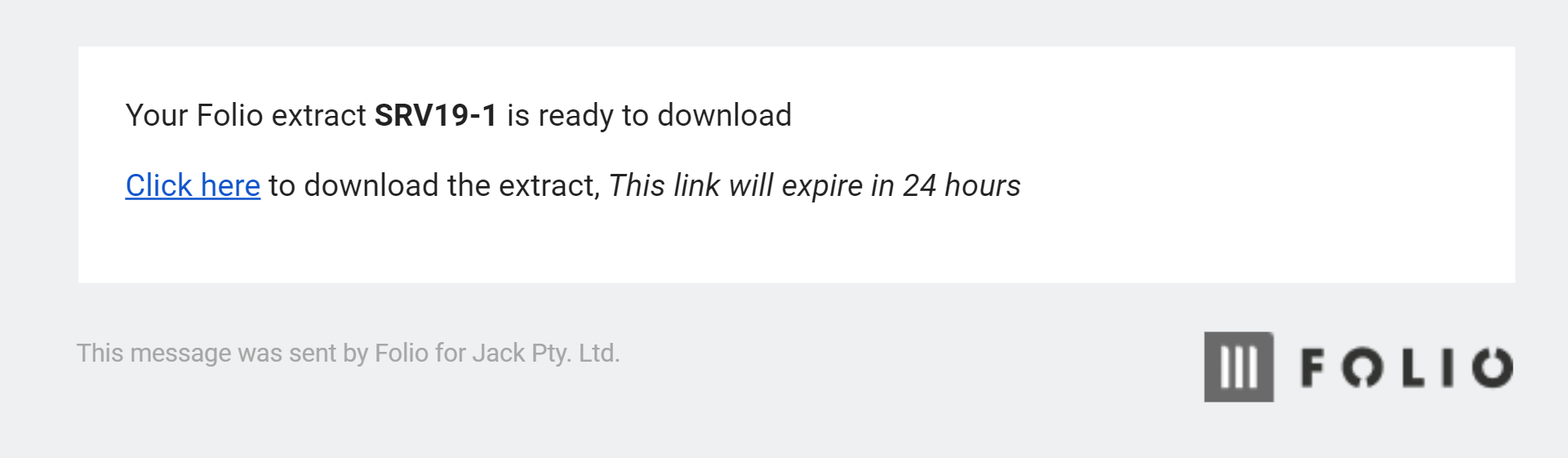
Folio will then send you an email with a link to download the zip file, the link will be expire after 24 hours.
You will then be asked to log into Folio and then your download will begin.
You are also able to Forward this email onto other Folio users, however they will need read rights to the Folio in order to download the zip.