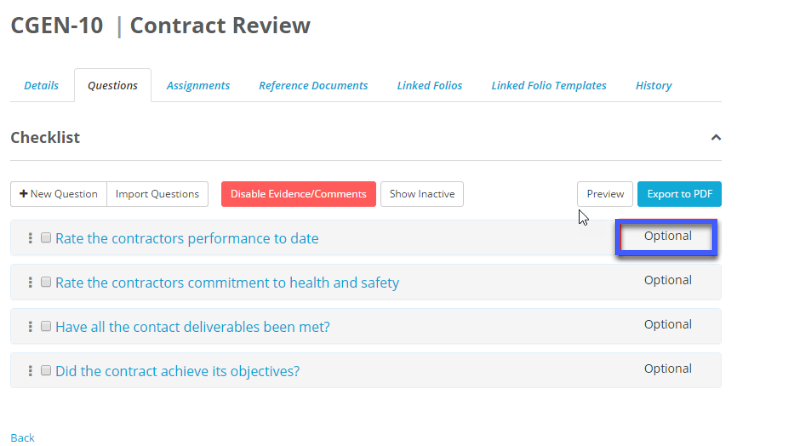
When setting up questions for a checklist, you can decide whether a question is optional or mandatory for the person completing the checklist. By default questions added into a checklist are optional. To change them to mandatory click on the Optional dropdown on the right side of the question:
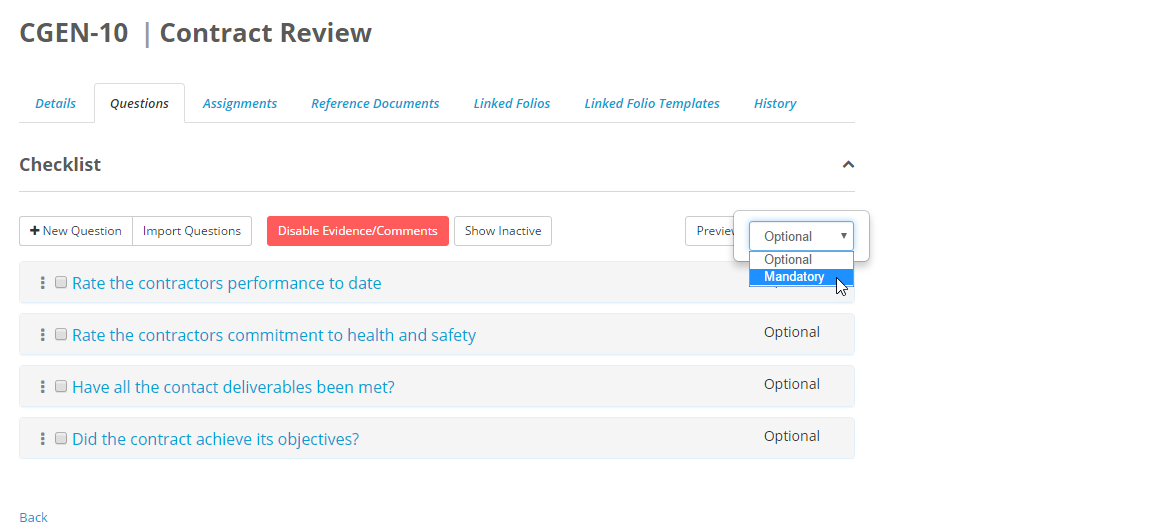
From here select mandatory from the dropdown:
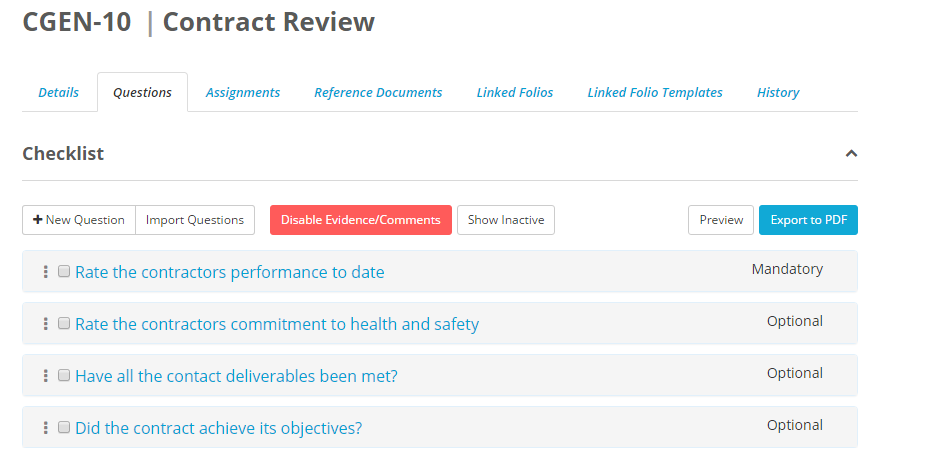
Now a user has to complete this question before the checklist can be submitted.
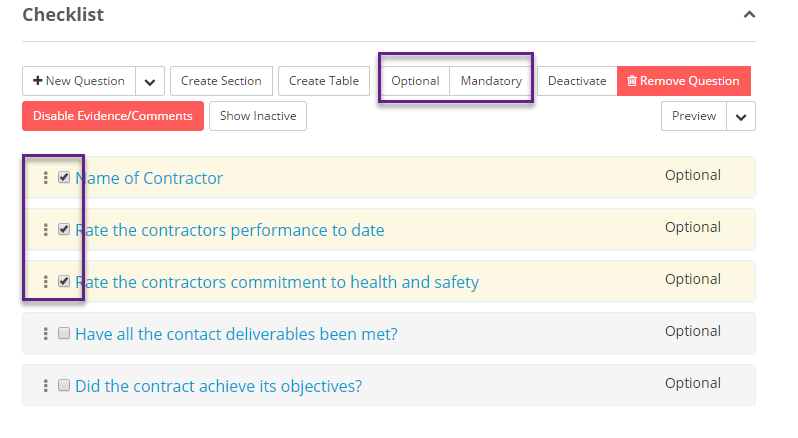
You can also choose to perform this action in bulk. To do this tick the questions that you want and then above the questions select either Optional or Mandatory and all the questions that you have selected will be changed: