
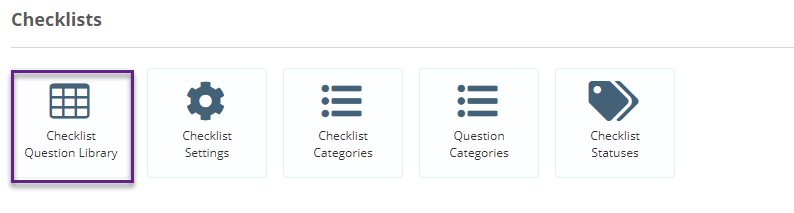
To edit a checklist question which is used across multiple checklists, go to the Administration gear wheel, scroll down to Checklists and click on Checklist Question Library.
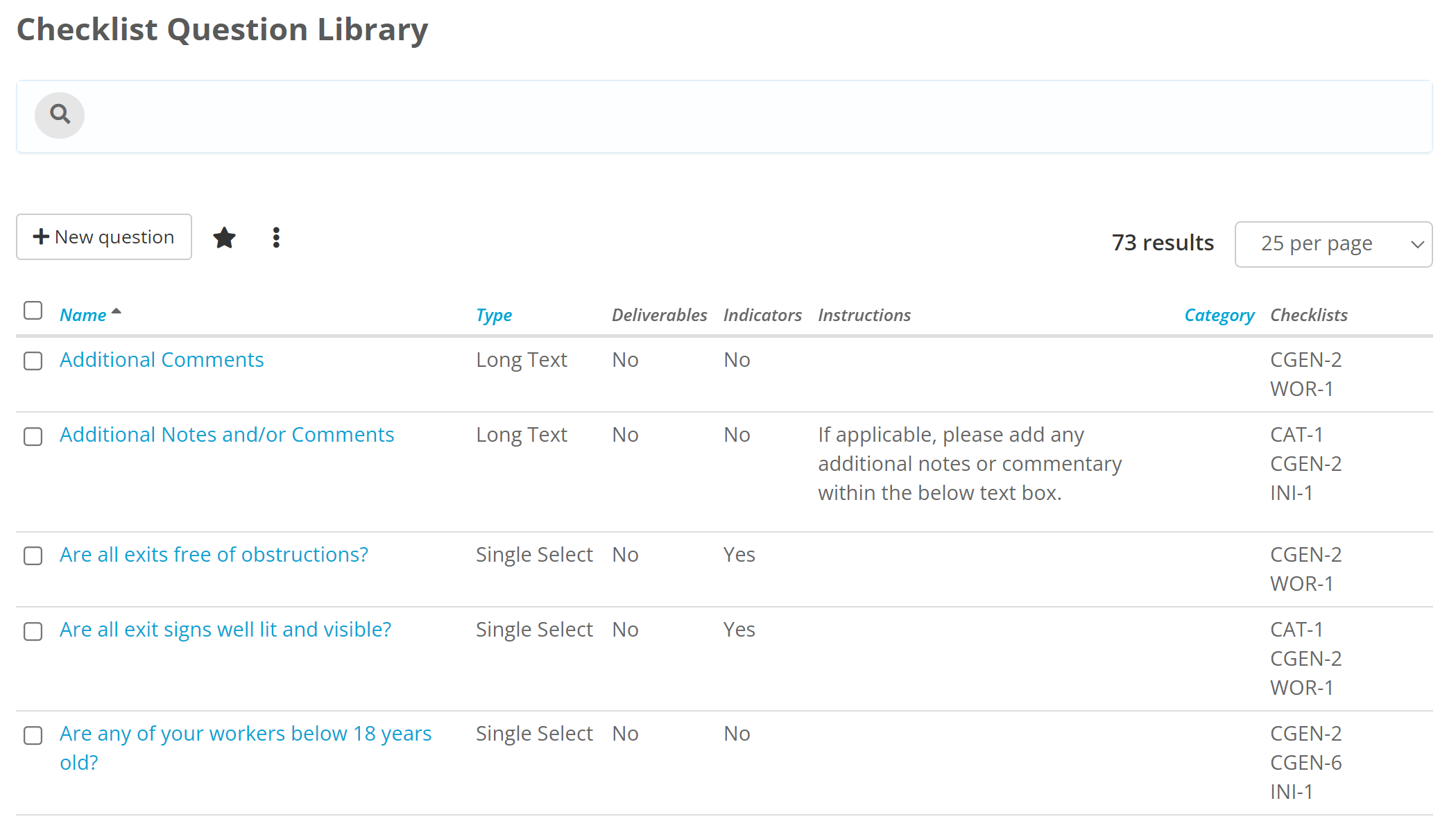
This is the Question Library, all of the checklist questions you create can be found here.
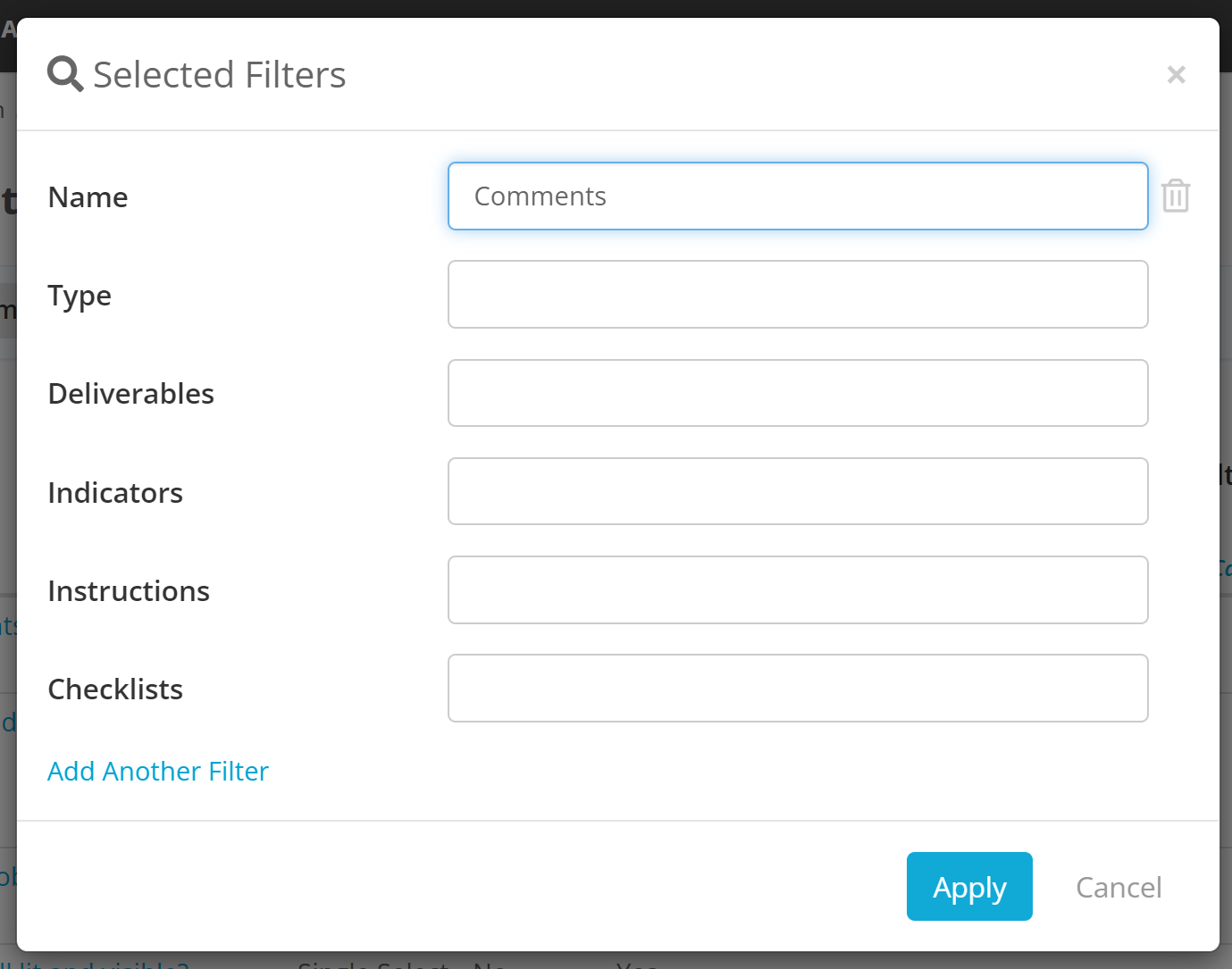
You can filter this list screen to find a specific question
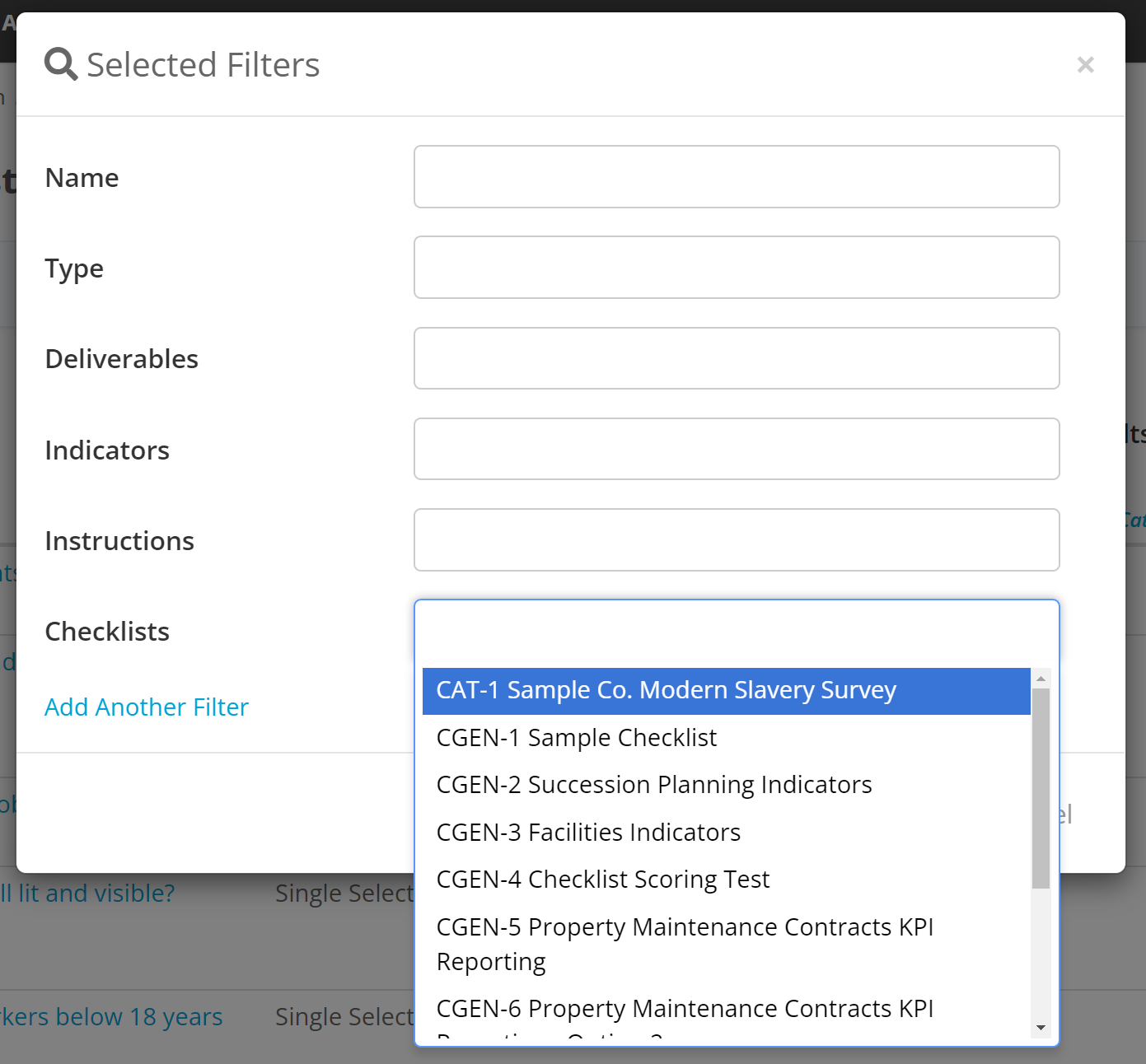
Or you can filter for a checklist to see all questions that are on that checklist
You can edit any of the Questions by clicking on a Question Name.

Once you have finished editing the Question click save.
Some things to note on editing questions:
- Any changes you make to a question will apply to all checklists where the question is found
- You are unable to change the type if the question has been used in a checklist and an result of that checklist has been submitted (even if the value of the field is empty)