
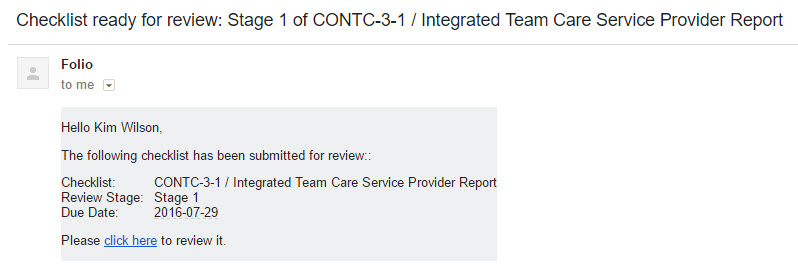
Once a user has completed a checklist, an email is sent out to the reviewer of the next stage. The reviewer can then click on the link in the email to be taken to the review.
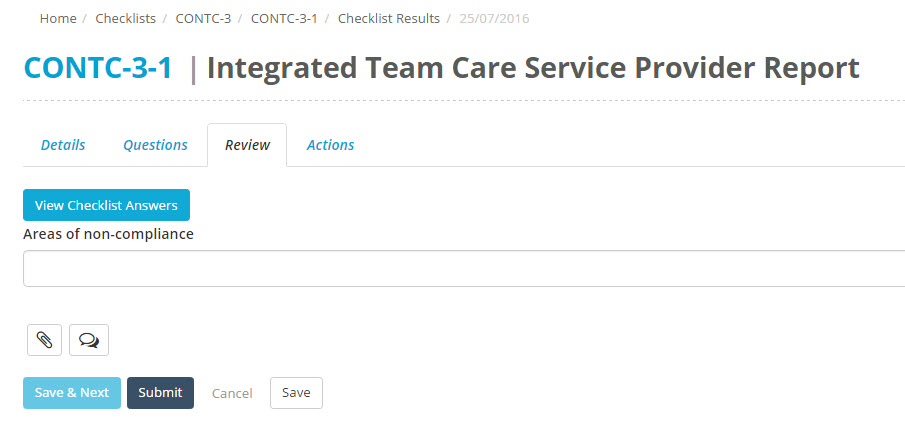
To complete the review, the reviewer will need to complete any fields that appear under the Review tab.
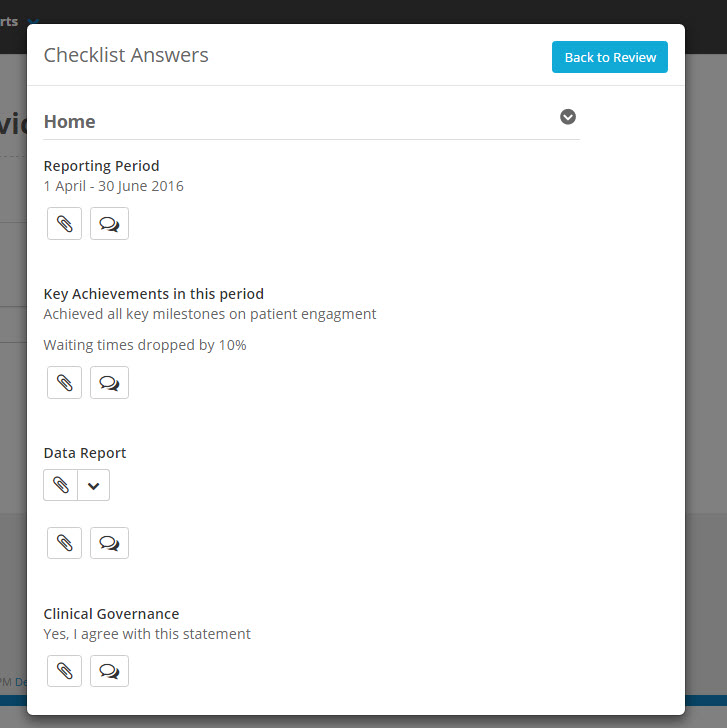
They can also click View Checklist Answers which will bring up a popup where the Checklist answers are displayed.
When the reviewer is satisfied, the Submit button needs to be clicked to save the review. If there are multiple review stages, this will send the next reviewer an email notification.