
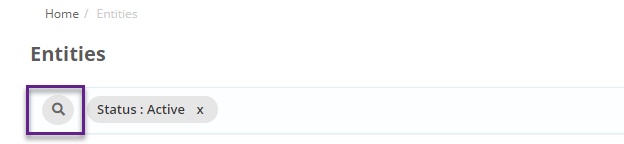
Click on Resources and select Entities. On the entity screen add a new filter by clicking on the search icon on the search bar:
And select lite user as 'Yes' from the list of filters that appear in the pop up box
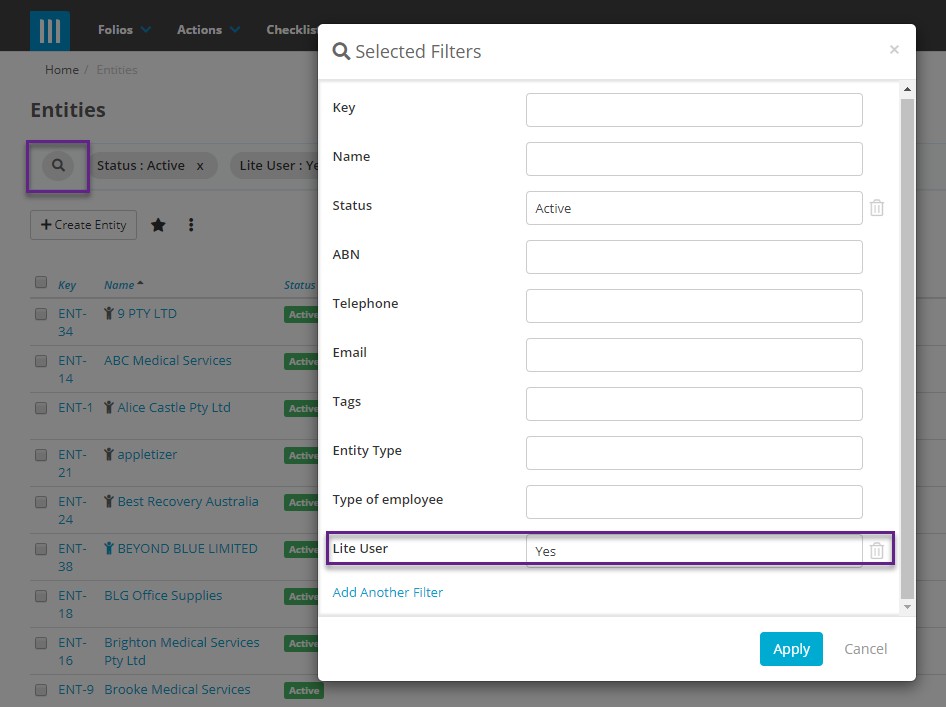
Yes shows all entities that currently have lite users activated with
No shows all entities that do not have any lite users activated.
The same process applies for finding Contacts with Lite Users