
If an entity has a lite user then before it can be deactivated you need to ensure that it has no Actions or Checklist Assigned to that lite user. To check whether this is the case, click on the Admin gear wheel and go into Users. In the list view, filter to find the Lite user (remember to search on the name of the Entity) and select the Lite user.
Any Action or Checklist Assignments will be displayed beneath the Lite User Details.
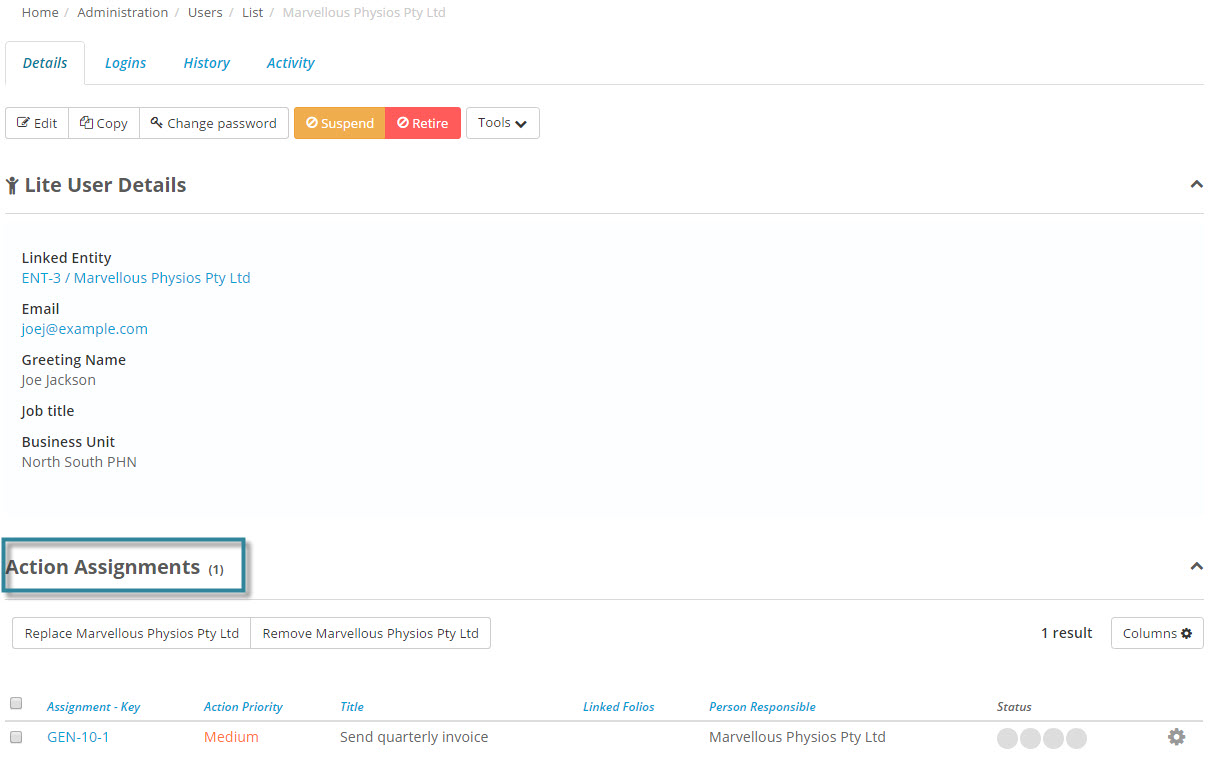
If the lite user does not have any actions or checklist assigned to them then the lite user may be retired and the entity is deactivated.
However if the lite user has any Actions or Checklists assigned to them then the entity cannot be deactivated until the lite user has completed all actions and checklists or those Actions or Checklists have been reassigned.
The lite user can be suspended preventing access to Folio if necessary and then they can be removed from the actions and checklists.