
Checklist review defaults can be set up for your Folio instance - remember, these defaults are only there to save you time - they can be changed on a checklist by checklist basis if required.
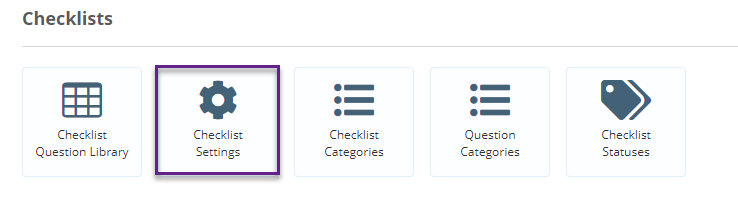
To set up your checklist review defaults, click on the admin gearwheel and select Checklist Settings.
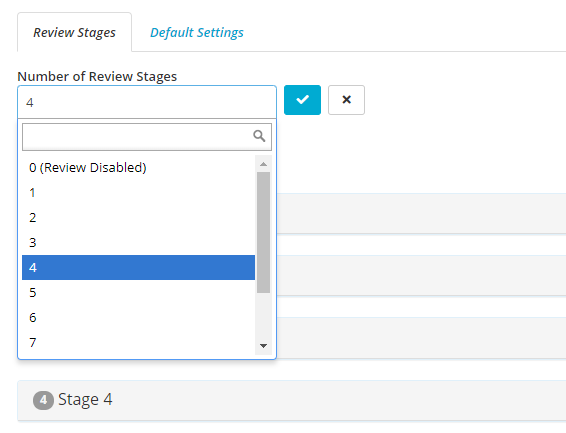
You can add review stages, by selecting the number of Review stages. You can have up to 10 review stages on a checklist review.
Once you have selected the maximum number of review stages you want to have then the screen indicate the Stages.
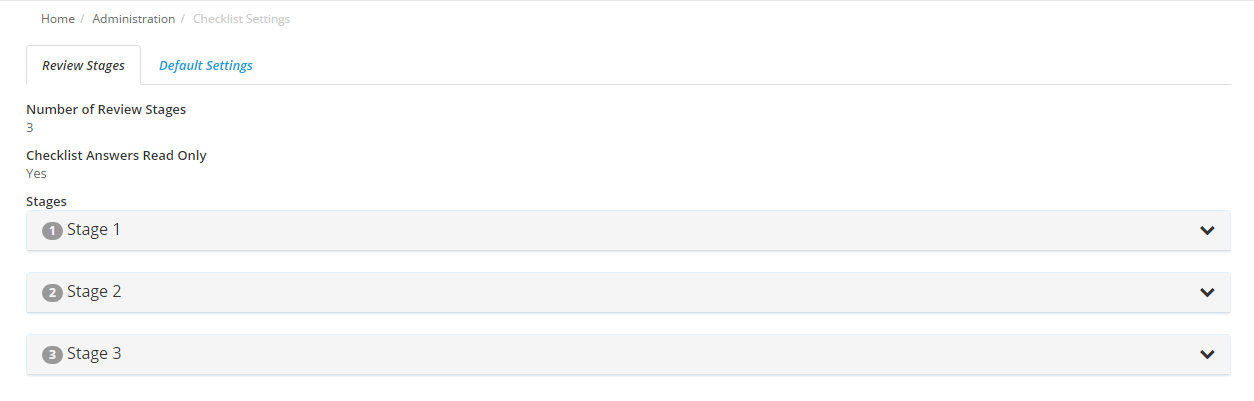
You can change the maximum number of review stages you want at any time, although this will not affect any checklists that have already been created.
Each stage can be edited in the following ways.
Clicking on the name of the stage will change the default name for that review stage
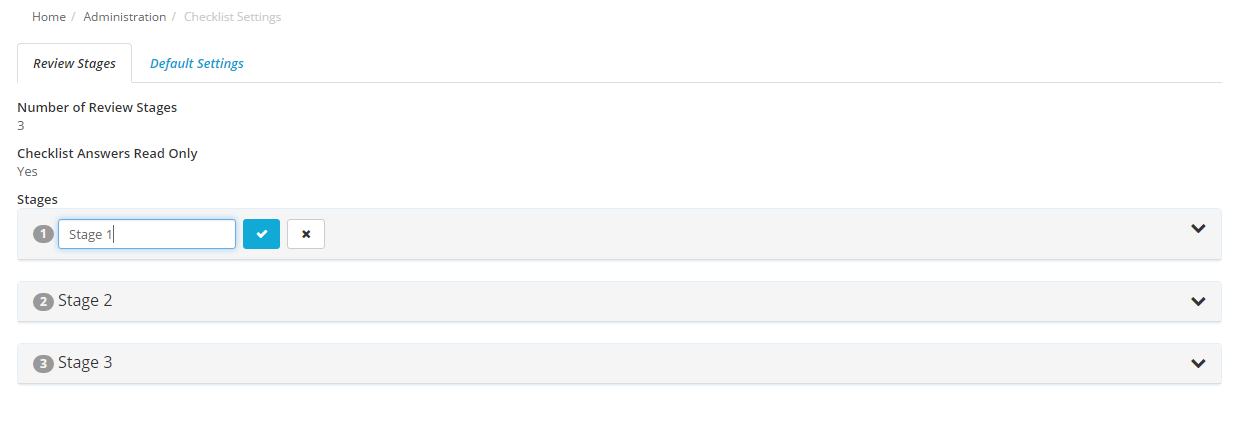
Expanding the stage shows the rest of the options for the review stages
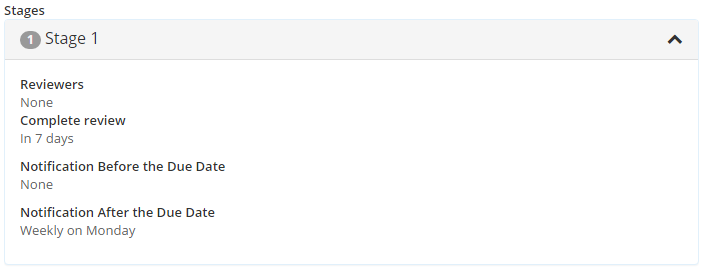
Reviewers are the users who will review the checklist at each stage. It can also be set up by business unit
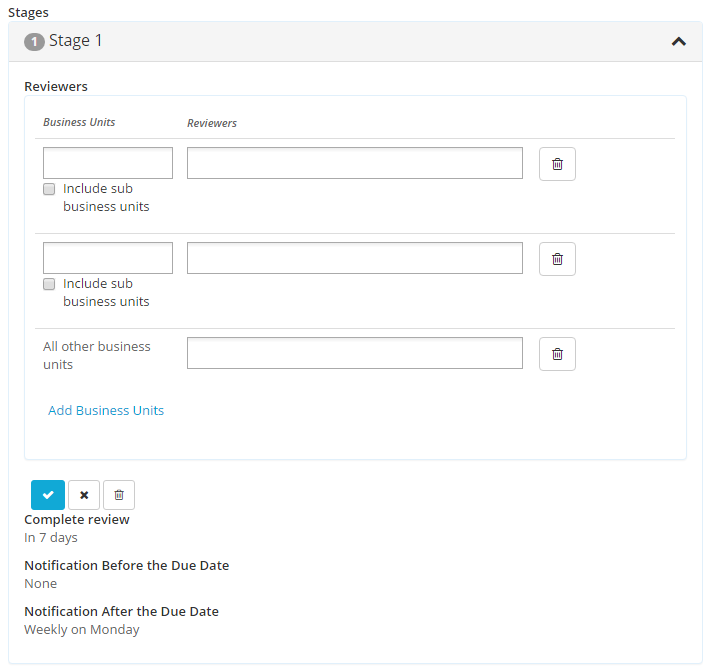
The review will be now be assigned to a different user depending on which business unit the checklist was assigned to.
Complete Review is how long after the previous stage is completed this stage must be complete (For the first stage this is how long after the checklist is completed).
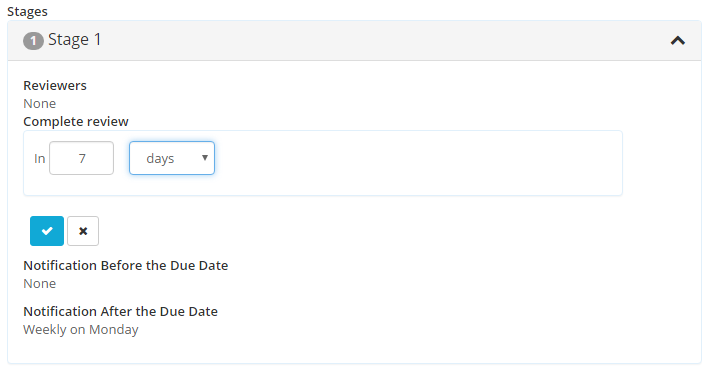
If the review needs to occur immediately, type 0 into the number of days.
Notification before the Due Date controls the notifications to the reviewer(s) before the due date for the review
Notification after the Due Date controls the notifications to the reviewer(s) after the due date for the review
These defaults then appear in each checklist but can be changed for individual checklists