
In order to close several Folios at one time, you will need to go to Folios then select the Folio template you want to work with. You then need to select the Folios you would like to close using the check boxes on the left of each Folio.
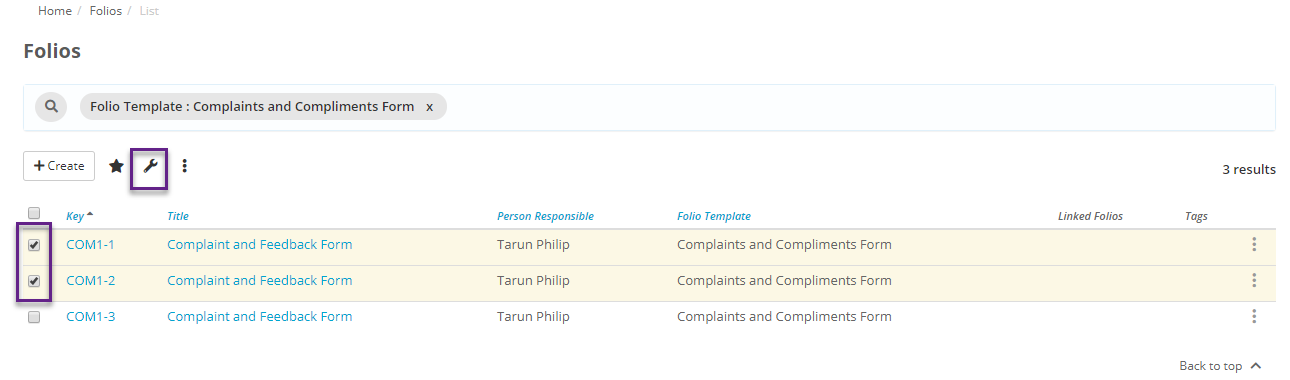
Now click on the spanner icon and select 'Close Folios'
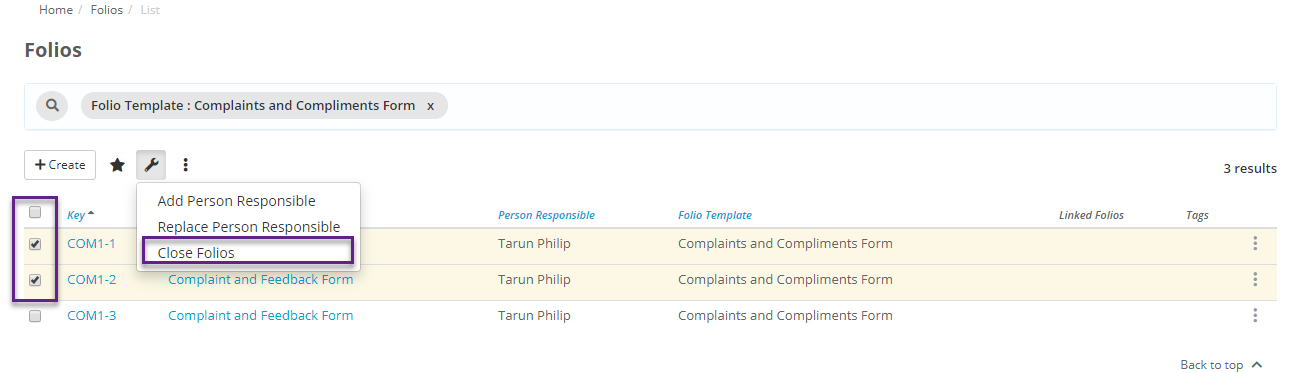
Once you 'Confirm' that you want to close these Folios, they will be closed. If the Folios require an approval before they can be closed, the request to close will be sent to the respective approvers.