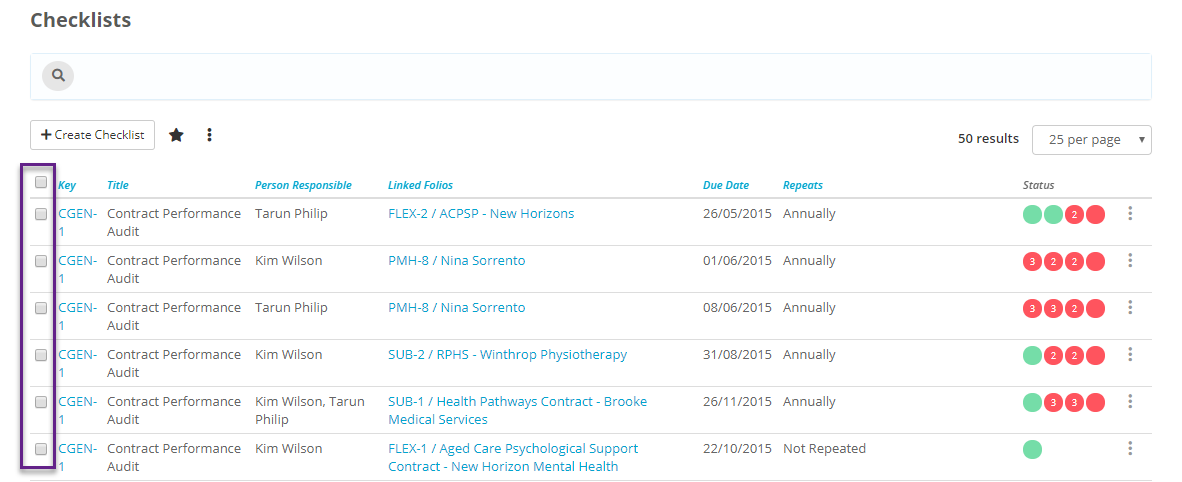
You can assign multiple checklists to the same person/people responsible on the same due date if you have the permissions to do so (if you go to the checklists tab and don't see tick boxes next to them, you'll have to ask your administrator to give you these permissions).
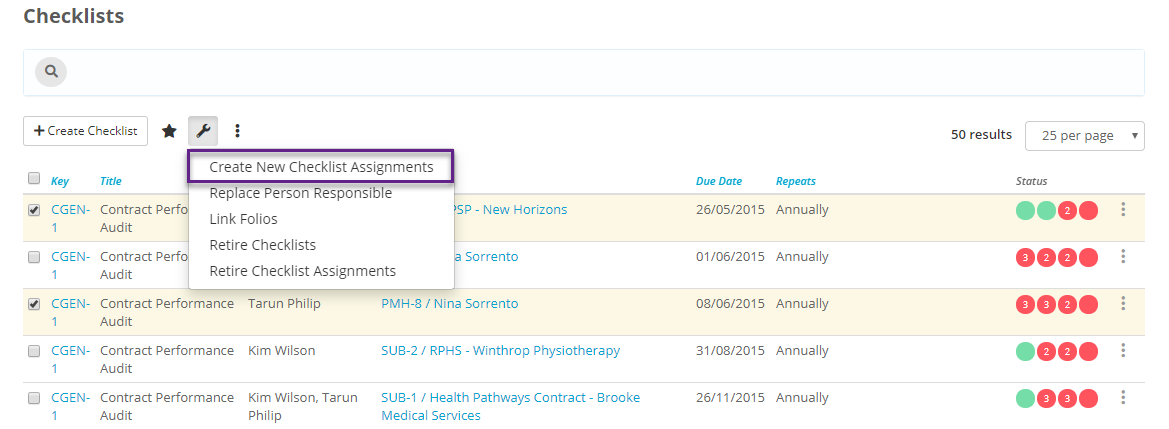
To do this select all the Checklists you would like to assign to particular user/s and then select Tools option which is represented as the 'spanner' icon and choose the option 'Create New Checklist Assignments'
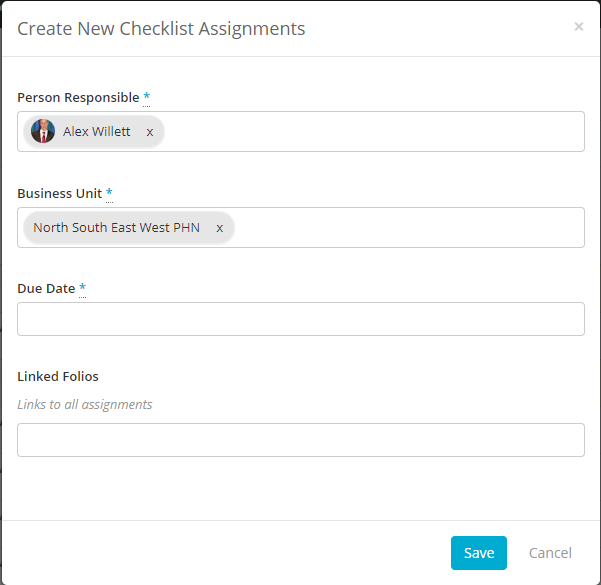
Complete the Person/People Responsible, Business Unit and the Due date of the Checklists and Click Save.