Each Risk or Contract record that is linked to a checklist with Indicators will have a new tab called Indicators.

The Indicators tab lets you see all Indicator Questions from all Checklists linked to that Folio.
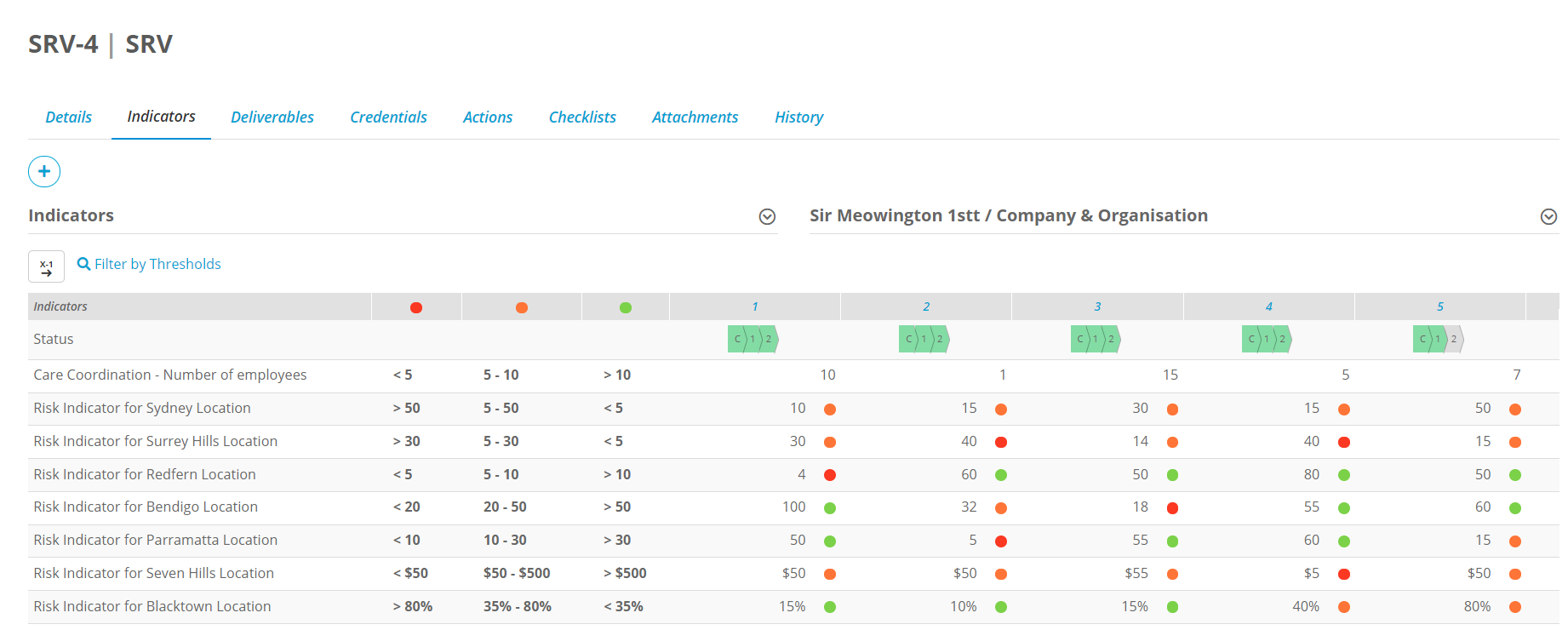
You will need to enable the Indicators tab on the Folio Template for it to be visible. This can be done by your admin in the settings section of the Folio Template.

Viewing Indicator Results
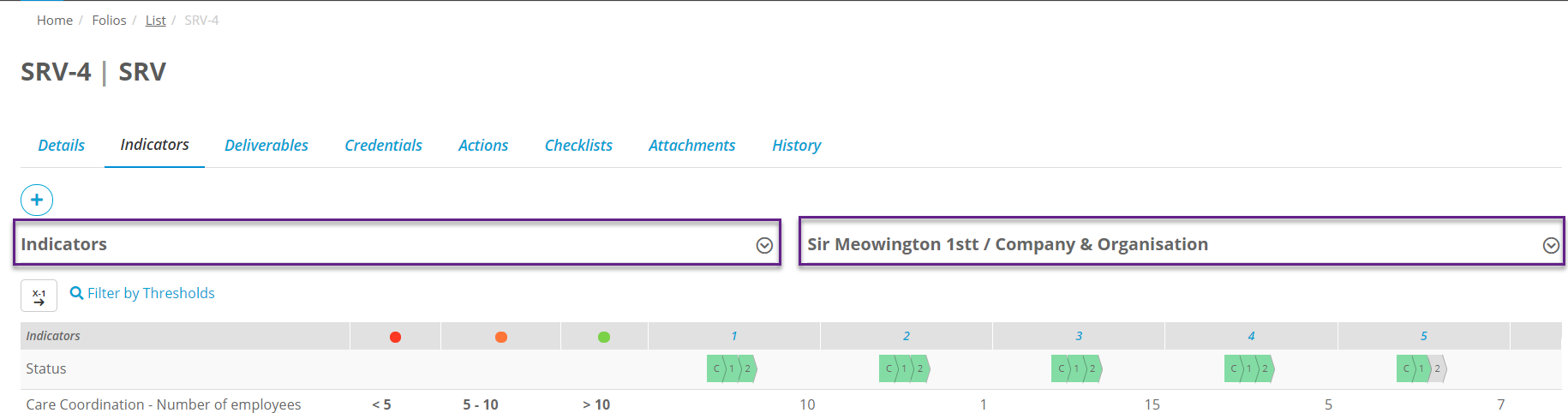
Once a user has submitted an indicator checklist you can go to the Indicators tab of the Folio that the checklist is linked to if you want to view the results. On this screen you can select which Indicator Checklist you want to view using the dropdown on the left side of the screen, and then you can pick which assignment of that checklist you want to view using the dropdown on the right side of the screen:
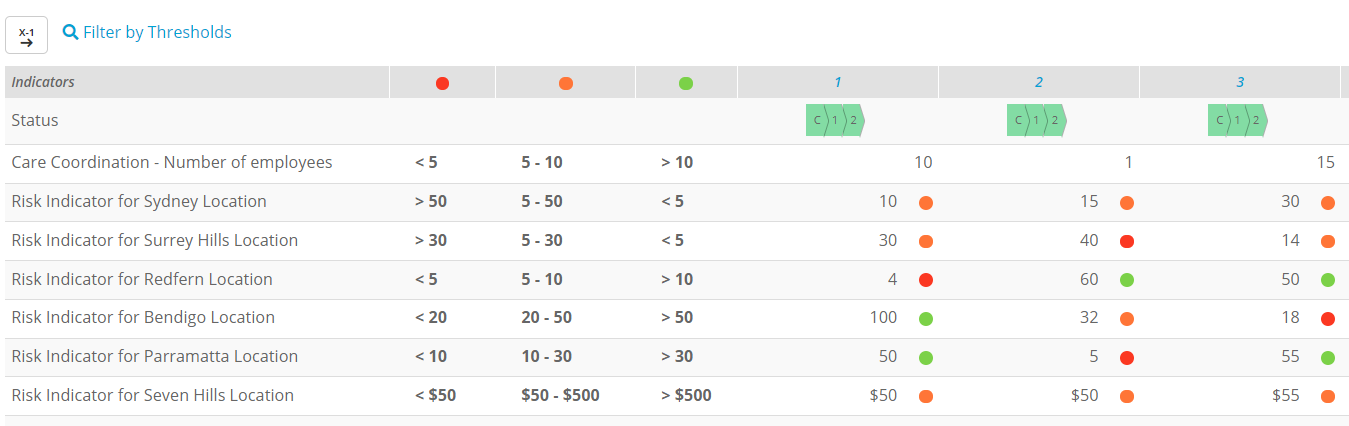
Once you have selected the one you want you will be shown a table with a list of indicator questions, and columns for each of the repeats of the assignment. You can then view what thresholds all of the results fall under:
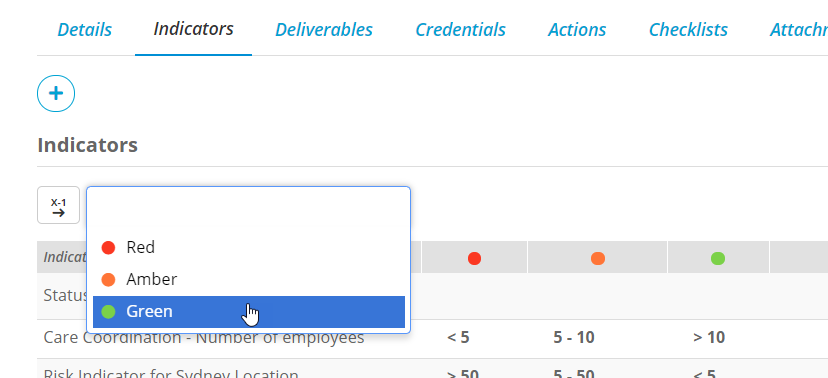
If you select Filter by threshholds to filter for a particular threshold.