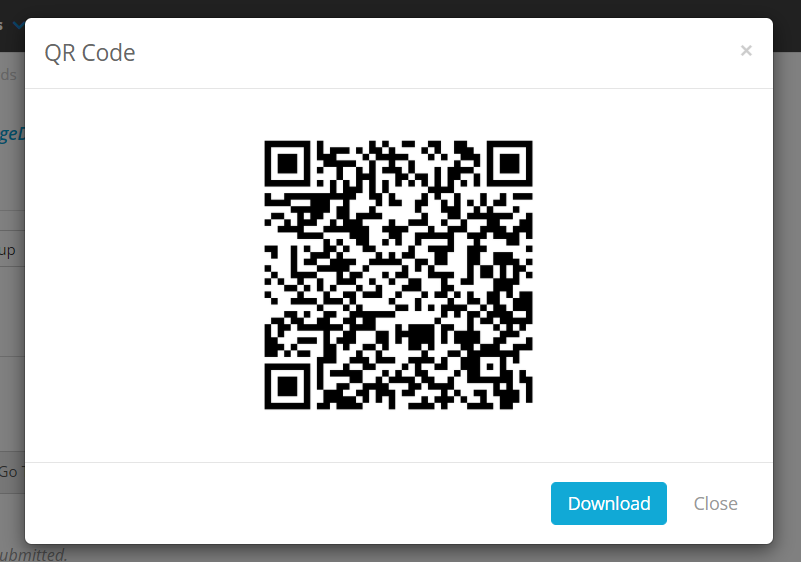
You can generate QR Codes for Public Links set up in your system, which users can then scan on their mobile devices to access the form. This can be used for setting up contactless forms in your organisation, such as a sign-in form for visitors to your sites.
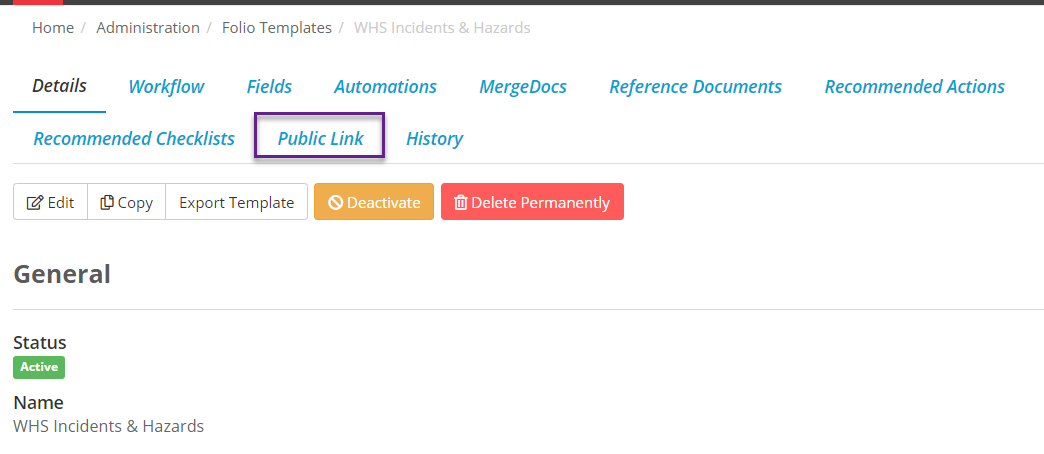
To find this QR Code select the Folio Template that has a Public Link set up, and click on the Public Link tab:
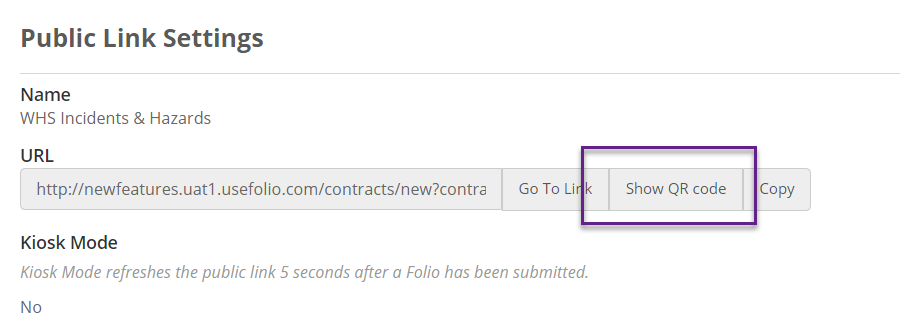
Then on the URL field select Show QR code:
You can then Download this code as an image which can be printed off or placed on your website: