You can set up recommended checklists for a Folio template. For example, you may have a contract template that will always have a checklist for service providers associated with it or a risk that will always have an audit checklist associated with it.
To do this, click on the Admin gearwheel and select Folio templates, select the template that you want to associate the checklist with.
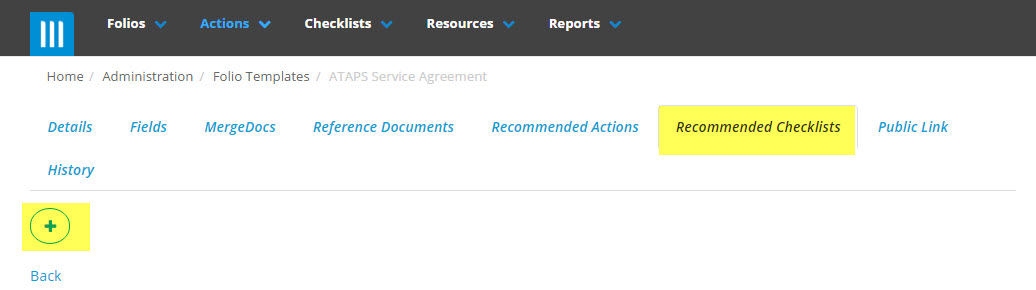
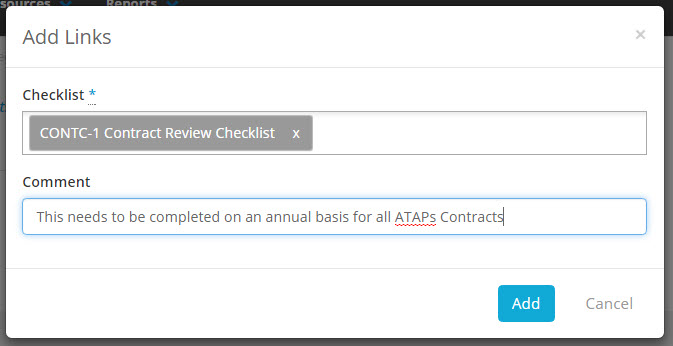
Click on the Recommended Checklist tab. Using the + icon, select the Checklist that you want to link to the template. Complete the comments box if you want users to understand why the Checklist has been linked to the Folio. You can do this for multiple checklists by clicking on the + icon and adding another.
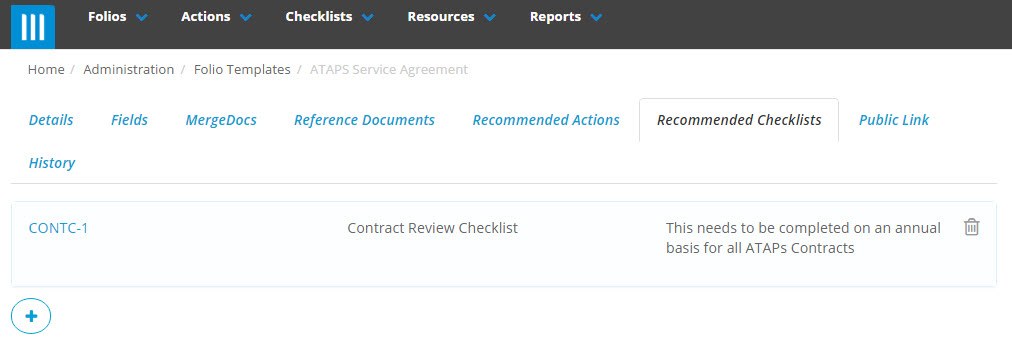
Whenever, you enter a new Contract or Risk that has a checklist associated with it, you will see it in the Checklists tab.
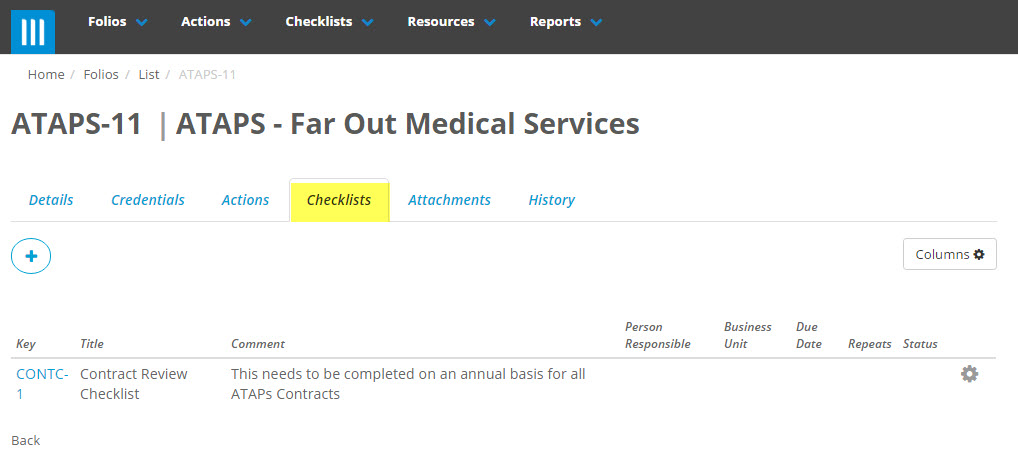
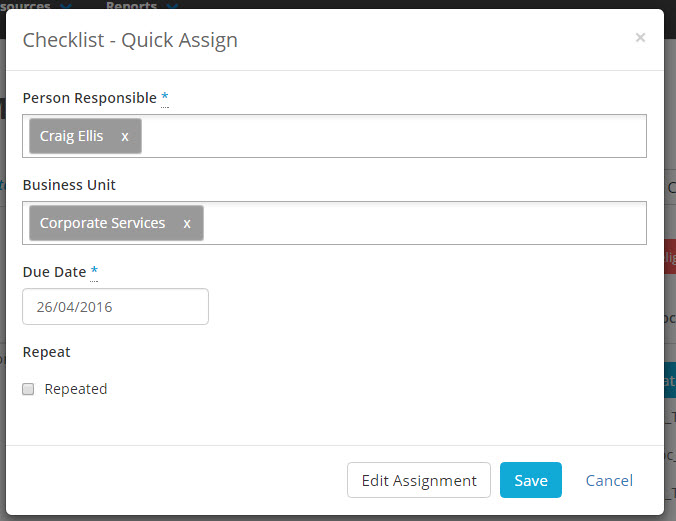
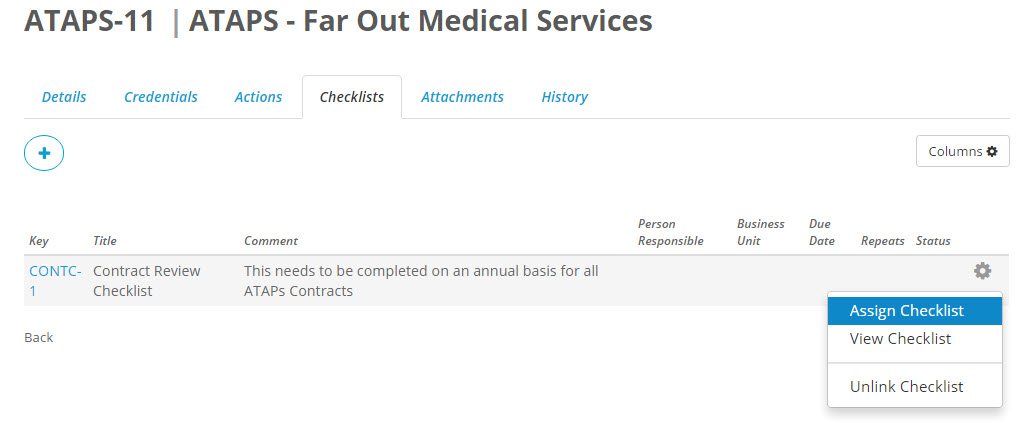
To assign the checklist to the responsible person, click on the gearwheel, select Assign Checklist.
Type in the person responsible and the date that the Checklist needs to be completed by. Recurrent checklists should have the "Repeats" ticked and the recurrence set (i.e.: Monthly, Quarterly, Six-monthly, Annually, etc). Save the Assignment.