
Sometimes when submitting a form through a public link we don't always have all the information we need or the time to complete the submission in one go. Folio's Save and Return feature enables a submitter to partially complete a form save it and return to it at a later time to complete it and submit it through the public link.
The feature allows people who submit incident reports or breaches through the Folio public link to start their form save it and return to it later if need be
Activating Save & Return
- Click on the Admin Gear Wheel > Folio Templates. Select the relevant Folio Template
- Click on the Public Link Tab and then select the 'Save and Return to Form Later checkbox. Click Update and the 'Save & Return to Form Later' Feature is now Active.

Using the Save & Return Feature
When a user uses the public link they will see a 'Save & Return' button next to the Submit button. Click on 'Save & Return'

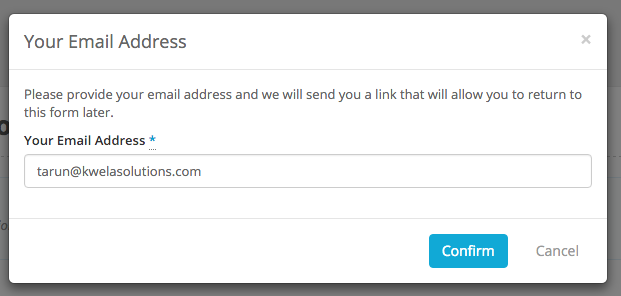
Folio will ask the user to enter their email address. This will enable Folio to send the user a link that will enable them to return to the saved form. The form will be saved for a period of 365 days after which it will be permanently deleted from Folio.
User will receive an email reminder regarding a saved form every Monday until the submit the form or it is deleted. They will also receive one final reminder the day before the form is deleted from Folio.