
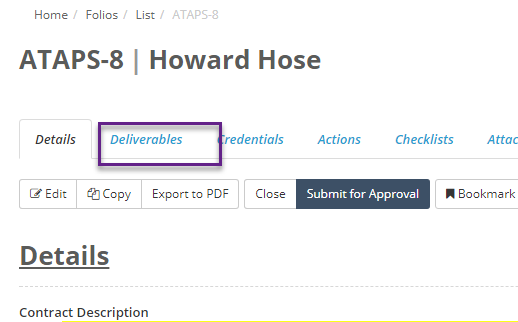
Once a deliverable checklist has been linked to a Folio it needs to be assigned before you can start creating targets. To assign a deliverable checklist navigate to the Deliverables tab of the Folio you are making the assignment for:
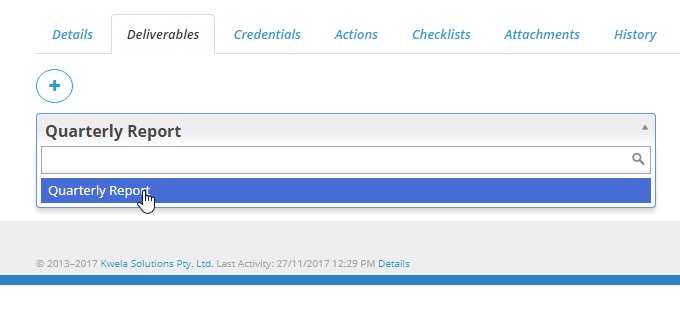
On the Deliverables tab if there are multiple deliverable checklist attached to the Folio then you can select the checklist you want to make the assignment for by clicking on the checklist name:
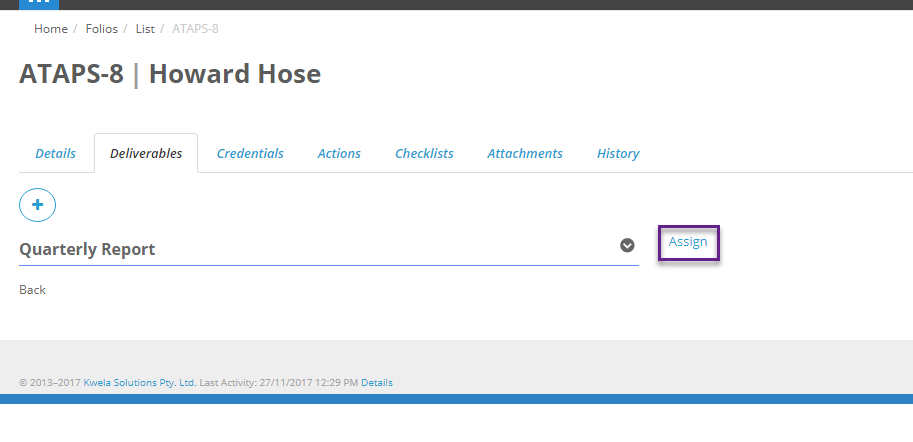
If there are no existing assignments on this Folio for that checklist then you can create a new assignment by clicking on the Assign button next to the name:
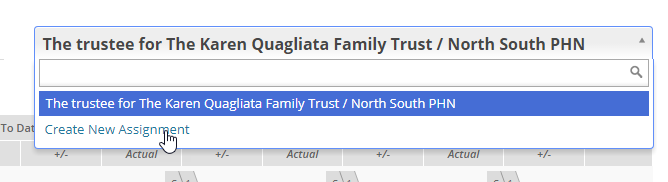
If there are already assignments on this Folio click on the assignment name on the right of the screen to bring up the list of assignments for this checklist, and select Create New Assignment:
The assignment popup works the same as for regular checklists, but there are some extra options:
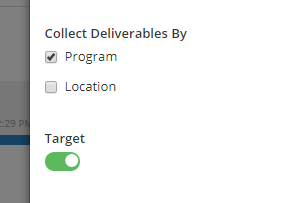
Collect Deliverables By lets you pick whether the questions in the checklist will be broken down by program, location or a combination of both. Target lets you pick if the checklist questions will have targets set up against them. Note that if the target option is turned, it can still be toggled off and on for each individual question.
When you are done select Save to create the assignment. After the assignment has been created you are now ready to begin setting up targets and breakdowns.