
To set up performance criteria for deliverables, navigate to the Admin section and select Performance Criteria:
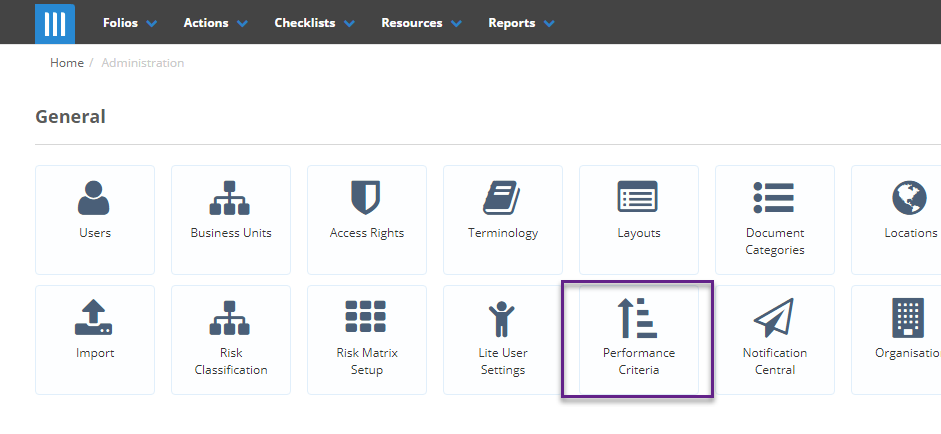
The performance criteria are split into two sections, Underperformance and Overperformance:

There are default performance criteria already there when your Folio instance is created. To add a new performance bracket click on +New Performance Criteria:
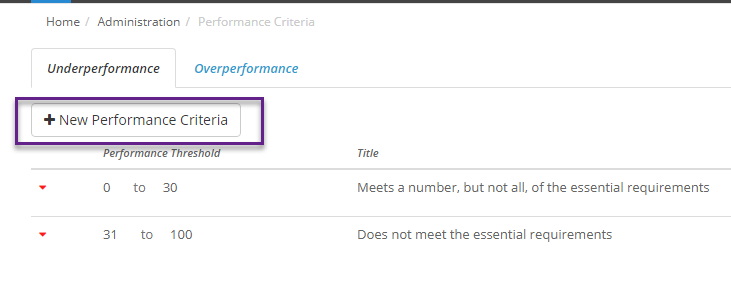
There are 4 parts of a performance bracket that can be edited:
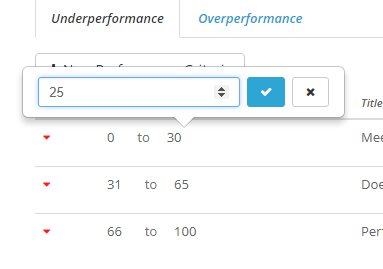
- Performance Threshold: This decides that range of values that fall into that bracket. For instance in Underperformance if you change the first bracket to be 0 to 25 then a deliverable that is underperforming by 0 to 25% will fall under that bracket. The same principle applies but in reverse for overperformance:
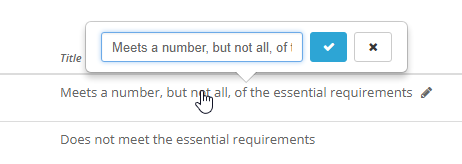
- Title: The name that describes the performance bracket:
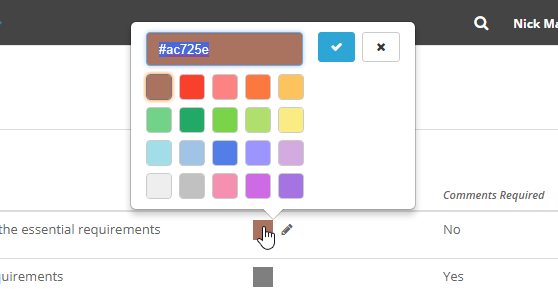
- Colour: Each bracket can have a colour associated with it that will make it easier to notice what bracket a deliverable has landed in at a glance. The colour can be chosen either through the predefined colours on the colour picker, or you can enter a hex code for a particular colour:
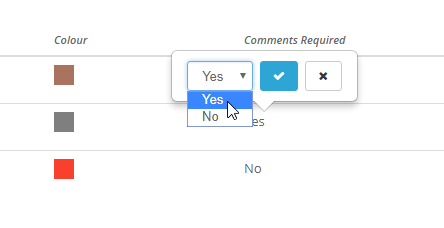
- Comments Required: This lets you decide whether a deliverable requires comments to be added if it has landed in that bracket:
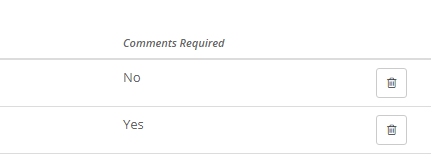
To delete a bracket, click on the bin icon to the right:
Note that when a bracket is added or deleted the performance threshold for the other brackets will update, so make sure to double check the thresholds when adding or removing any brackets.