
You can import new Credential Types by clicking on the gear icon and finding the Import heading in the General Admin Section:
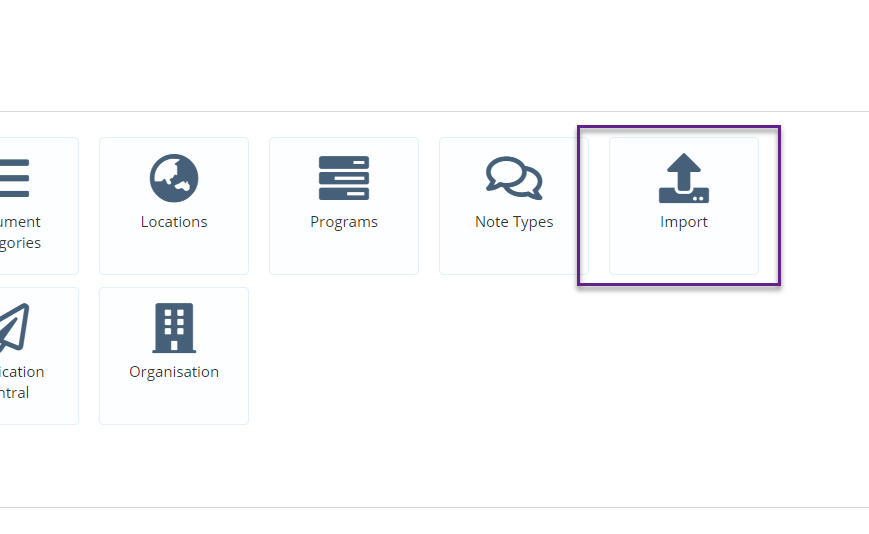
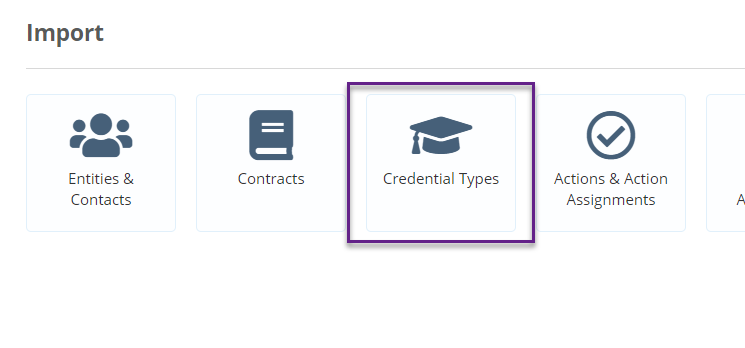
Click on Credential Types:
Click on Download Import Template:
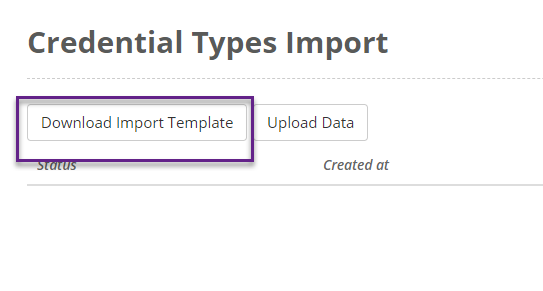
A CSV template will be created with a column for each of your credential type fields:

Using one line for each credential types, fill in your details and save. Once you have completed your spreadsheet, save it and click on Upload Data:
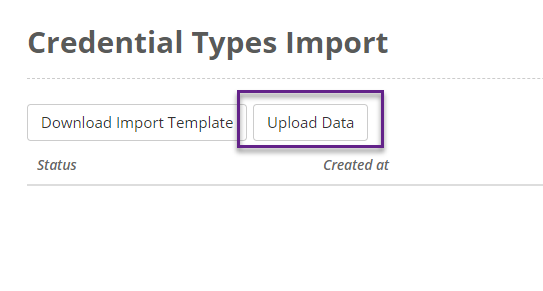
Drag in the CSV file or click on the Add Files button to select the CSV file and click on Start Upload. The importer will then import and validate your file. A page will then be displayed which will list all the records to be imported. It will indicate whether the records are OK or whether there are any errors in the import file:
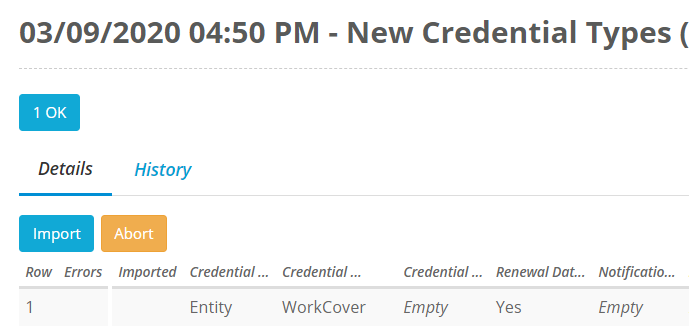
If all records are OK, click on Import and the new users will be imported.