
If you have a Folio that uses both the Commencement Date and End Date field, you can automatically calculate the End Date by entering the Commencement date and selecting a Term Period, or vise versa.
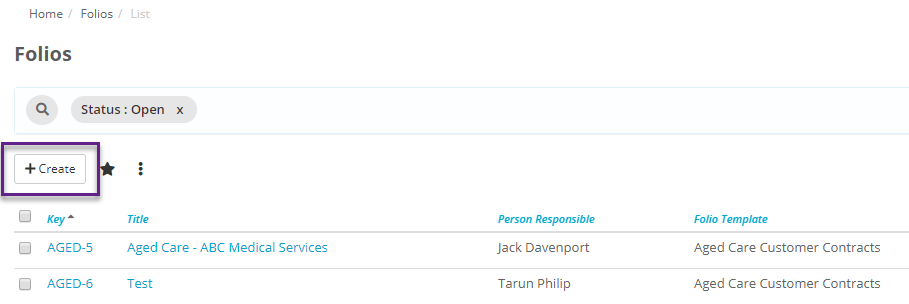
To do this either create a new Folio within this template:
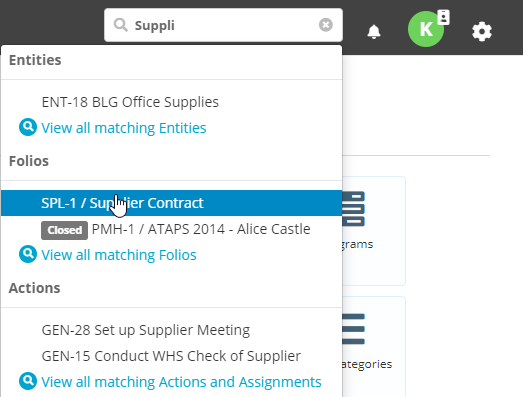
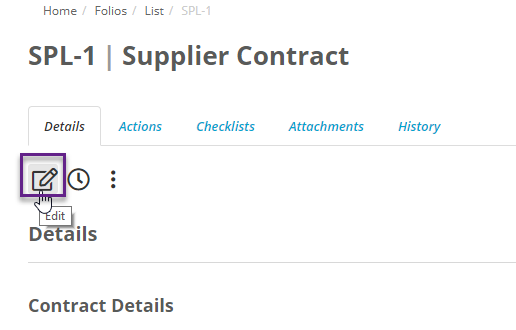
Or search for an existing Folio and select edit:
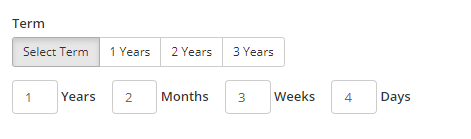
Now under Commencement Date select when the Folio starts, then you can either select the term as a flat 1, 2 or 3 years, or you can fill out a custom term. The custom term can be a combination of years, months, weeks and days:
Then after this the End date will be automatically filled in based on the Commencement Date and Term length:

Then select Create, or Update. On the Details tab of that Folio you will also see the Term Period that you have selected:
