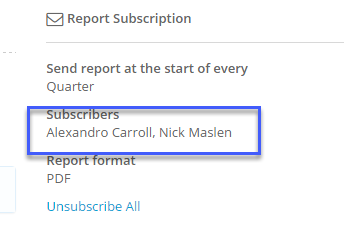
Folio enables users with 'Share' rights to subscribe other users to reports. These are called Enterprise Subscriptions. The pre-requisite for an Enterprise Subscription is that the custom report has to be shared to the people who are being subscribed to it.
1) Click on the custom report you would like to subscribe others to.
2) Make sure that the report has been shared with the users you would like to subscribe.
3) In the 'Report Subscription' section go to Enterprise Subscription (this will not be visible unless the report has been shared)

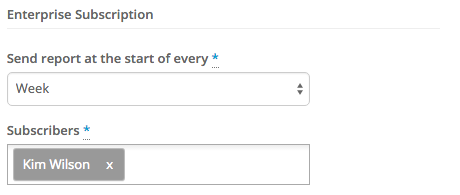
4) Select a value for 'Send report at the start of every' and then select the 'Subscribers'
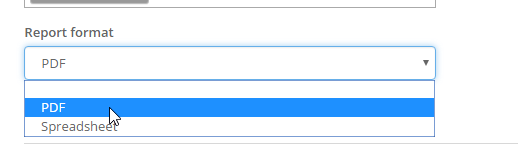
5) You can then choose to have the report sent as either a PDF or Spreadsheet.
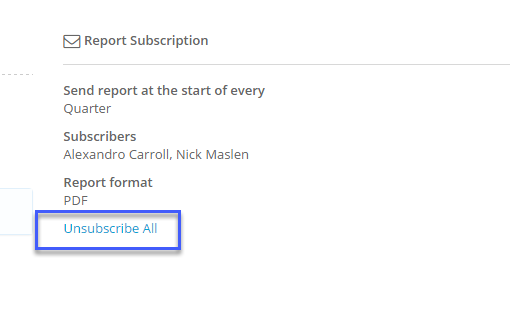
6)To unsubscribe people from the report you can either click on the Unsubscribe All link:
Or to select who to unsubscribe click on the Subscribers: