
Users can share custom reports that they create with other users. If you want to Share a Custom Report you will need access rights to do this. A user still needs access permissions to view data in a shared custom report. Here are the steps to share reports:
- Select a custom report.
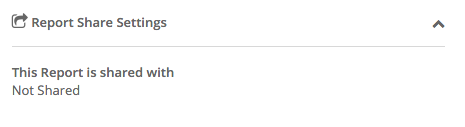
- In the section 'Report Share Settings', click on 'This report is shared with'
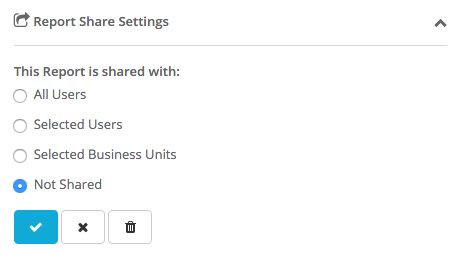
- Reports may be shared with All Users, Selected Users or Users in Selected Business Units.
When a report is shared with a User, they can change the fields and filters on that report before they export it. They cannot, however, save the changes to that Shared Report. They can Save As to create a new report for themselves.
Note: If the User is a Super User, they can change the fields and the filters on a Report shared with them and save the changes to that shared report itself, they can also permanently delete the report.