
It may be that when you upload a file for import and the records are created and validated in the system some errors are identified.
You have 2 options at this point, you can either:
- Export the errors to CSV and continue with the import of the OK records and then after correcting the errors do a second import of the corrected errors CSV File; OR
- Edit the errors on screen using inline editing and upload corrected file.
The way you to edit the errors on screen is to:
- Click on View Errors
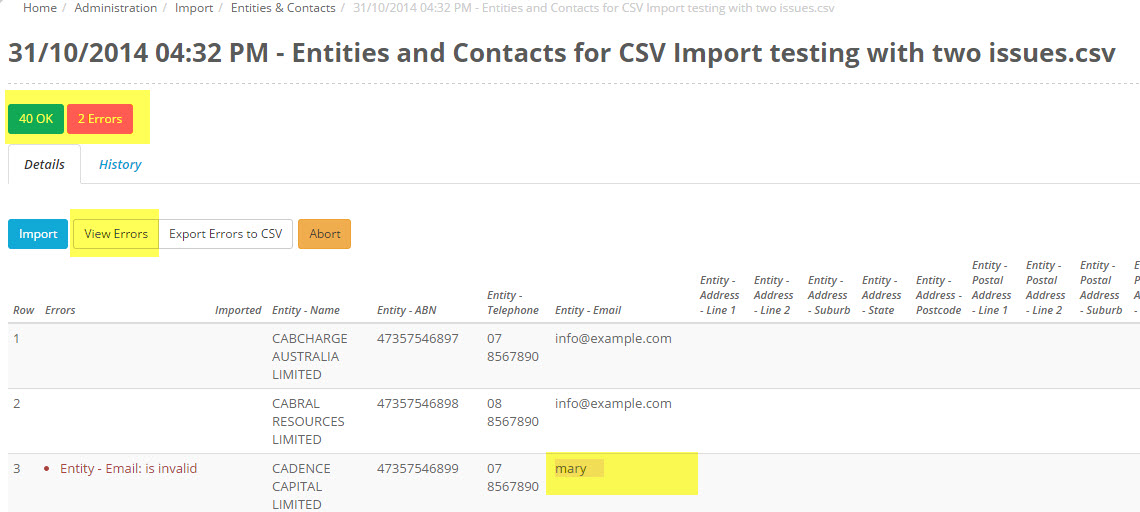
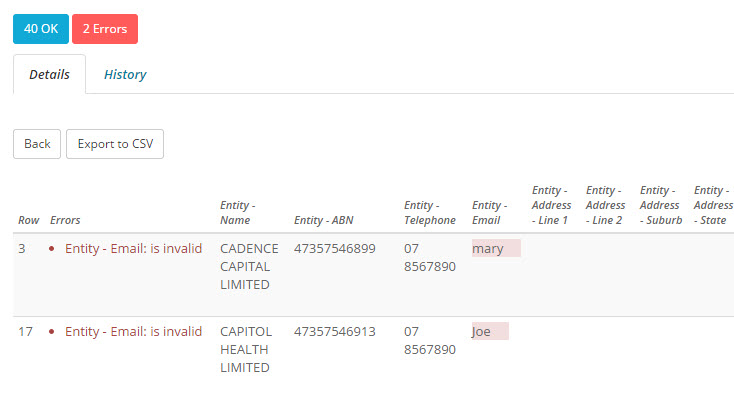
- Your errors will then be displayed.
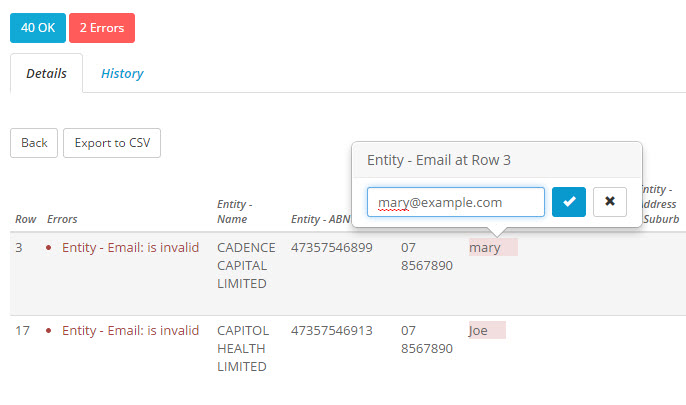
- You can then click into the error line (using inline editing) and correct the entry, click on the tick mark when complete.
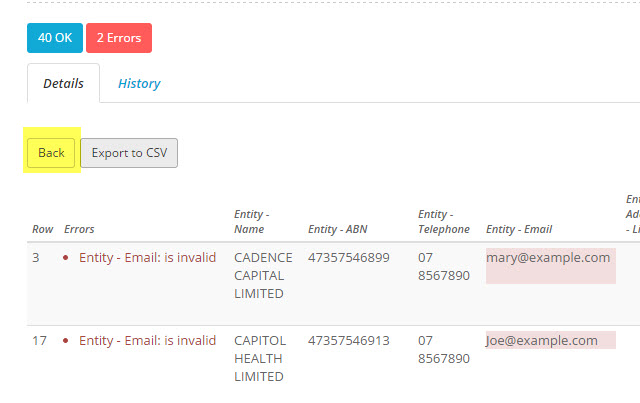
- Once you have corrected your errors, you can click the back button and return to the list screen
- Click on Import and the import should proceed with no errors.
