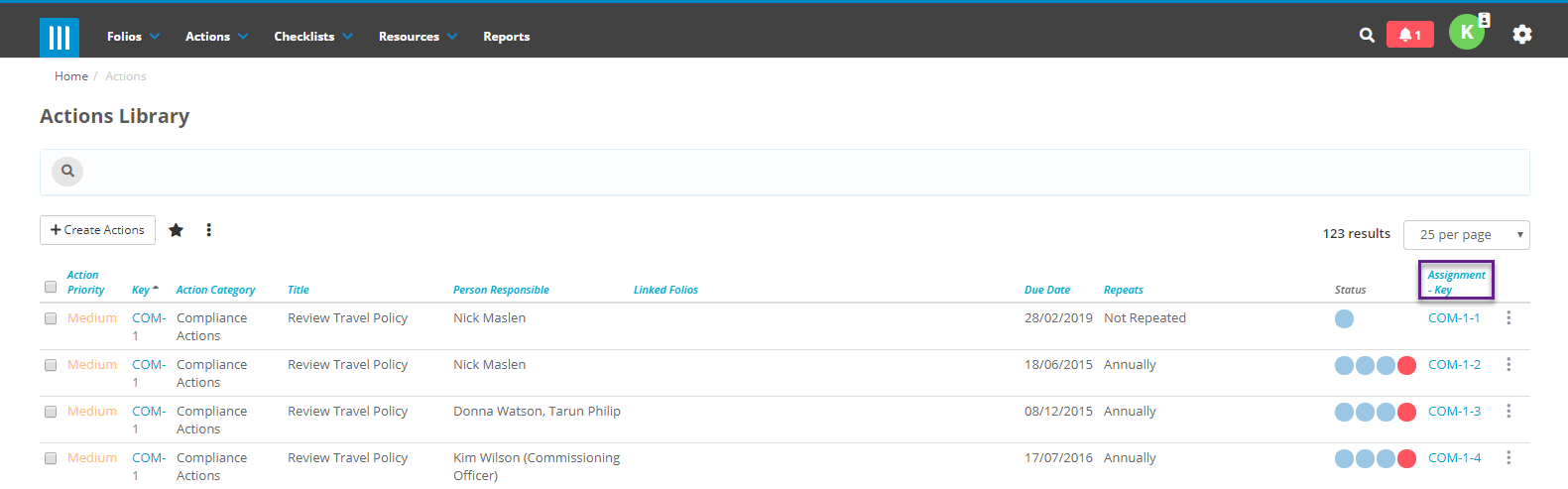
- To link an existing action assignment to a Folio, go to the Action list page and click on the Assignment key.
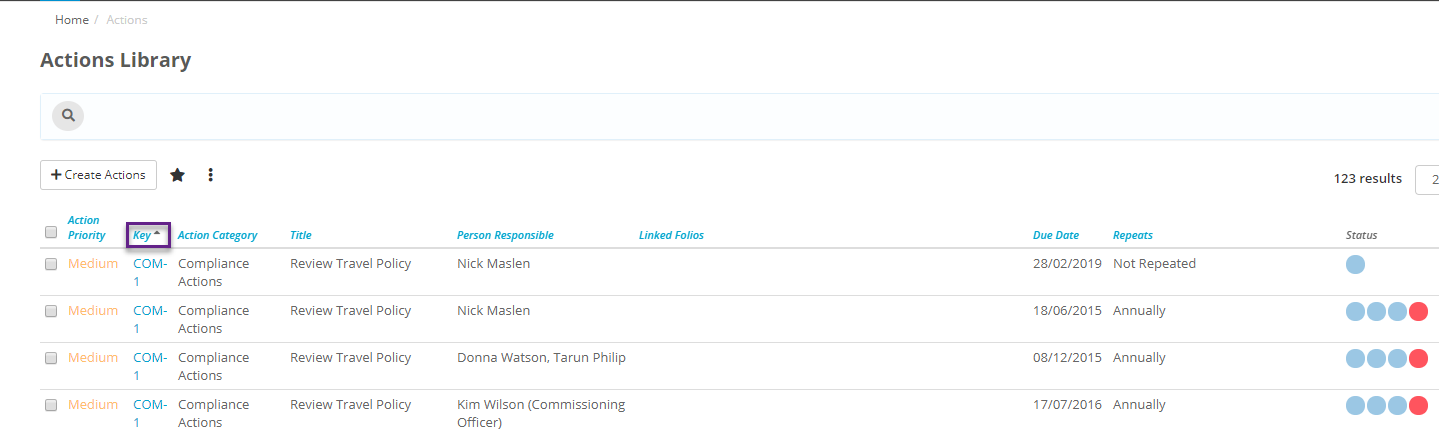
- Alternatively you can get to the action assignment by clicking on the key and then clicking on the Assignments tab and choosing the required key.
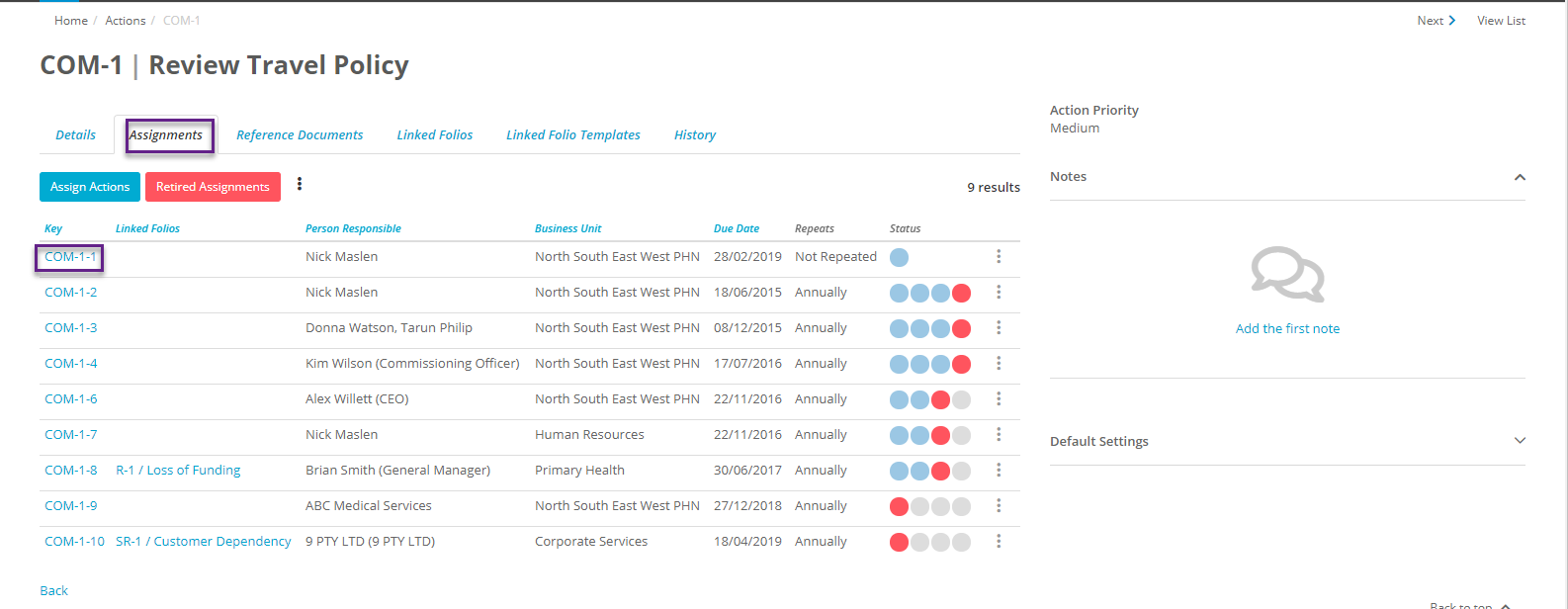
- In the Assignments scroll down to Folios and Maximise
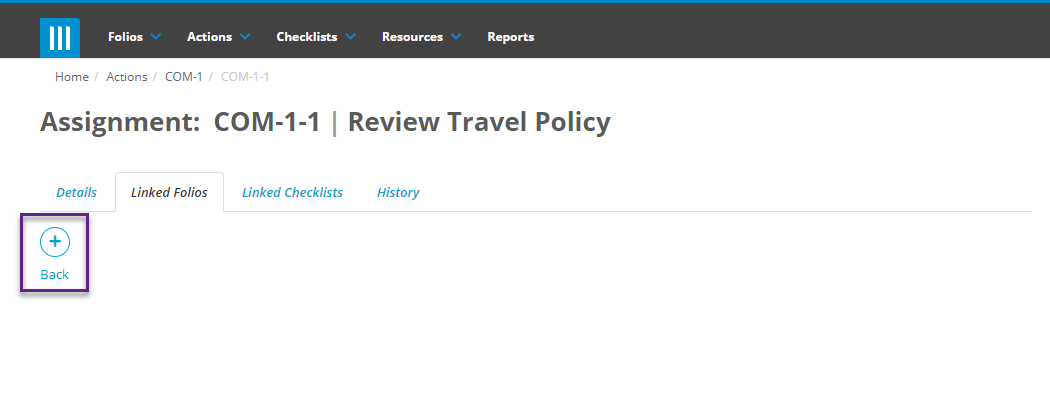
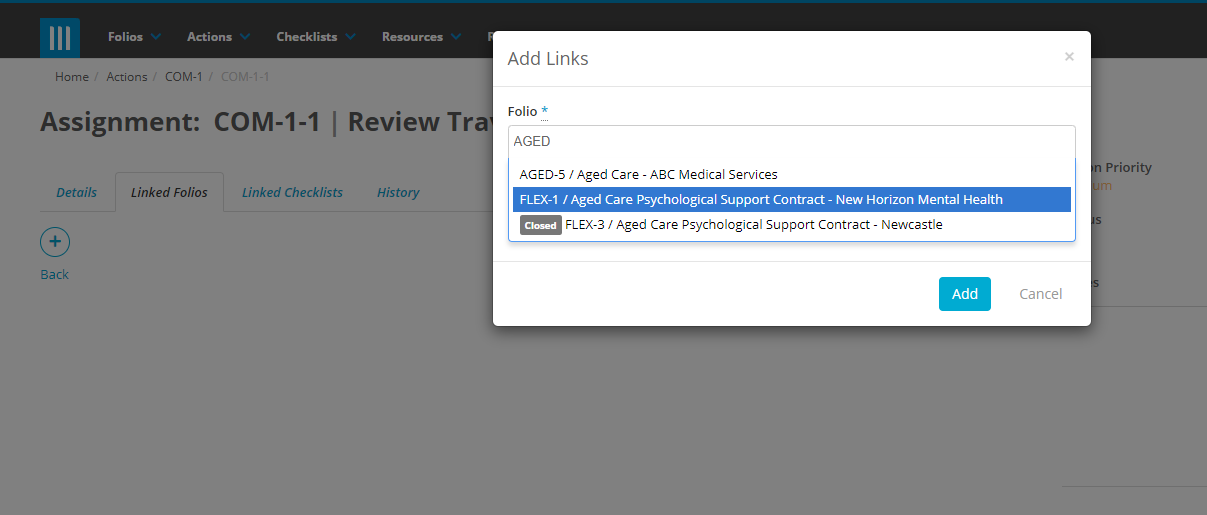
- Click on the + icon and select the Folio/s you want to link to and add optional comments.