
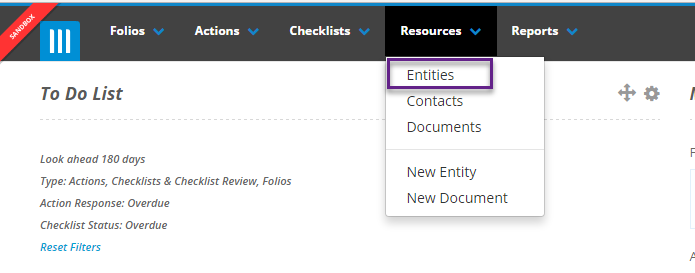
To add new entities and contacts, first click on the Resources tab on the top of the screen and select Entities:
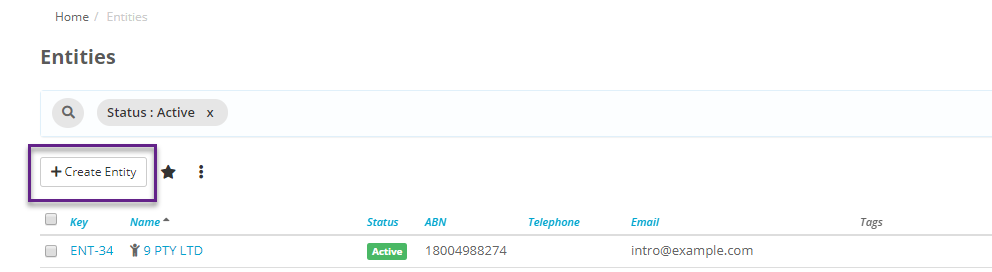
On this page you will see a list of Entities and a Create Entity button. Click this to add a new entity:
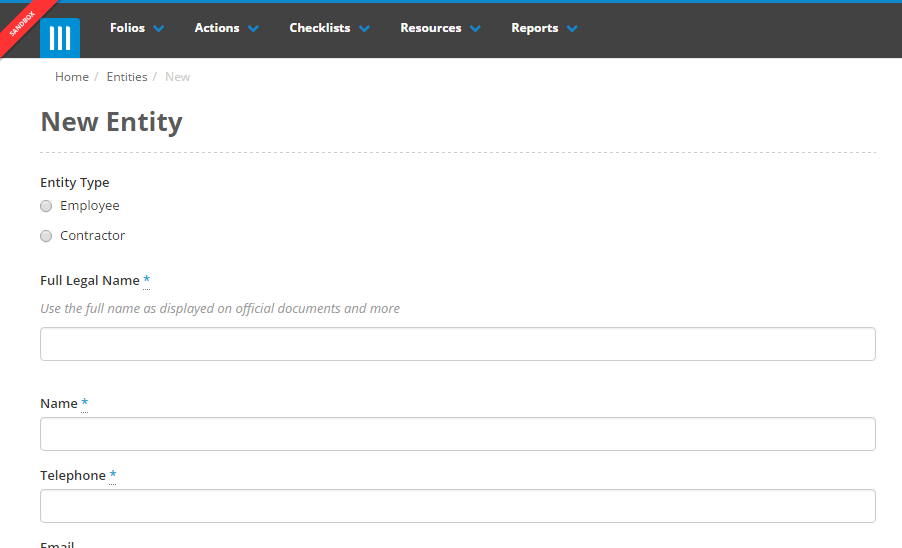
On this next page you need to fill out the details for this new entity. Once you are finished click Create:
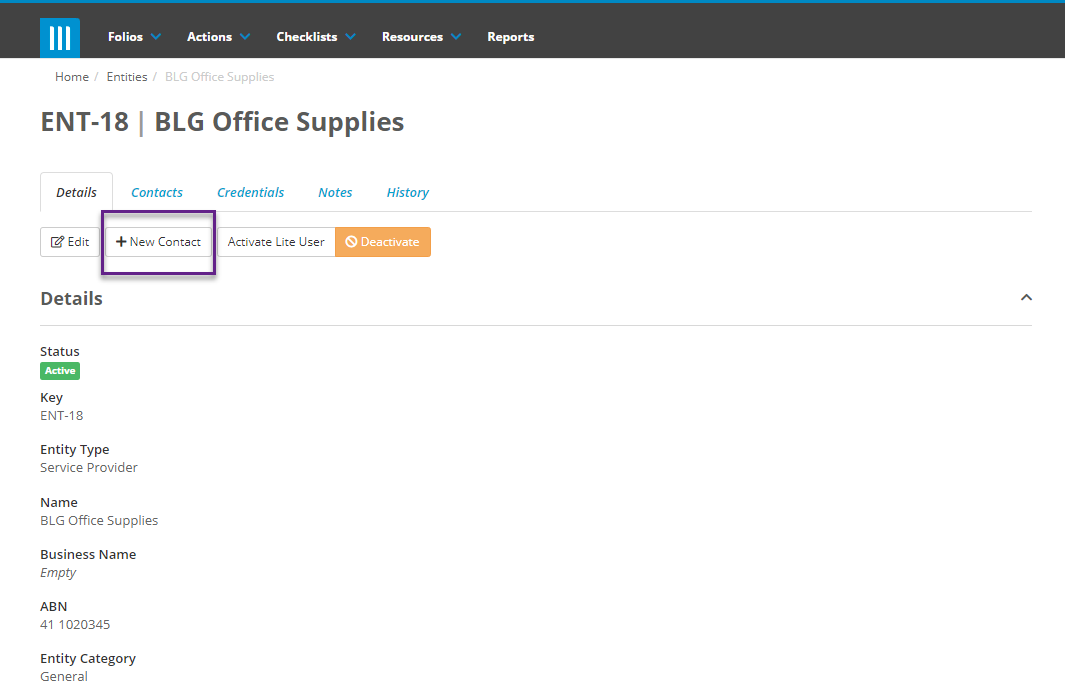
To create a new contact for an entity, go to the Details tab of the entity you want to create a contact for and click New Contact:
Next you need to fill out the details for this contact and select if they are a lite user or not:

Once you are finished click Create.