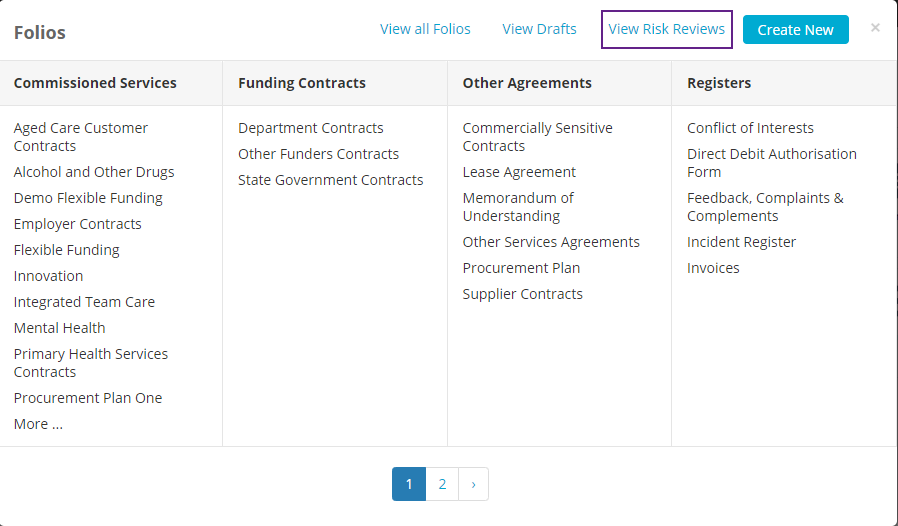
To view the status of all Risk Reviews in your Folio instance, click on the Folios tab on the top of the screen, then select View Risk Reviews:
Here you will see all Risks in your Folio instance that have reviews associated with them:
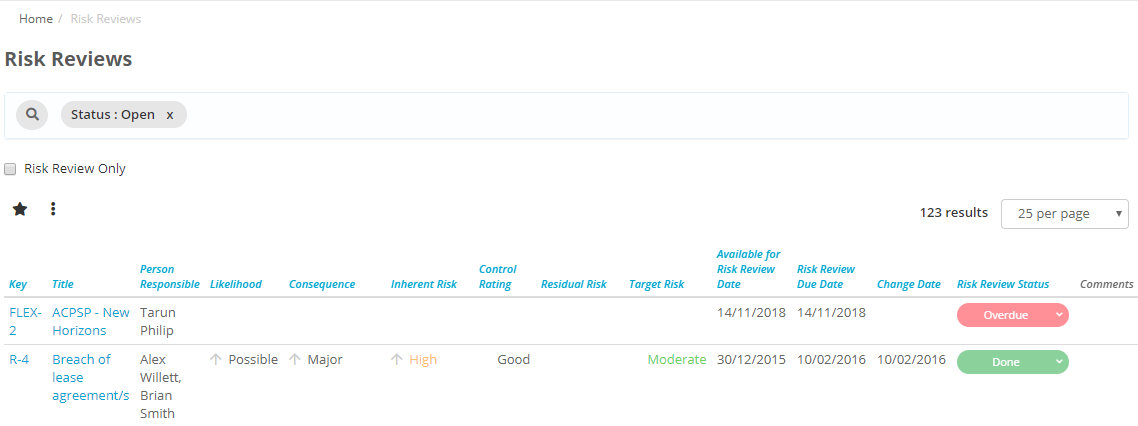
You will be able to see the current status of the review under the Risk Review Status column:
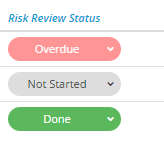
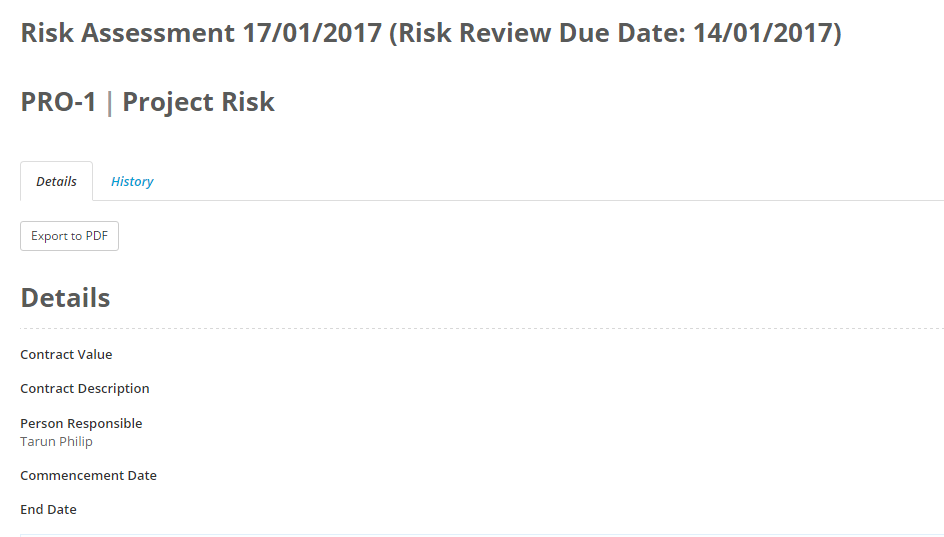
And if a risk belongs to you then you can click on the Overdue or Not Started to complete the review from this page. If the review has been completed, then clicking on the Done, or the name of the risk, will take you to the most recent assessment of that risk: