
Users that do not have rights to the Admin pages in Folio can still import Folios as long as that Folio Template has the option to allow imports switched on, and the user has create rights for that template. For more information on Access Rights click here.
To turn on the option for allowing imports by non-admin users first click on the Admin gearwheel in the top right of the screen.
Then on the Admin page select Folio Templates and click on which template you want to set up the imports for. Once you have found the template you want, scroll down until you see the heading for Ability to create Folios by Import:
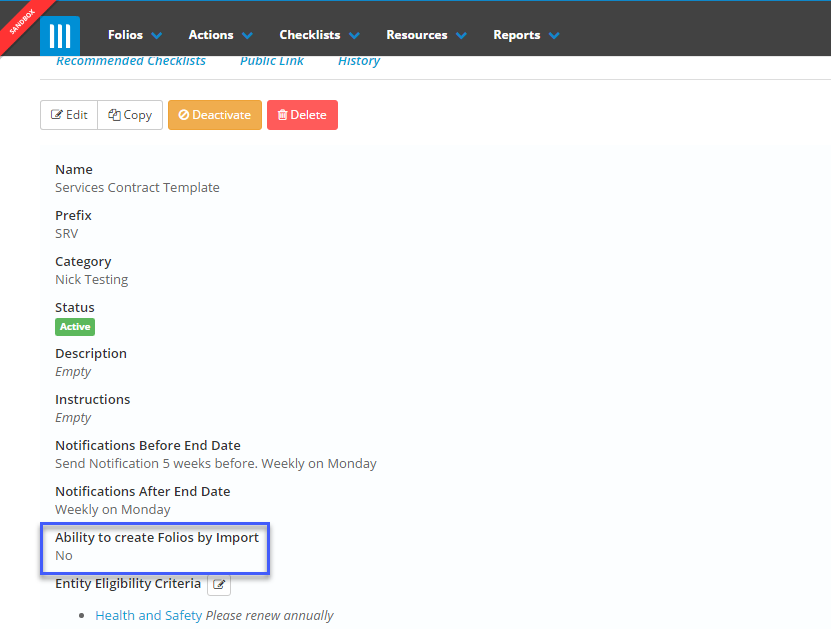
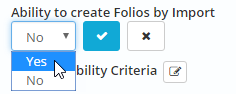
Click on this to edit it, and select Yes. Then click the tick:
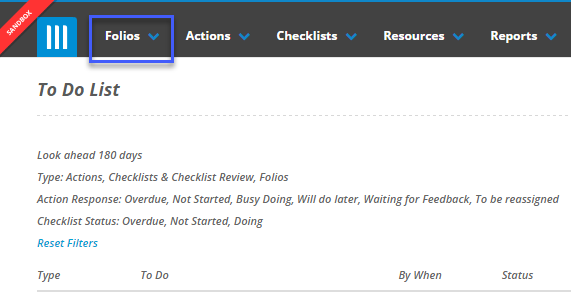
Now you can import Folios into this template by navigating to the Folios screen for this template. To do this click on the Folios tab at the top of the screen, then select the template you are looking for:
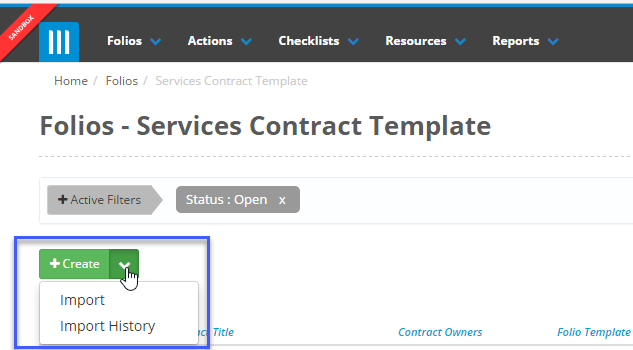
Once you have selected the template, you can click on the arrow next to the +Create button and select Import:
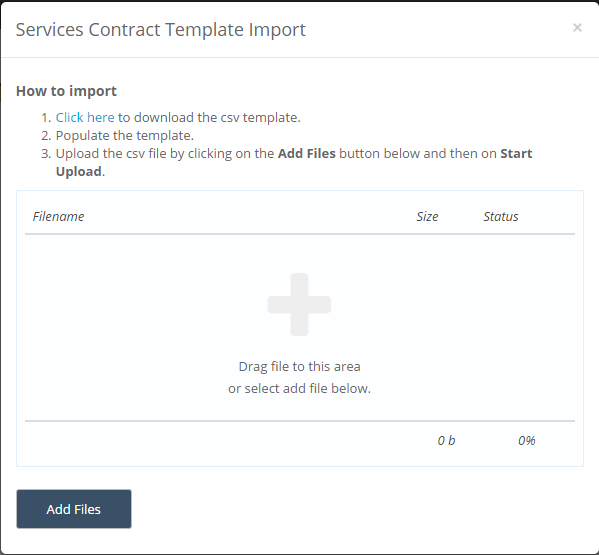
This will bring up the import pop-up window:
For more information on how to import Folios, click here.
You can also select Import History to view a history of the imports made into this template.