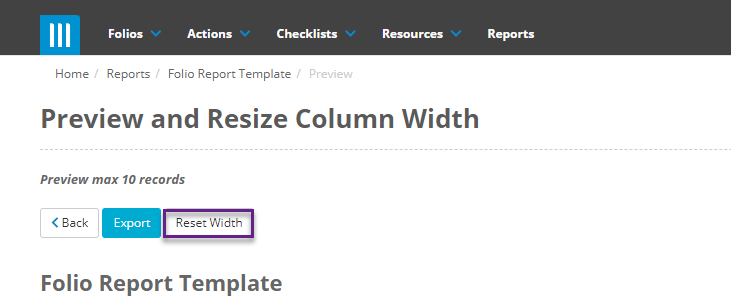
When creating a report in Folio you are able to get a preview of the report before you run it. To do this go to the report you want to run by clicking on the Report tab at the top of the screen and filtering for the report you want to preview. For this guide we are using the Folio Report Template:

Then on the page for that report once you are finished adding any fields or filters that you need click on Preview and Resize:

This page will show you a preview of the first 10 records on the report:
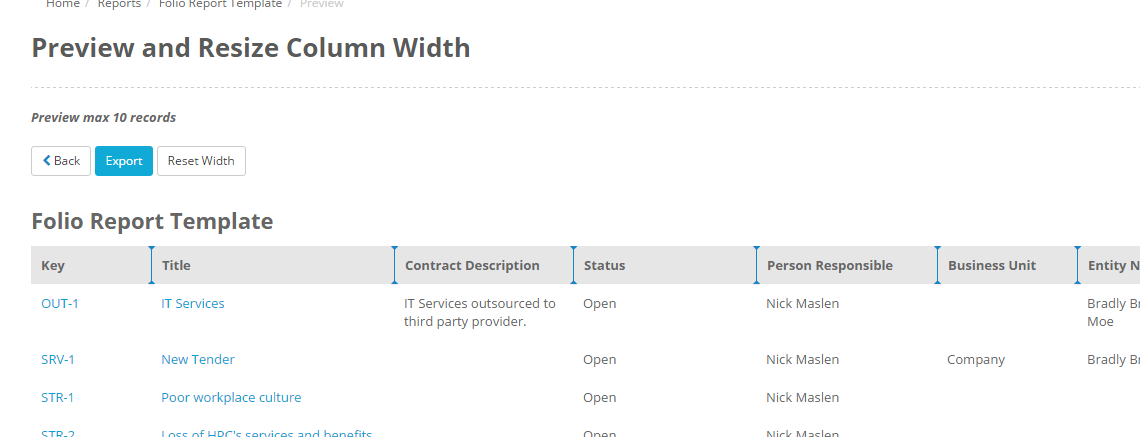
You can run the report as a PDF from this page by clicking the export button. If you want to resize the columns of the report before exporting click on the blue lines between the headers and drag them to increase or decrease the size of a column:
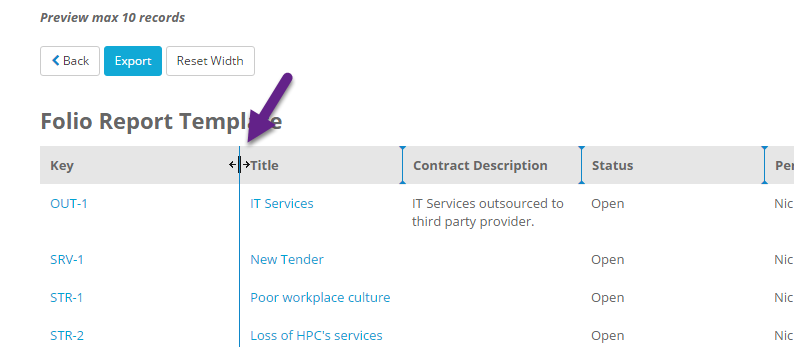
Now when you export the report the columns will be resized to what you specify. If you want to move the columns back to their original position click on Reset Width: