
If you have multiple instances of the same Action assigned to a user, and all of these assignments are due on the same date, then the user can update all of these Actions at once when completing the Action through their To-do List.
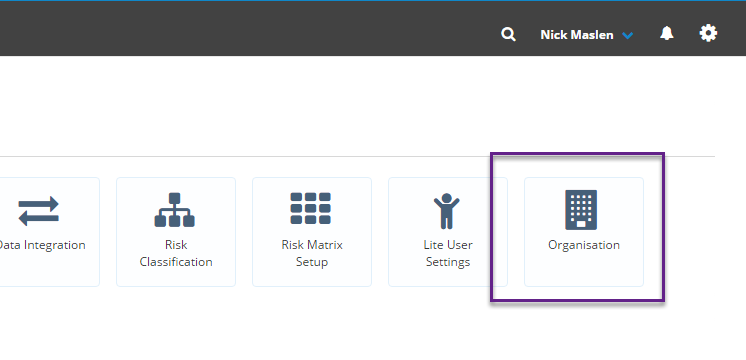
To use this feature Action Consolidation needs to be turned on in your Folio instances Organisation settings. To do this click on the Admin gearwheel in the top-right of the screen  and then on the Admin page click on Organisation:
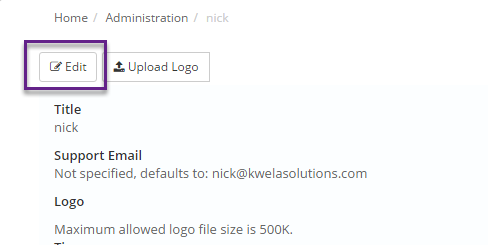
Then select Edit:
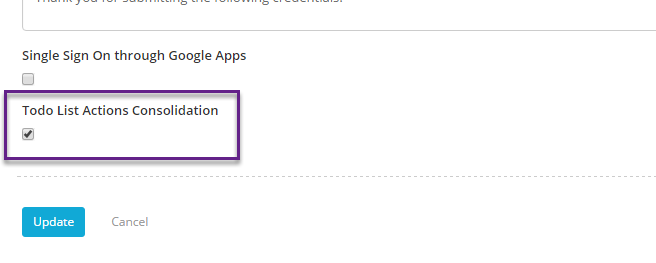
Scroll down the page and tick the box under To Do List Actions Consolidation, then select Update:
Now when a user logs in and has multiple assignments of the same Action due on the same day:
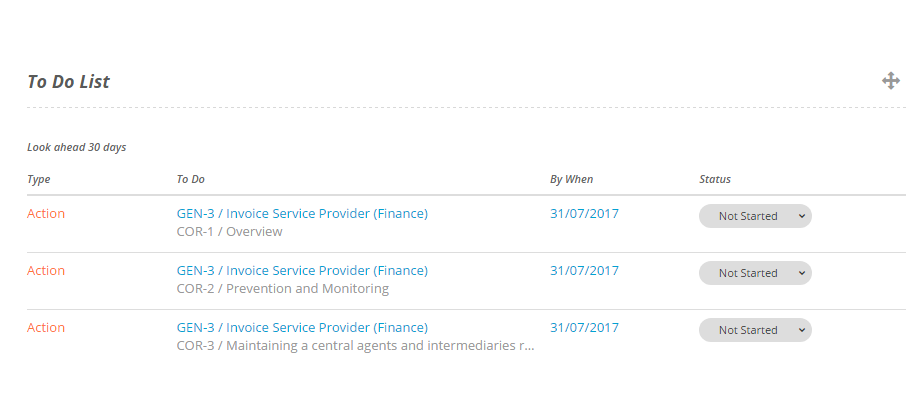
When clicking on the Status to complete the Action they will see all of the Actions combined into the same Action Completion popup:
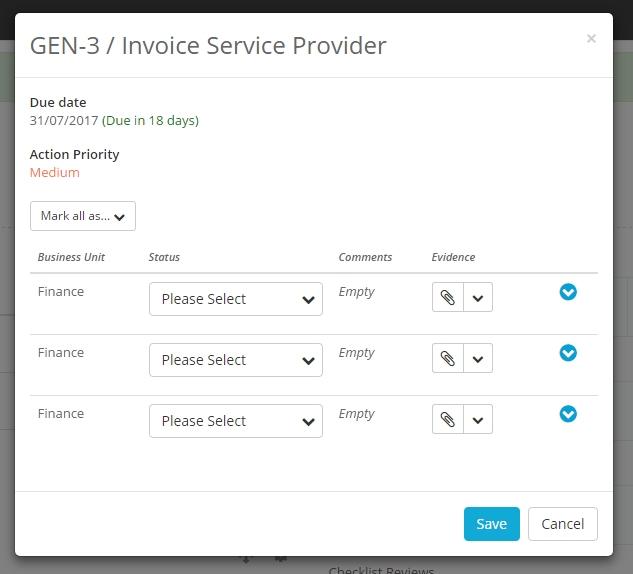
You can now choose to complete only some of the Actions or all of them at once. To complete only some of the Actions simply update the Actions you want and leave the others as-is:
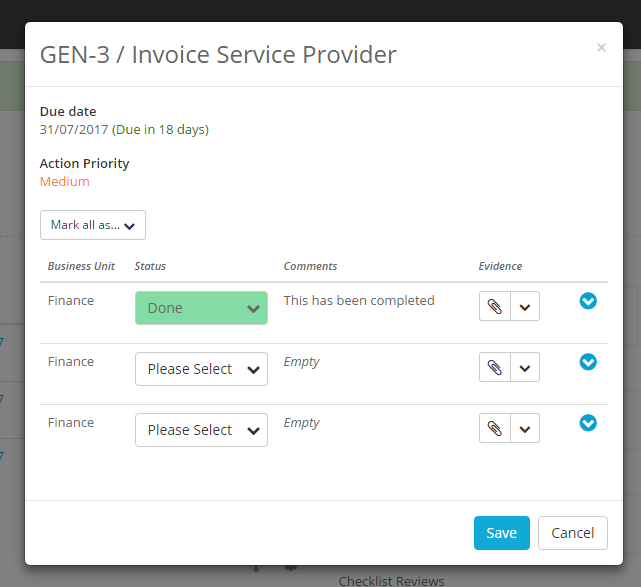
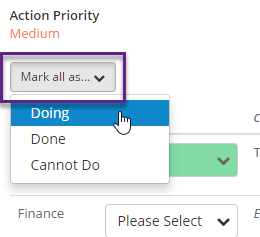
Then hit Save. You also have the option to update the Status of every Action at once:
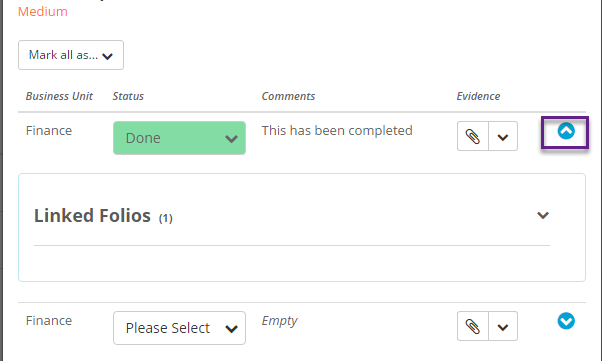
If you want to view more information about an Action such as any Folios it is linked to then click on the arrow to the right of that Action:
Once you are finished updating the Actions hit Save. For more information on assigning and completing Actions click here.