Target Risk is the ability for a user to set a Target Risk or Risk Tolerance for each risk in Folio. Target Risk will enable you to generate reports such as the Risk Gap Report and view snapshots such as the Risk Gap.
Enabling Target Risk
To enable Target Risk go to the Admin Gearwheel, then click on Risk Matrix Setup. On the Risk Matrix Setup tab scroll down to Target Risk and select Yes.
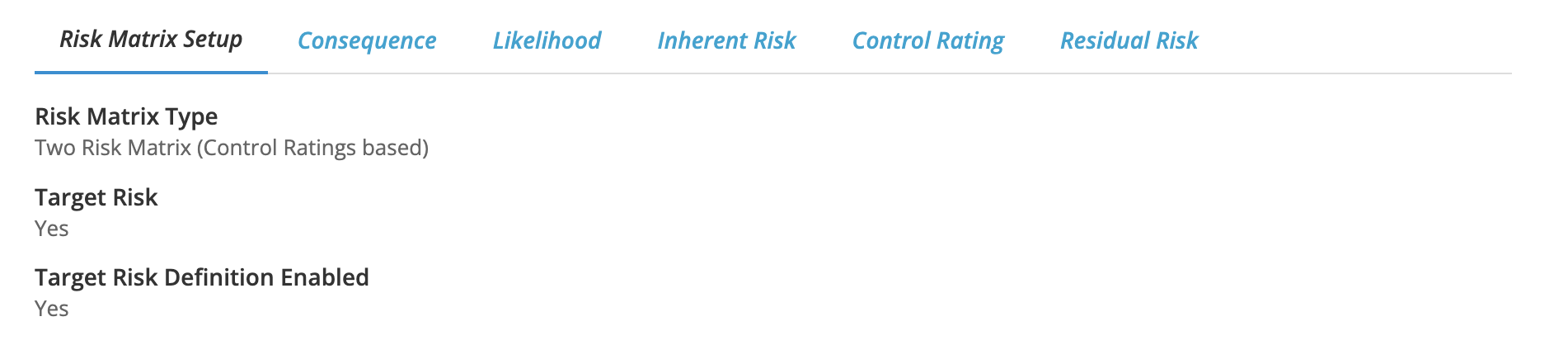
Target Risk uses the same ratings and definitions as residual risk or risk rating (when one risk matrix is used) You may however set up separate definitions for Target Risk. To do this scroll to Target Risk Definition Enabled and select Yes.
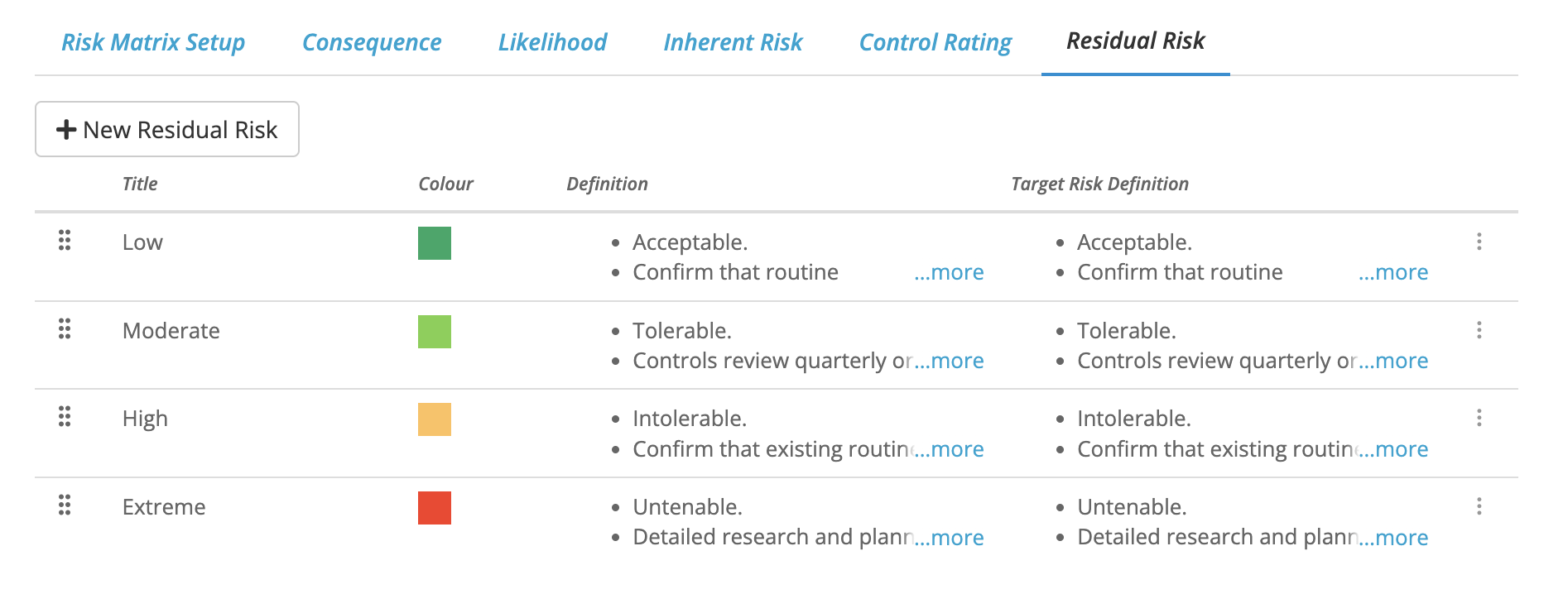
To use different Target Risk Definitions click on the Residual Risk Tab or the Risk Rating Tab (if you are using one risk matrix)
You will now see a column for Target Risk Definitions over which you may hover and edit.