
Folio supports SAML 2.0 based Single Sign On, Folio allows you to have multiple SAML based Single Sign on IDP's.
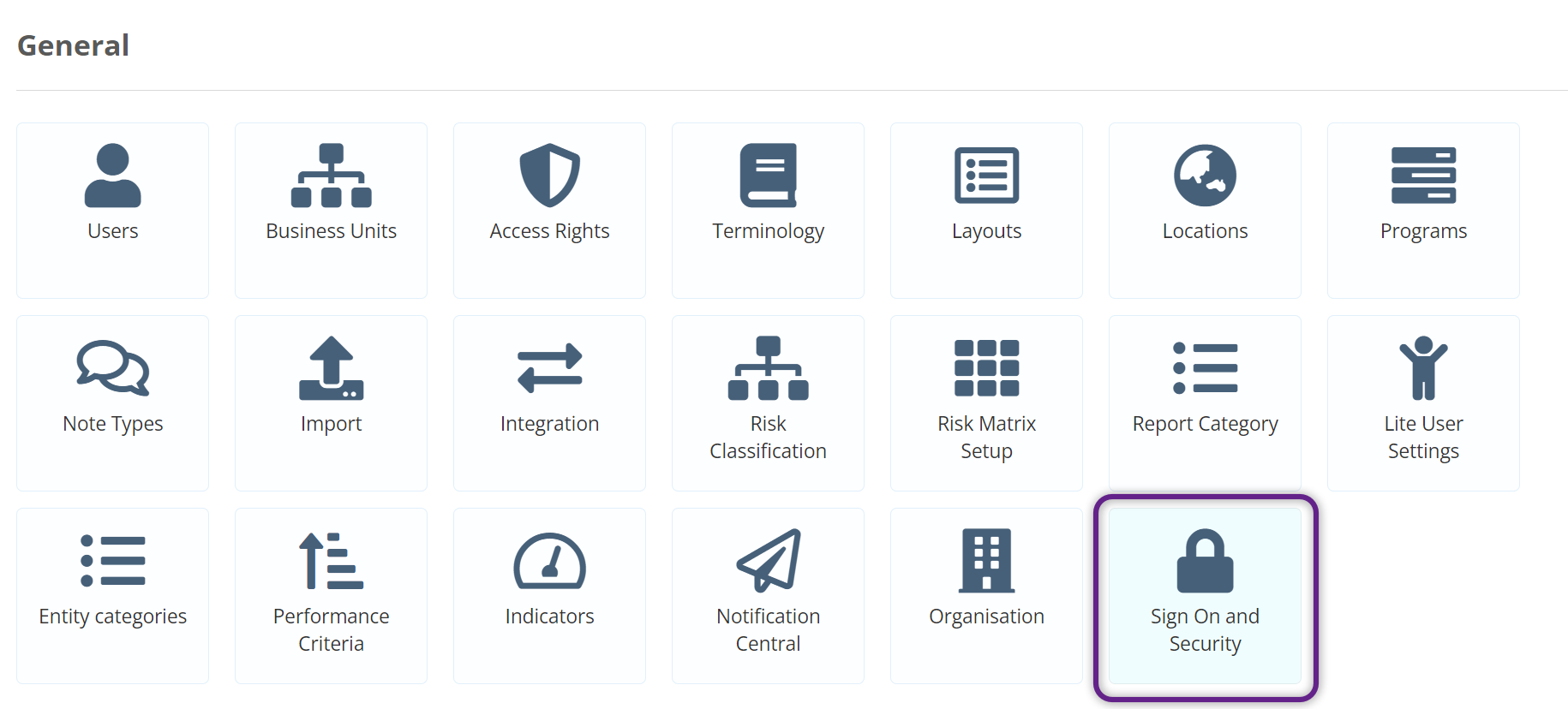
To get started, Login as a Super User, click on the Admin Gear Wheel and then on Sign On and Security and click edit.
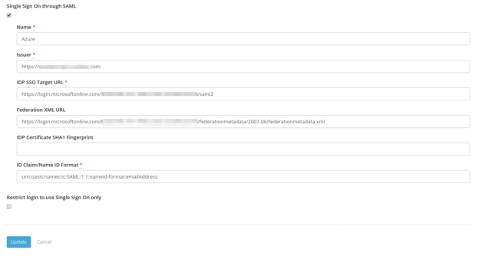
Select Single Sign On through SAML and fill in these details:
| Name | The Name of the IDP. This name will appear on the Sign in page on a button that says "Sign in using ...." For e.g. this could be "Sign in using Office 365" |
| Issuer |
For Sandbox instance: https://your-folio-instance.sandbox.usefolio.com For Production instance: https://your-folio-instance.foliogrc.com |
| IDP SSO Target URL | Please provide the IDP SSO Target URL |
| Federation XML URL | Please provide the Federation XML URL |
| IDP Certificate SHA1 Fingerprint | (leave this blank) |
| ID Claim/Name ID Format | urn:oasis:names:tc:SAML:1.1:nameid-format:emailAddress |
Now logout and you should see the ‘Sign in using ...’ button on the login screen. Try logging in using the button.