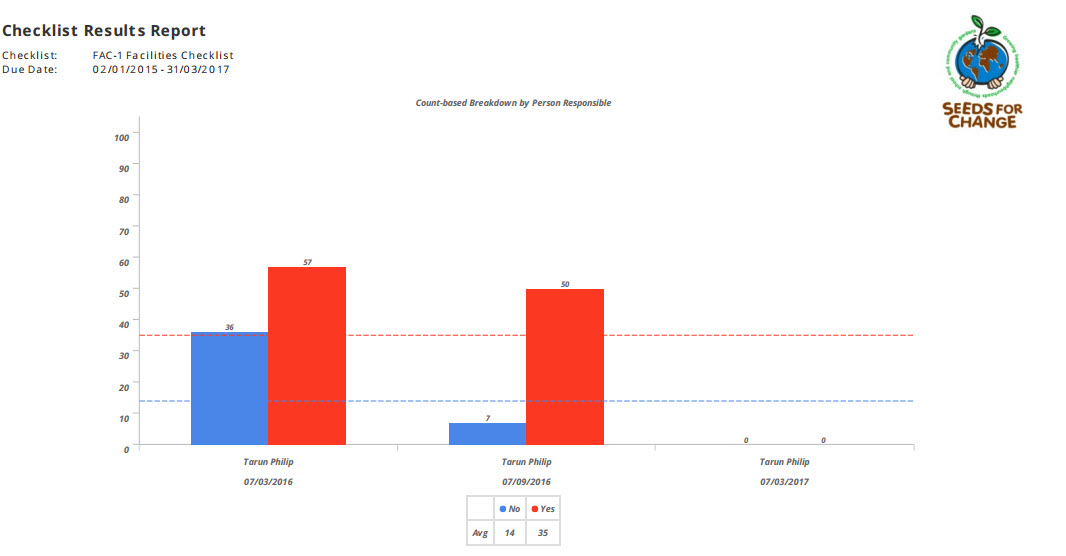
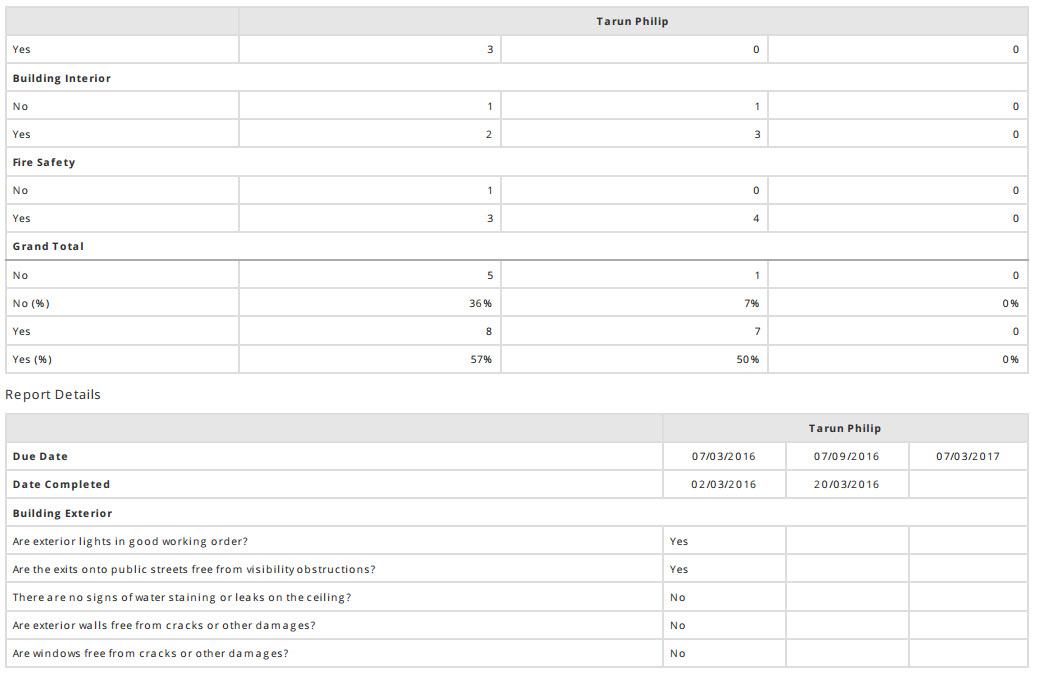
You can run a combined Checklist Results report by following these steps -
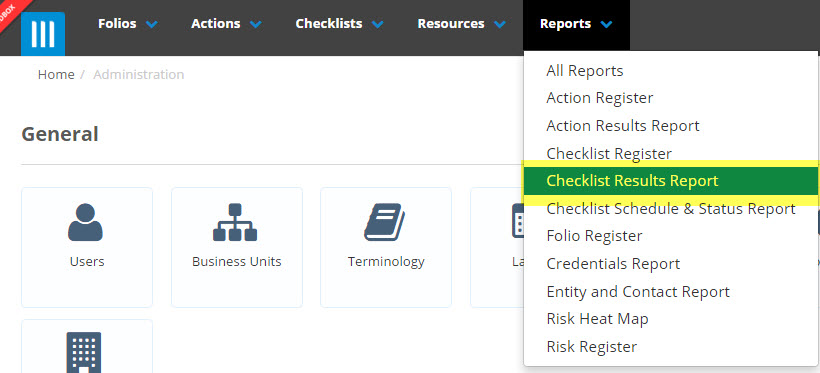
- Click on Reports and select Checklist Results Report
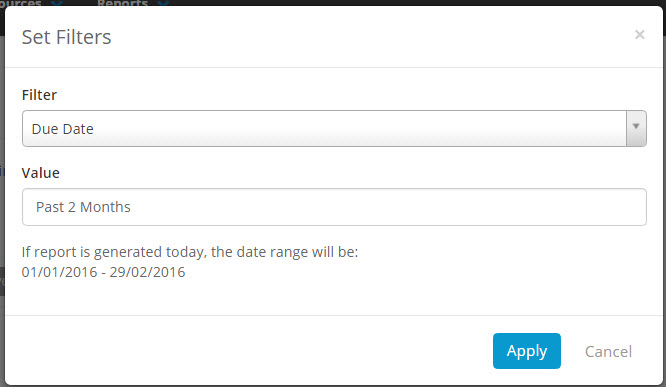
- Click on the Active Filters to select one particular checklist that you wish to run the combined results report on and a date range. The date range can be a custom set date range or alternatively you can set it for a current or past week, month or year.

- If a chart is available for the Checklist selected, it will appear below - you can then choose whether or not to include the chart in the report by ticking the box next to the chart to select it.
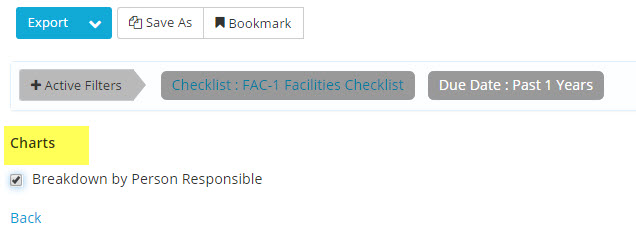
- Click on Export to run the report as a PDF or click on the arrow next to Export to select either PDF or Excel.
- The report will show a Count based summary of the Checklist results, a detailed report on all responses and a chart showing the breakdown of person responsible (if selected.