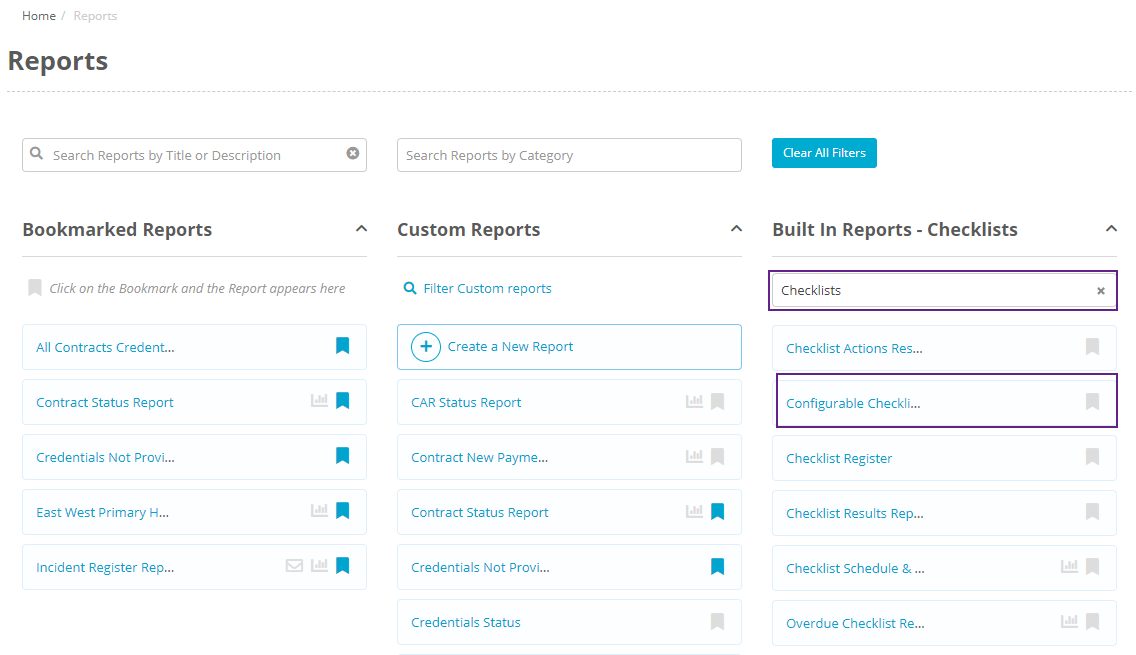
You can run a Configurable Checklist Results Report by clicking on Reports at the top of screen, filtering for "Checklists" under Built In Reports" and then selecting Configurable Checklist Results Report from the list:
This report differs from the normal Checklist Results Report in that you are able to choose what questions you want to view in your report. You can add and remove these questions as fields the same as any other report. To add a field, type into the search box below fields then select the field you want, and to remove a field click on the x next to the field name:
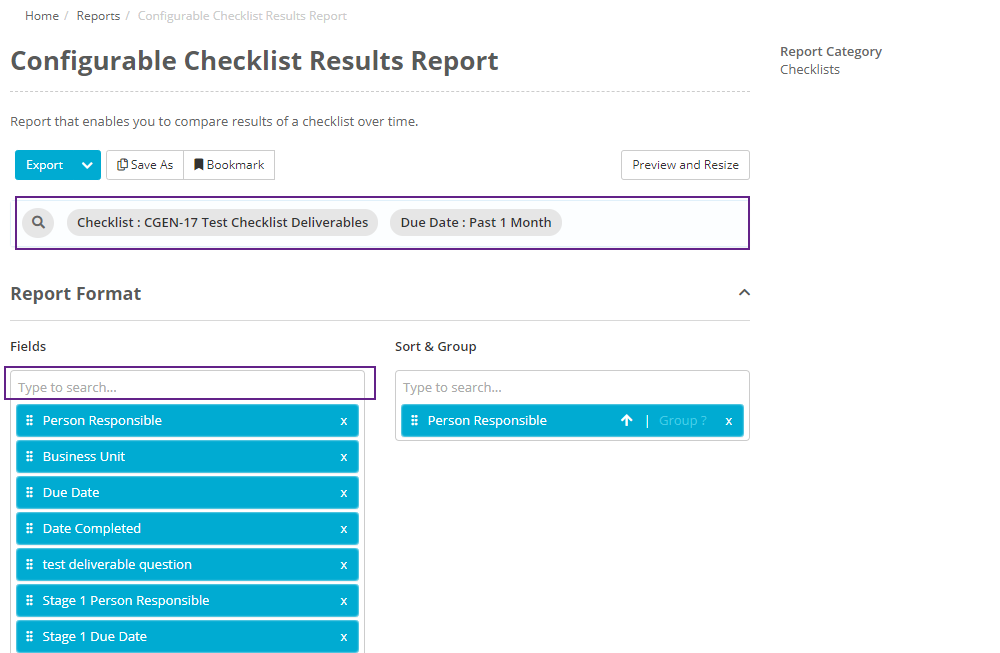
You can do this for both the checklist itself and any of its review stages.
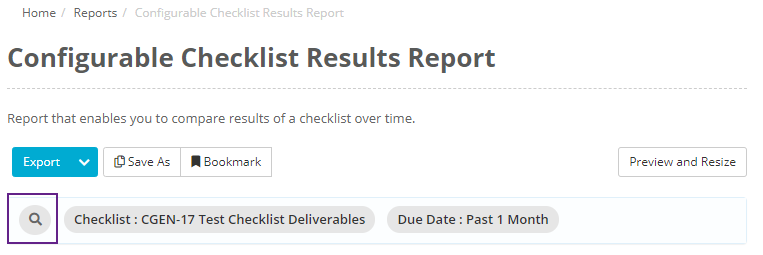
You are also able to filter the report by question responses, such as only including checklists where the response to a certain question was 'Yes'. To do this click on the search icon in the search bar:
Then, In the Filter pop up box, select the question you want to filter by. To add more questions, click on "Add Another Filter":
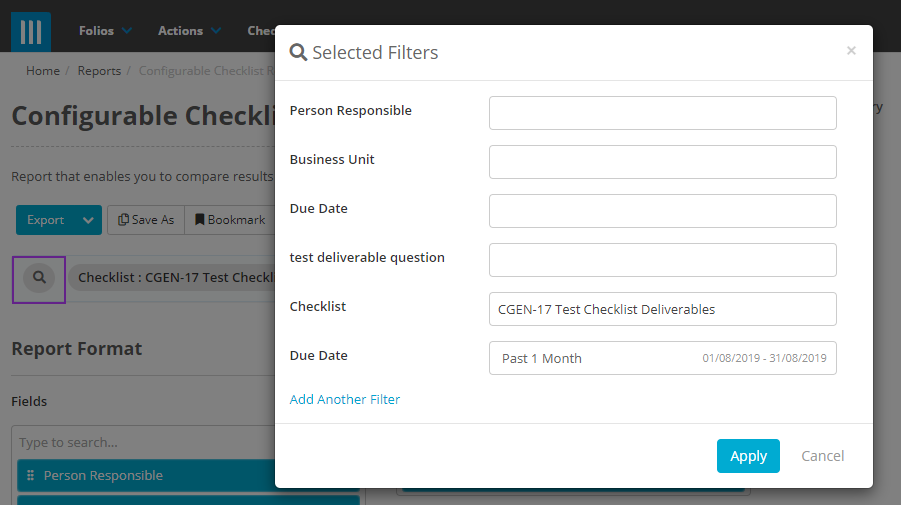
Then add in the question response you want to filter by in Value, and click Apply.
This can be done for both checklist and checklist review questions.
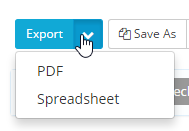
When you are ready to export your report click on Export, or click on the arrow and select either PDF or CSV: