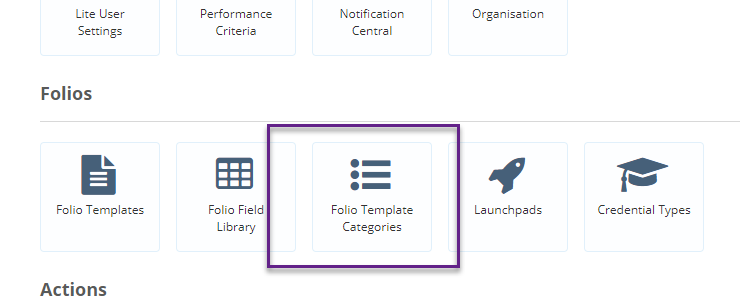
In order to organise your Folio templates into Categories, you will first need to create Folio Template Categories. To do this, click on the Admin Gear Wheel and select Folio Template Categories
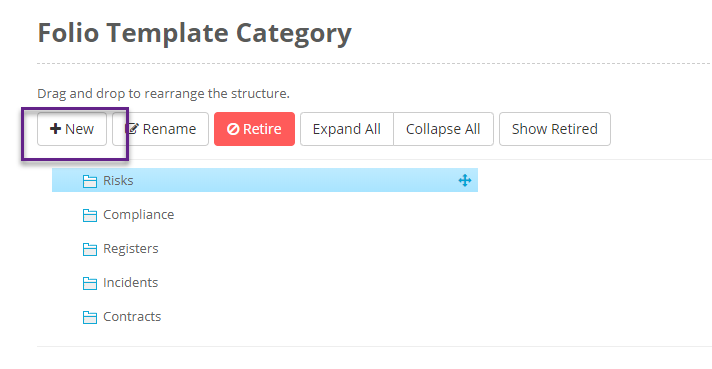
Click on + New to add a new category. There is only one level of Folio Template Category available. You can reorder your categories by dragging and dropping.
After you have created your Folio Template Categories, then every Template will then need to be associated with a Category. To do this go to the specific Contract Template, click edit and add a category to the template.

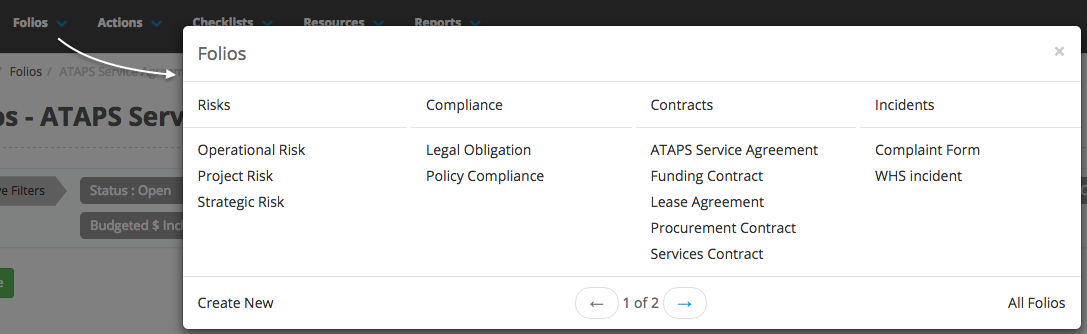
Once all the templates are associated with categories, your Folio Menu will change to look like this.